
Subcontractor Time Tracking Benefits That Cut Costs
Discover the key subcontractor time tracking benefits that cut costs, boost accuracy, and enhance productivity for your construction projects.

Subcontractor time tracking is defined as the systematic recording of labor hours, locations, and task assignments on construction job sites using digital tools. Digital time tracking cuts labor costs by up to 32% in the first year by closing productivity leaks and sharpening payroll accuracy. That figure alone makes the case for every subcontractor and construction manager still running paper timecards. Apps like ClockShark, QuickBooks Time, and Workyard deliver GPS verification, automated payroll connections, and real-time cost visibility. One documented case study shows payroll automation recovering $54,207 annually with a break-even point at day 68. The sections below break down exactly how those gains happen and what features drive them.
1. subcontractor time tracking benefits for labor cost control
Real-time labor cost visibility is the single most direct benefit of digital time tracking. Identifying labor overruns while jobs are active lets project managers correct course before costs compound, not after the job closes. That shift from reactive to proactive management protects margins on every project.
Automated payroll processing removes the manual timecard bottleneck that creates errors and delays. When hours flow directly from a mobile app into QuickBooks or ADP, you eliminate double entry and the rounding errors that quietly inflate your labor line. One construction company saved $21,840 annually by redeploying the office manager’s freed-up payroll hours toward higher-value project coordination work.

GPS geofencing adds a layer of accountability that paper timecards simply cannot provide. GPS-verified clock-ins eliminate buddy punching within 14 days, saving over $11,000 annually on a single crew. That is not a theoretical number. It is a documented result from a real construction payroll case study.
Pro Tip: Connect your time tracking app directly to your accounting software on day one. The integration is where the real savings appear, not just in the app itself.
Key labor cost wins from digital tracking include:
- Real-time budget alerts when labor hours approach thresholds
- Automated overtime flags before crews cross into premium pay territory
- GPS geofencing that restricts clock-ins to verified job site locations
- Direct payroll export to QuickBooks, ADP, or Sage with zero manual entry
2. how time tracking improves project scheduling and efficiency
Accurate daily logs give construction managers a ground-level view of where time actually goes on a project. When you can see that a framing crew spent 40% of Tuesday waiting on material delivery, you can reschedule the next phase before the delay compounds. That kind of early detection is what separates projects that finish on time from those that bleed overtime.
Cost code tracking takes scheduling one step further by tying labor hours to specific tasks or project phases. A concrete subcontractor using cost codes can see exactly how many hours went into formwork versus pour versus finishing on each job. That data feeds directly into more accurate bids on the next similar project.
Mobile apps with real-time alerts keep field crews and office teams aligned without phone tag. When a foreman clocks out early due to weather, the project manager sees it instantly and can adjust the next day’s schedule. Won2build’s electronic time tracking overview covers how this field-to-office sync reduces miscommunication on active sites.
The scheduling benefits compound over time. Labor data from completed projects becomes a forecasting library. You stop estimating based on gut feel and start scheduling based on actual historical performance by crew, trade, and task type.
3. protecting profit margins through accurate job costing
Profit margin protection hinges on real-time labor cost tracking integrated directly with project budgets. Without that integration, you are always looking at last week’s numbers when you need today’s. By the time a paper-based system flags an overrun, the damage is already done.
Cost code integration with time tracking enables detailed job costing by technician or trade. A roofing subcontractor can break down labor costs by tear-off, underlayment, and shingle installation separately. That granularity reveals which phases consistently run over budget and which crews perform most efficiently on each task type.
The importance of subcontractor time management becomes clearest when you compare job costing accuracy before and after digital adoption. Subcontractors who track by cost code report significantly tighter variance between estimated and actual labor costs. Tighter variance means more competitive bids and healthier margins on every job you win.
Setting up project budget tracking alongside time tracking creates a closed loop between field hours and financial performance. That loop is what turns time tracking from an administrative task into a profit protection tool.
4. reducing payment disputes with automated documentation
Documentation gaps drive most subcontractor payment disputes, not cash flow problems. When you cannot produce a timestamped, GPS-verified record of hours worked on a specific date and location, general contractors have room to dispute your invoice. Digital time tracking closes that gap completely.
Automated documentation creates an audit trail that supports every line of your invoice. Each clock-in carries a timestamp, a GPS coordinate, and a cost code. That combination makes it nearly impossible for a GC to dispute hours without disputing their own project records.
Most subcontractors wait an average of 56 days to get paid, and only 5% receive payment on time. Clear milestone schedules tied to documented labor completion reduce that wait. When your invoice arrives with verified time records attached, approval cycles shorten because there is nothing to question.
Written payment milestones combined with automated documentation tighten payment cycles and reduce disputes. Pair your time tracking records with a clear milestone schedule in your subcontract agreement and you have a payment system that practically runs itself.
5. must-have features in time tracking tools for subcontractors
The right time tracking tools for subcontractors deliver more than a digital timecard. The features below separate tools that pay for themselves from those that just add another app to manage.
| Feature | Why It Matters |
|---|---|
| GPS clock-in/out with geofencing | Verifies location at punch time and eliminates buddy punching |
| Cost code tracking | Ties hours to specific tasks for accurate job costing |
| Payroll integration | Exports directly to QuickBooks, ADP, or Sage with no manual entry |
| Mobile offline access | Crews in dead zones can still clock in and sync when connected |
| Automated anomaly alerts | Flags missed punches, early departures, and overtime in real time |
Time tracking software with mobile access and offline capabilities is critical for construction crews working on variable, remote sites. A tool that requires a cell signal to clock in will fail on half your job sites. Offline sync is not optional for field crews. It is a baseline requirement.
Pro Tip: Before selecting a time tracking app, verify it integrates natively with your existing payroll software. A forced manual export defeats most of the efficiency gains you are trying to capture.
Won2build’s Time Budge application combines labor tracking with budget monitoring in a single platform, so hours logged in the field update your project budget in real time without any additional data entry.
6. common risks when subcontractors skip time tracking
Skipping digital time tracking does not mean nothing is being tracked. It means the wrong numbers are being tracked, usually in favor of whoever fills out the timecard last.
The risks stack up fast without a verified system in place:
- Buddy punching losses: Without GPS verification, crews can clock in for absent coworkers. This practice costs subcontractors thousands of dollars annually in wages paid for hours not worked.
- Payroll leakage from time rounding: Manual timecards rounded to the nearest quarter hour consistently round up. Across a 20-person crew over a year, that rounding adds up to a significant unearned labor expense.
- Inaccurate job costing: Without cost codes tied to actual hours, your job cost reports reflect estimates, not reality. That gap makes your next bid less competitive or less profitable.
- Disputed invoices: A GC who questions your labor hours has leverage when your only documentation is a handwritten timecard. GPS-verified records remove that leverage entirely.
- Scheduling blind spots: Without daily log data, project managers cannot see delays developing until they have already affected the schedule. Early detection requires real-time data.
The advantages of accurate time reporting go beyond payroll. They touch every part of how you manage, bid, and get paid for your work.
7. how to roll out time tracking across your crew
Adoption is where most time tracking implementations succeed or fail. The technology is straightforward. Getting your crew to use it consistently is the real challenge.
Start with a pilot crew of 5–10 workers on a single active project. Choose a foreman who is comfortable with mobile apps and willing to champion the process. Run the pilot for two full pay periods before expanding. That gives you real data to show skeptical crew members and enough time to work out any workflow issues before they affect a larger group.
Train on the why, not just the how. Crews who understand that GPS verification protects them from false disputes about hours worked are far more likely to adopt the system willingly. Frame it as protection for everyone, not surveillance.
Integrate with payroll before your first live payroll run on the new system. A payroll error in the first week destroys trust faster than any other mistake. Test the export to QuickBooks or ADP with a small batch before going fully live. Won2build’s single sign-on platform means your time data, budget data, and bid data all stay connected without any manual transfer between systems.
Key takeaways
Subcontractors who adopt digital time tracking with GPS verification and payroll integration recover labor costs faster and protect margins more effectively than those relying on manual timecards.
| Point | Details |
|---|---|
| Labor cost reduction | Digital tracking cuts labor costs by up to 32% in the first year by closing payroll leakage. |
| Buddy punching elimination | GPS-verified clock-ins remove buddy punching within 14 days, saving over $11,000 annually. |
| Payroll automation ROI | Automated payroll systems can recover over $54,000 annually with break-even at day 68. |
| Dispute prevention | GPS-timestamped records eliminate documentation gaps that drive most payment disputes. |
| Adoption strategy | Start with a pilot crew and integrate payroll before the first live run to build trust fast. |
The part most subcontractors get wrong about time tracking
I have watched subcontractors buy solid time tracking software and then use it like a digital version of their paper timecard. They clock in, clock out, and export to payroll. That is it. They capture maybe 20% of the available benefit.
The real value is in the cost code data. When you tie every hour to a specific task, you build a labor database that makes every future bid more accurate. After six months of consistent cost code tracking, you stop guessing how long a task takes. You know. That knowledge is worth more than the payroll savings in the long run.
The second mistake I see is treating crew resistance as a reason to delay. Resistance is normal. It fades within two pay periods when crews see their hours recorded accurately and their paychecks reflect it. The subcontractors who wait for buy-in before starting never start.
One more thing worth saying directly: transparency works in your favor. When your crew knows their hours are GPS-verified, disputes about who worked when essentially disappear. That is good for morale, not just for payroll accuracy. The crews who feel their time is respected tend to show up on time and stay accountable without being managed to it.
— Jen Reese
See how Won2build handles time tracking and labor budgeting
Won2build was built specifically for construction subcontractors who need more than a generic time tracking app. The Time Budge application tracks labor hours in real time and ties them directly to your project budget, so overruns show up before they become problems. Bid Track connects your labor data to your estimating pipeline, so every bid you submit reflects your actual field performance.
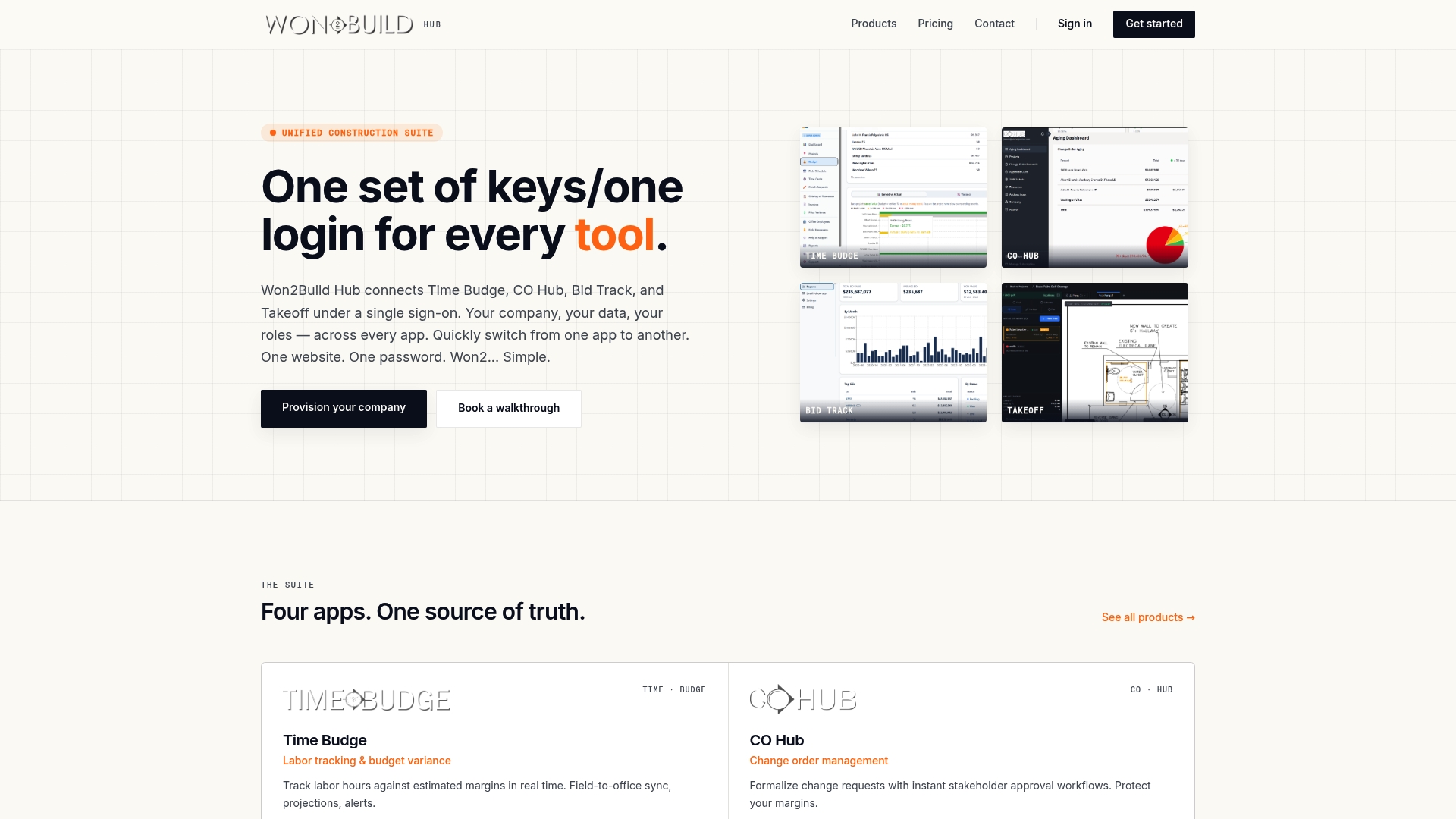
If you are managing multiple crews across active projects and still reconciling timecards manually, Won2build’s integrated platform eliminates that process entirely. Explore Bid Track and Time Budge to see how subcontractor-specific tools handle the full cycle from estimate to payroll without double entry or data loss.
FAQ
What are the main subcontractor time tracking benefits?
The primary benefits are reduced labor costs, eliminated payroll leakage through GPS verification, automated payroll accuracy, and stronger documentation for payment disputes. Digital tracking can cut labor costs by up to 32% in the first year.
How do subcontractors track time on job sites?
Subcontractors use mobile apps with GPS clock-in and geofencing to record hours at verified locations. Apps like ClockShark, QuickBooks Time, and Workyard sync field data to payroll and accounting systems in real time.
How does time tracking prevent payment disputes?
GPS-verified time records create a timestamped audit trail for every hour worked. That documentation removes the ambiguity that general contractors use to delay or dispute subcontractor invoices.
What features should a subcontractor time tracking tool include?
The non-negotiable features are GPS clock-in with geofencing, cost code tracking, direct payroll integration, mobile offline access, and automated alerts for missed punches and overtime.
How long does it take to see ROI from time tracking software?
One documented construction case study shows break-even at day 68 after implementing automated time tracking and payroll, with over $54,000 recovered in the first year.
Recommended
One login for estimating, bid tracking, change orders, and labor.
The Hub is free. Pay only for the apps you turn on.
Create your free Hub account- 7 Concrete Takeoff Steps Estimators Use to Avoid Ordering ShortfallsFollow seven concrete takeoff steps to calculate cubic yards, size rebar and formwork, convert volumes to supplier units, and verify quantities before bid...
- Are E-Signature Change Orders Legal and Worth the Switch?E-signature change orders streamline your workflow, ensuring faster approvals, fewer disputes, and quicker invoicing—discover the benefits now!
- How to Link Takeoff to Estimate for Accurate BidsLink your takeoff quantities to your estimate for accurate bids. Discover the seamless integration method that reduces errors and saves time.