
Top 5 jobplanner.com Alternatives 2026
Discover the top 5 jobplanner.com alternatives to improve your project management efficiency and make informed decisions for your business.
Coordinating bids, change orders, labor tracking, and daily reporting across multiple subcontractor management tools leads to errors and delays when data is rekeyed or lost between apps. Most platforms either charge unpredictable fees for scaling crews or require costly module add-ons for basic field features. This comparison breaks down pricing, integrations, and field usability across five subcontractor management software options so you can choose one that fits your workflows and budget without risking hidden costs or workflow gaps.
Table of Contents
- Won2Build Hub
- eSUB
- SubHQ
- ConstructTrue Construction Management Suite
- Plexxis Construction Management Software
- Comparing Jobplanner.com Alternatives: A Focused Analysis
Won2Build Hub
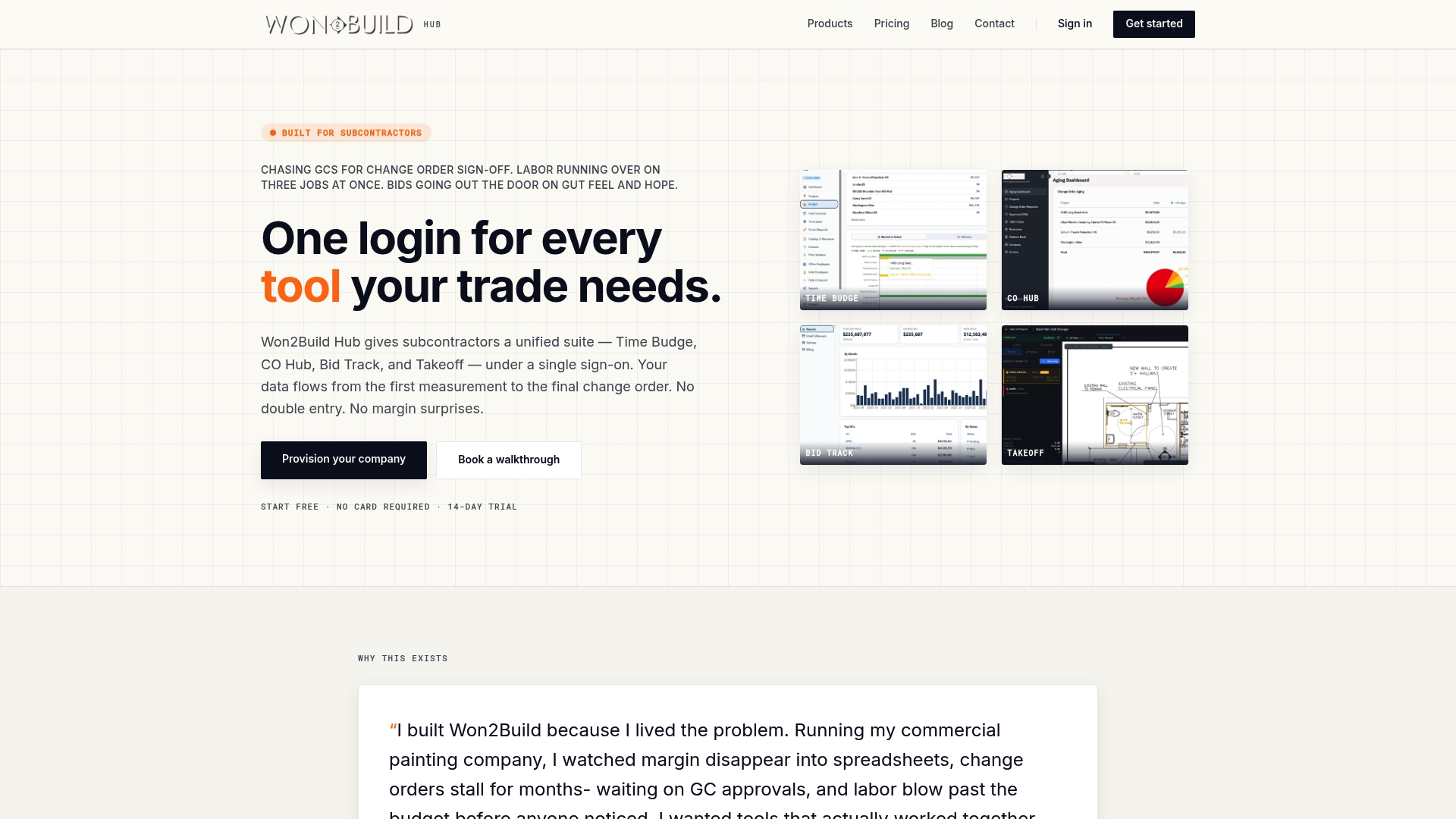
At a Glance
The full Won2Build Hub bundle is priced at $400 per company per month plus $2 per active field worker per month, a model that ties core platform cost to crew size rather than seats. The suite groups estimating, labor tracking, change orders, and takeoff into four coordinated apps.
Core Features
A single sign-on links four specialist apps so data travels from bid to field without duplicate entry.
- Time Budge delivers real-time labor tracking and budget management for payroll, certified hours, and productivity checks.
- CO Hub handles change order requests, approvals, and the paper trail for T&M work.
- Bid Track manages estimating, the bid pipeline, and vendor tracking so you keep bid status visible.
- Takeoff provides digital plan quantification and progress tracking on mobile and desktop with offline capabilities.
Key Differentiator
Won2Build Hub was built by a contractor and tested on active jobs, which shaped feature choices and workflows for subcontracting trade work. That origin drives tool behavior toward practical field use and avoiding features that add overhead without payoff.
Pros
-
Designed by someone who’s worked in the field. That practical origin shows in screens and flows that match how subs actually record hours and approvals.
-
Single sign-on means foremen and office staff move between estimating, time tracking, change order management, and takeoff without rekeying data.
-
Mobile-first design plus offline support lets crews record hours and quantities in basements or high-rise cores where connectivity drops.
-
No setup fee keeps onboarding costs predictable for small firms and the vendor advertises a 14-day free trial so you can test the full suite risk free.
-
The bundle ties budgeting to field data so reported labor hours reconcile against bid line items faster than email and spreadsheets alone.
Cons
- May not suit large enterprise firms that need deep platform customization or complex ERP integrations.
Who It’s For
Subcontractors and small to medium construction teams that need a field-friendly toolset for estimating, labor tracking, change orders, and digital takeoff. Best for companies that want one vendor for those core workflows rather than stitching multiple point solutions together.
Unique Value Proposition
Single sign-on across the four apps keeps estimating, time, change orders, and takeoff on the same record. That means less double entry between the office and field and fewer margin surprises when payroll, change orders, and bid lines finally reconcile.
Real World Use Case
A subcontracting firm imports plans into Takeoff, pushes quantities to Bid Track, and issues estimates. Once the job starts crews log hours in Time Budge and CO Hub captures field change requests. Project data stays synchronized so the PM sees current cost-to-complete on mobile and desktop.
Pricing
The vendor lists the full bundle at $400 per company per month plus $2 per active field worker per month billed in arrears. That model favors teams with stable crews and can feel steep for single-project or micro subcontractors.
Website: https://won2build.com
eSUB
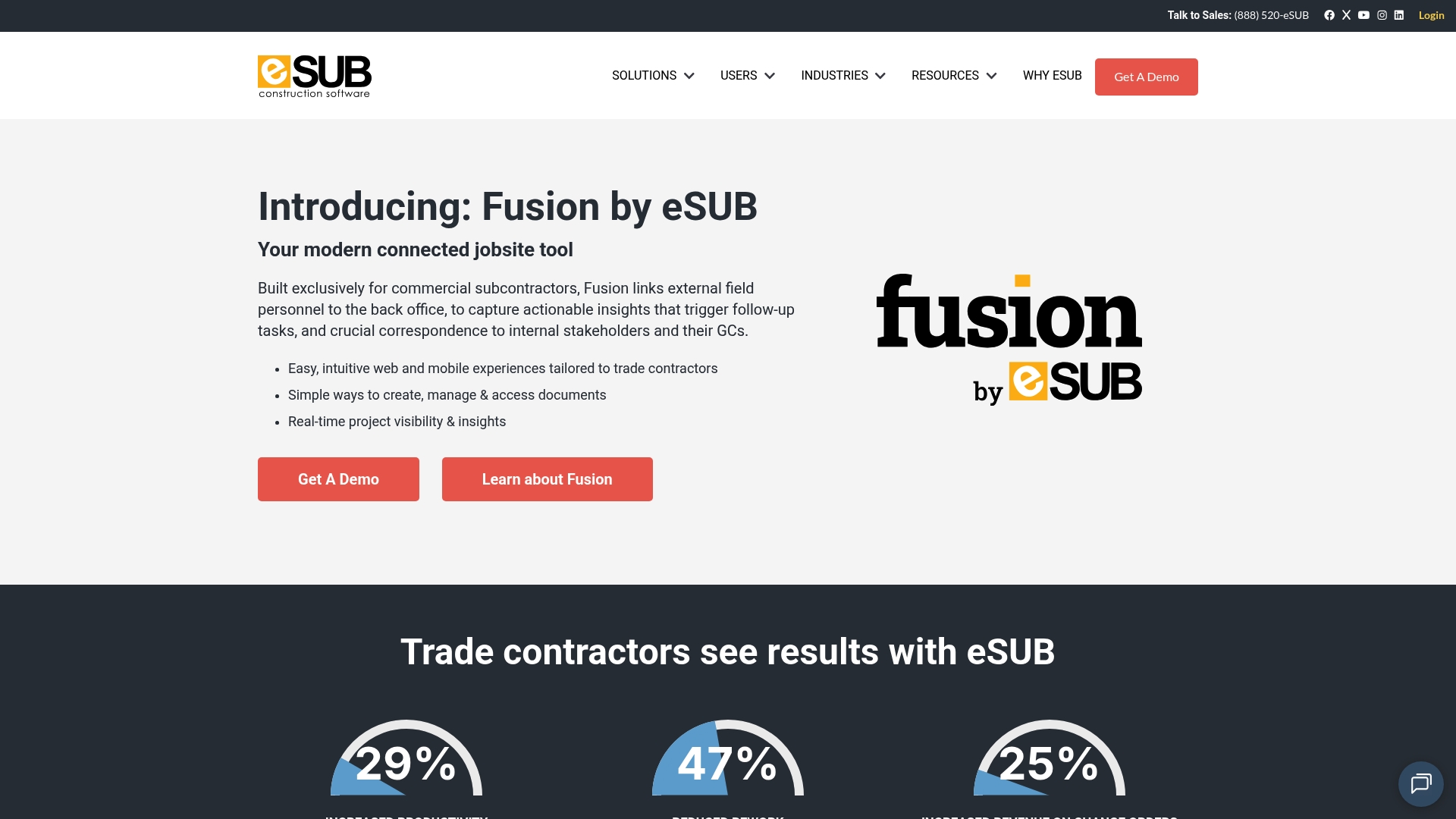
At a Glance
Built for trade contractors, eSUB focuses on mobile field tools and change order workflows that help subcontractors capture work and claim revenue. The platform emphasizes daily reports, RFIs, and submittal tracking to reduce rework and speed decisions. Use this when field documentation drives your cash flow.
Core Features
- Real-time project visibility so office staff can see daily logs, photos, and notes sent from the field.
- Document management covering RFIs, submittals, and change orders with a searchable record of each item.
- Field mobile app for photos, video, and notes that tie directly back to project cost and labor tracking.
Key Differentiator
eSUB’s strongest signal is its focus on trade contractors and the field to back-office thread. Where Won2Build bundles time, change order, estimating, and takeoff in a single sign-on suite, eSUB narrows its scope to capture field evidence and convert it into documented change orders and logs. That narrower focus suits crews that live on the jobsite and need mobile-first workflows.
Pros
- Keeps RFIs and submittals organised so foremen and project managers stop hunting through email for the latest response.
- Budget friendly for subcontractors according to the vendor, with features that map directly to daily field tasks and paperwork reduction.
- Mobile documentation tools let field teams attach photos and notes to reports the minute an issue appears on site.
- Tracks project costs, labor, and materials in ways that make change order conversations evidence based rather than anecdotal.
- Provides project-level reporting and insights for office staff to follow progress and outstanding items.
Cons
- Planning and scheduling modules lack depth for complex projects, which can leave critical dependencies untracked.
- Setup takes time relative to short projects, so smaller or fast turnaround jobs may not recoup onboarding effort.
- Not a strong fit for service work or very short duration contracts where daily documentation overhead exceeds project value.
When It May Not Fit
If your work relies on heavy plan management, integrated scheduling, or you run predominantly short service calls, eSUB’s strengths become weaknesses. Large general contractors needing full CPM scheduling or teams that want all estimating and takeoff in one product will find the planning features limited.
Notable Integrations
- QuickBooks Online for accounting synchronization and invoice reconciliation. Configure the connection to push costs and change order data to your bookkeeping system.
Who It’s For
Small to medium trade subcontractors that rely on foremen and field crews to capture daily progress. Best when you need a single source of truth for RFIs, daily logs, and change orders that flows into the office.
Real World Use Case
A masonry contractor uses eSUB on every project to record daily work with photos, submit RFIs from the field, and push approved change orders to the office. The documented run of photos and notes reduced disputes and sped payment on two major change items.
Pricing
The product data does not include published pricing. Contact eSUB for package details and a quote based on your trade, user count, and module needs.
Website: https://esub.com
SubHQ

At a Glance
No per-user pricing keeps monthly costs predictable as crews grow, which matters when you add multiple foremen and temporary crews during peak season. The tool focuses on field-friendly workflows with built-in safety, quality, change order, and daily tracking features developed by subcontractors.
Core Features
SubHQ centers on field usability so foremen and superintendents actually use it every day. It includes daily time and quantity tracking, change order management, customizable checklists and forms, file attachments, and personnel and asset lists.
Every feature is accessible without module upsells; the interface is tuned for quick data entry on phones and tablets. The project flow covers bidding through completion, keeping job records in one place.
Key Differentiator
What sets SubHQ apart is that subcontractors built it from field experience rather than adapting a general contractor tool. That focus yields fewer clicks on the job site and forms that match real inspections and daily reports instead of theoretical templates.
Pros
-
Designed for subcontractors. The feature list maps to trades workflows so you spend less time customizing and more time recording progress.
-
Field-tested and field-approved. The interface prioritizes quick mobile entries and single-screen checklists that crews will actually use.
-
No per-user pricing. Teams that scale across projects avoid incremental headcount costs and get predictable monthly spend during busy seasons.
-
All features included. You do not need to buy separate modules for safety, change management, or daily reporting, which simplifies purchasing and rollout.
-
Built by people who have worked on jobs. That perspective reduces friction between office expectations and jobsite realities.
Cons
-
Limited public detail on integrations. The product data offers little about connecting payroll, accounting, or ERP systems, so expect discovery calls if you need syncs.
-
No clear statements about automation or AI. If you want automated extraction or predictive forecasting, there is no explicit capability listed.
-
Scalability questions for larger contractors. The materials do not clearly address enterprise features like multi-company hierarchy or advanced resource leveling.
When It May Not Fit
If your company relies heavily on a configured ERP or an existing accounting workflow, SubHQ may require custom integrations that are not documented publicly. If you need automated schedule optimization or AI-driven forecasts, the absence of those claims suggests this is not the right tool.
Who It’s For
Small to mid-sized commercial specialty subcontractors that need practical, on-the-ground tools for daily reporting, safety checks, and change orders. Good for teams who want predictable pricing and prefer jobsite-first design over heavyweight office systems.
Real World Use Case
A mechanical subcontractor uses SubHQ to collect foremen daily reports, capture quantities installed, and log safety checklists. Change orders get recorded on site, attached to photos, and routed to the office for faster approval, reducing paperwork and aligning crews across jobs.
Pricing
SubHQ is positioned for predictable billing. The vendor asks prospects to contact sales for pricing details and quotes rather than listing public tiers. That model works if you prefer a tailored proposal but adds a sales step to budget planning.
Website: https://subhq.app
ConstructTrue Construction Management Suite
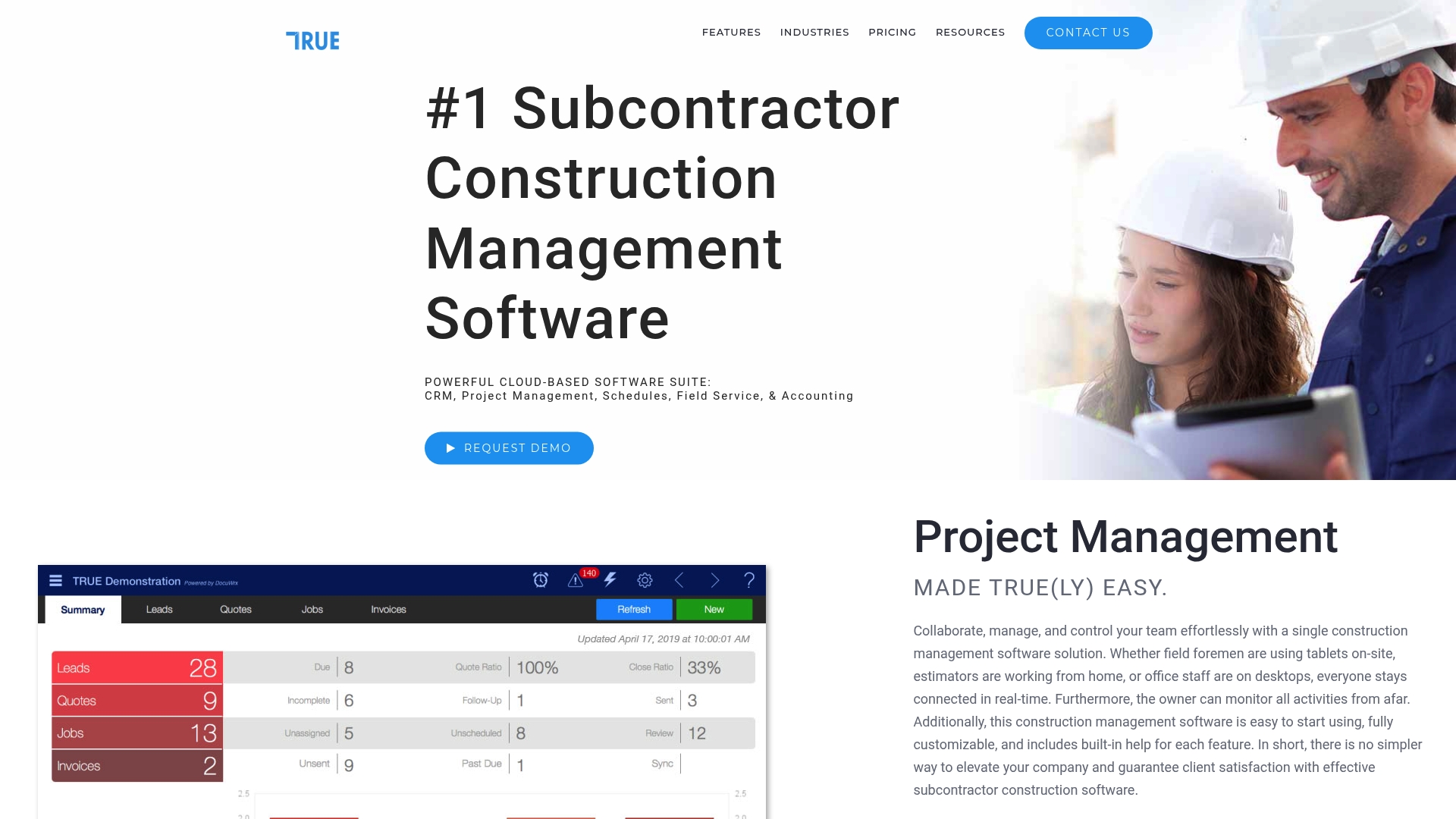
At a Glance
$99/month is the advertised starting price for the core package, with specialty modules for Contracts, Procurement, Inventory, and third-party integrations sold separately. The suite targets subcontractors who want job costing, field reporting, and accounting tied together in one system.
Core Features
- CRM / Leads management and bid workflow for converting estimates into active projects.
- Quotes and estimates plus bid and proposal tracking to keep commercial and residential pipelines visible.
- Work tickets and daily field reports delivered through the mobile apps to sync crew activity with office records.
- Inventory control with barcoding, shipment tracking, and job costing tied to projects.
- Contract management, RFIs, change orders, messaging, and electronic signature support for closeout and compliance.
Key Differentiator
ConstructTrue concentrates on trade-specific functionality while linking field activities to financial systems. Its strength is the tight coupling of project management, field reporting, and accounting workflows so crews, PMs, and bookkeepers use the same records rather than reconciling exports.
This focus differs from Won2Build, which emphasises four integrated apps under a single sign-on for subcontractor workflows. ConstructTrue aims at buyers who prefer many industry-tailored modules within one product rather than switching between discrete point apps.
Pros
- Rich trade features. The feature set maps to tasks subcontractors do every day, from bid tracking to barcoded inventory control, so you reduce manual cross-referencing.
- Modular buy-in. You can start with the core package and add Contracts or Procurement as needs change rather than paying for everything upfront.
- Accounting connections. QuickBooks support for Online and Desktop plus Sage Intacct integration keeps project costs aligned with ledgers.
- Mobile-first reporting. Crews can submit daily reports and work tickets from site, which speeds invoicing and change order capture.
- Industry templates. Built-in workflows for glazing, fencing, paving, and other trades cut setup time compared with a blank system.
Cons
- Module complexity. Multiple add-ons and optional modules create a pricing and implementation matrix that can confuse smaller teams.
- Cost for small shops. The entry price is reasonable, but full functionality requires extra modules that raise monthly spend for sole proprietors.
- Offline limits. Reliance on connectivity means remote sites with poor service will see degraded functionality.
- Sparse public reviews. Limited detailed user feedback makes it harder to predict real-world support and adoption speed.
When It May Not Fit
If you are a sole proprietor who needs only a lightweight quoting tool, the module selection and setup overhead will feel heavy. Also avoid this if your crews regularly work offline and cannot rely on intermittent mobile networks.
Notable Integrations
- QuickBooks Online and Desktop
- ArcSite for drawings and proposals
- Stack for estimating and takeoff
- Stripe for payments
- Sage Intacct for financial management
- Mailchimp for marketing
Who It’s For
Subcontractors and construction firms that need industry-specific workflows plus integrated financial tracking. Best for teams that can invest in configuration and want fewer handoffs between field data and accounting.
Real World Use Case
A fencing contractor runs proposals through ConstructTrue, converts accepted bids into work tickets, assigns crews via the mobile app, tracks material with barcodes, and closes costs to QuickBooks. The result is faster invoicing and tighter job cost visibility.
Pricing
Subscription model starting at $99/month for the core package. Specialty modules and integrations add to the monthly cost. Custom enterprise packages are available for larger firms.
Website: https://constructtrue.com
Plexxis Construction Management Software

At a Glance
Built exclusively for subcontractors, Plexxis packages estimating, accounting, project controls, heavy equipment tracking, and mobile field apps under one roof for trades such as drywall, electrical, and masonry. The vendor positions the product to give contractors clearer job costs and faster billing when configured correctly.
Core Features
- Unified platform for accounting, estimating, project management, and mobile field capture that reduces duplicate data entry between office and site.
- Real-time job progress visibility with cost and margin reporting tied to projects and budgets.
- Heavy equipment tracking that links maintenance, hours, and job costing for accurate asset expense allocation.
- Mobile apps for offline data capture, safety inspections, and progress photos to keep field teams productive.
- Custom dashboards, a data warehouse capability, and open APIs for HR, BI, or external accounting systems.
Key Differentiator
Plexxis focuses narrowly on subcontractors and embeds trade-specific workflows such as union and certified payroll automation. That focus makes it a closer match for trade contractors than generic enterprise ERP modules, but it also shapes implementation and support expectations around construction workflows.
Pros
- The product is highly focused on subcontractors with trade-specific features, which shortens the time between requirement and usable function for trades like drywall and masonry.
- Reduces duplicate data entry by tying accounting, estimating, and field capture to the same records, which cuts transcription errors between systems.
- Real-time visibility into costs and margins helps project managers spot overruns earlier and respond before small issues escalate.
- Comprehensive support and tailored implementation guides are part of the vendor story, which helps teams adopt features in phases rather than all at once.
- Mobile-friendly tools let foremen capture progress and safety data offline and sync when the connection returns.
Cons
- Implementation complexity can slow rollout; the system needs careful planning and phased deployment to work well.
- Benefits depend on correct initial setup and staff training, so companies that rush configuration risk poor adoption and inaccurate reports.
- Some teams report an adaptation curve because the product covers accounting, field, and operations in one system rather than single-purpose apps.
When It May Not Fit
If you need a light tool you can spin up in a week, Plexxis will feel heavy. Teams that lack a dedicated implementation lead or bandwidth for staff training will not realize the expected gains quickly. If you require a plug-and-play time tracker only, this is more than you need.
Who It’s For
Subcontractors and trade-focused construction firms that want a single system to manage estimates, payroll compliance, equipment, and field data. Best for companies willing to invest in setup and training to get accurate job costing and tighter financial control.
Real World Use Case
A drywall contractor uses Plexxis to create estimates, capture daily field progress with photos, route change orders digitally, and run certified payroll for union crews. That workflow shortened billing cycles and provided clearer margin visibility on multi‑phase projects.
Pricing
Pricing is not publicly listed and appears to be quote based. Expect a phased implementation and a subscription or license model that reflects the depth of modules you select; contact the vendor for a tailored proposal.
Website: https://plexxis.com
Comparing Jobplanner.com Alternatives: A Focused Analysis
When deciding between subcontractor management software solutions, certain key functionalities and workflows will determine the best option for your team. This comparative analysis explores how Won2Build Hub, eSUB, SubHQ, ConstructTrue, and Plexxis meet different scenarios and requirements, illustrating their applicability for various contractor needs.
Pricing Models: Scalability and Predictability
Won2Build Hub’s pricing model integrates a fixed monthly charge coupled with per-crew-member fees, favoring firms with moderate crew sizes requiring bundled workflow modules. SubHQ, contrastingly, offers a flat-rate structure, appealing to companies anticipating fluctuating manpower demands. ConstructTrue’s modular purchase options provide flexibility for small specialized teams but can escalate costs for implementations. Budget-conscious teams should align their projected growth and scale with the providers’ cost models.
Feature Suite Breadth: Integration vs. Specialization
Won2Build Hub groups estimating, labor tracking, change orders, and takeoff under a unified system, ideal for firms preferring an all-in-one platform. Conversely, eSUB specializes in documentation and change-order tracking, excelling in environments where precise field-to-office communication is critical. Plexxis delivers a contractor-focused platform embracing payroll, accounting, and project controls, suitable for detailed financial oversight and adherent trade compliance.
Best Fit Scenarios
- Won2Build Hub: Tailored for subcontractors requiring integrated workflows encompassing estimating, field tracking, and change orders without redundant data entry.
- eSUB: Effective for trade contractors prioritizing field documentation and formal change-order records to minimize disputes.
- SubHQ: Suitable for teams needing cost predictability and straightforward field usability through mobile-oriented entry systems.
- Plexxis: Matches contractors demanding embedded compliance measures, cost control, and offline mobile tools for remote projects.
- ConstructTrue: Aligns with firms valuing modular customization compatible with existing financial and project systems.
Our Pick: Won2Build Hub
Won2Build Hub presents a notably user-focused approach tailored to subcontractor workflows, integrating critical operations with reduced redundancy. Its inclusion of mobile-friendly offline setups further supports work in challenging environments. However, firms seeking extensive multi-system integrations may explore alternatives like Plexxis for greater compatibility with advanced enterprise systems.
Subcontractor Management Software Comparison
This table compares software tools to help subcontractors choose a solution that aligns with their workflows, enhances field functionality, and integrates efficiently with office systems.
| Product Name | Core Features | Key Differentiator | Best For | Pricing | Notable Limitation |
|---|---|---|---|---|---|
| Won2Build Hub | Estimation, labor tracking, change order management | Tested by contractors for practical trade workflows | Small to mid subcontracting teams | $400/month plus $2/worker/month | May not suit large enterprise firms |
| eSUB | Real-time daily reporting, field evidence capture | Strong focus on field-first documentation workflows | Subcontractors needing daily documentation tools | Not disclosed | Lacks depth in planning and scheduling modules |
| SubHQ | Daily reporting, change orders, safety management | Designed by subcontractors, no per-user pricing | Growing teams needing fixed monthly costs | Not disclosed | Limited public details on integrations |
| ConstructTrue | Job costing, mobile apps, accounting integration | Trade-specific modules tied to financial systems | Teams preferring add-on modules and industry templates | $99/month for base package | Complex module pricing matrix |
| Plexxis | Unified platform for accounting, estimating, field data | Tailored for subcontractor-specific workflows | Established firms with resources for setup and training | Not disclosed | High initial setup effort |
Discover a Practical Alternative to Jobplanner.com with Won2build
Choosing the right software for subcontractors can feel overwhelming when looking for solutions that tie estimating, labor tracking, change orders, and digital takeoff into one system. This article highlights the challenges many face with multiple apps and disconnected workflows. Won2Build offers a tailored answer by uniting these core functions under a single sign-on platform designed specifically for subcontractors who want to cut down on double entry and get real-time project insights.
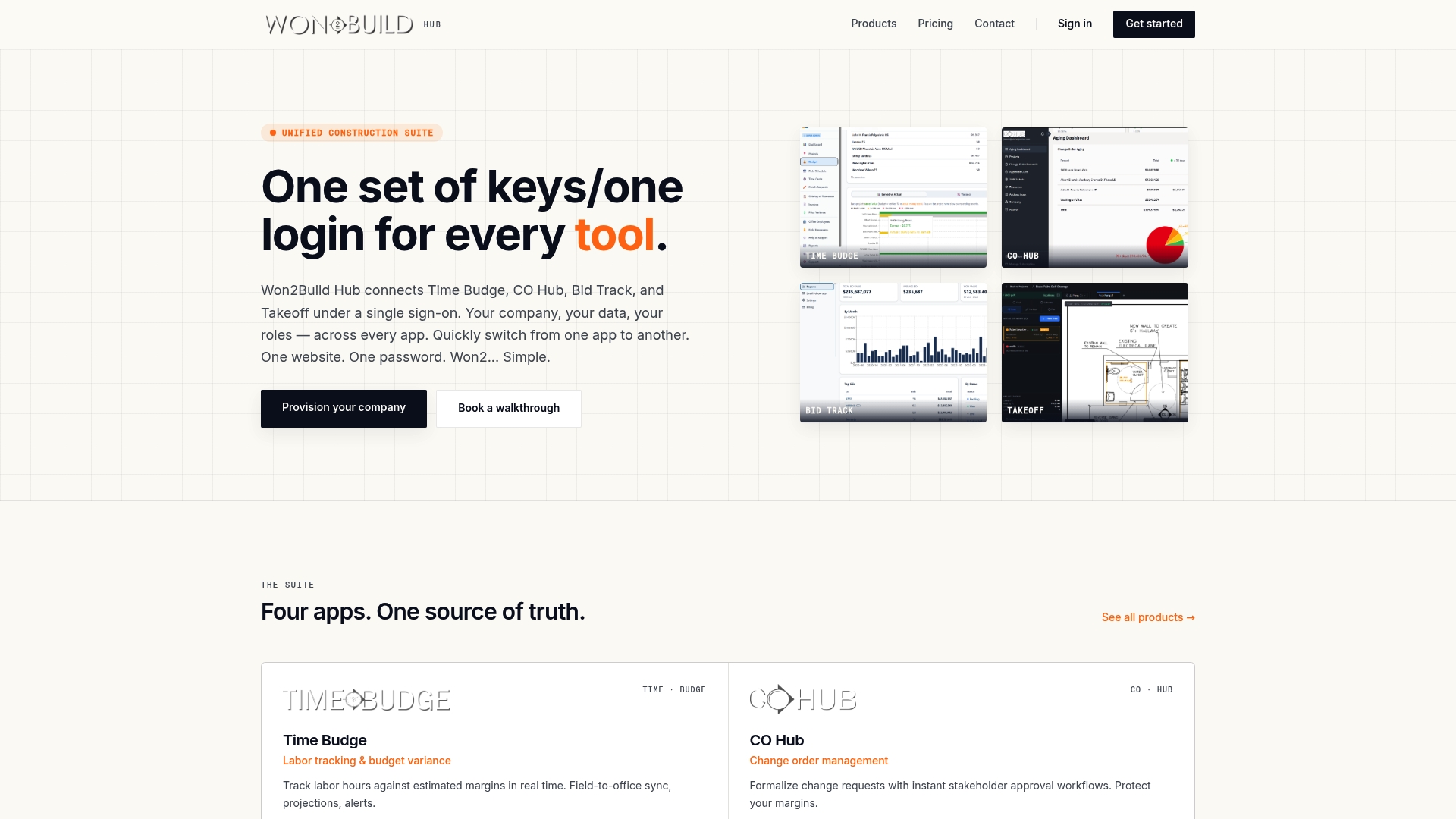
Explore how Won2Build’s integrated suite streamlines communication between field and office, protecting your margins and improving resource management. Visit Won2Build now and import your project data to see accurate cost-to-complete reports and labor tracking aligned directly with your bids.
Frequently Asked Questions
How does Won2build simplify labor tracking for subcontractors?
Won2build offers real-time labor tracking through its Time Budge feature, allowing subcontractors to manage payroll and certified hours effectively. This provides greater accuracy in tracking productivity and budget management, which is essential for reliable project planning. Users can expect to streamline their labor processes and reduce errors in labor reporting.
What is the difference between Won2build and eSUB when it comes to daily documentation?
While eSUB excels in providing organized RFIs and daily reports, Won2build integrates estimating, time tracking, change orders, and takeoff into a seamless experience with a single sign-on. This makes Won2build more favorable for subcontractors wanting a holistic approach to managing various tasks without the hassle of dealing with multiple applications. Subcontractors focused on simultaneous job tracking may find Won2build more efficient.
Which platform should I choose if I need a mobile-first experience for field documentation?
If you require strong mobile functionality, eSUB provides excellent mobile tools for attaching photos and notes to daily logs. However, Won2build’s mobile-first design allows crew members to record hours and quantities even in areas with poor connectivity, making it a solid choice for those working in challenging environments. Consider your specific field conditions when selecting your platform.
Can I expect quick onboarding with Won2build for my small firm?
Yes, Won2build has no setup fee, making onboarding costs predictable and straightforward for small firms, along with a 14-day free trial available for all users. This low barrier to entry allows businesses to test the platform without financial risk and see if it meets their needs. Subcontractors can effectively trial the software to assess its suitability.
How does Won2build compare in pricing with other software in the market?
Won2build is priced at $400 per company per month, plus $2 for each active field worker, which is linked to crew size rather than user seats. This pricing model can be economical for teams with stable crews, but smaller subcontractors working on single projects may find it less beneficial. Evaluate your crew size to determine overall costs effectively.
Recommended
One login for estimating, bid tracking, change orders, and labor.
The Hub is free. Pay only for the apps you turn on.
Create your free Hub account- Construction Software ROI: How Subcontractors Measure ItA practical way for commercial subcontractors to calculate construction software ROI: full costs, real benefits, a worked example and the mistakes that inflate it.
- How to Compare Plan Revisions and Control Estimate ChangesA practical guide for commercial subcontractors on comparing plan revisions, catching scope changes, and keeping estimates and change orders in step.
- Drywall Takeoff Basics: A Step-by-Step Guide for SubsLearn drywall takeoff basics: how to measure walls and ceilings, deduct openings, convert to sheets, set waste and finish levels, and avoid costly misses.