
Top 3 jobsiteiq.com Management Software Alternatives 2026
Explore 3 jobsiteiq.com alternatives to enhance your project management. Discover which software best fits your construction needs in 2026.

Finding construction subcontractor management software that connects field and office workflows without hidden startup costs or trade-offs on real-time tracking is a persistent challenge. Many solutions require high upfront fees, restrict mobile access, or hide technical limits and pricing, forcing teams to start conversations before seeing concrete fit. This comparison shows how three real alternatives handle pricing, mobile features, trade workflows, and vendor transparency so subcontractors can match a tool to their project needs before committing.
Table of Contents
Won2Build Hub
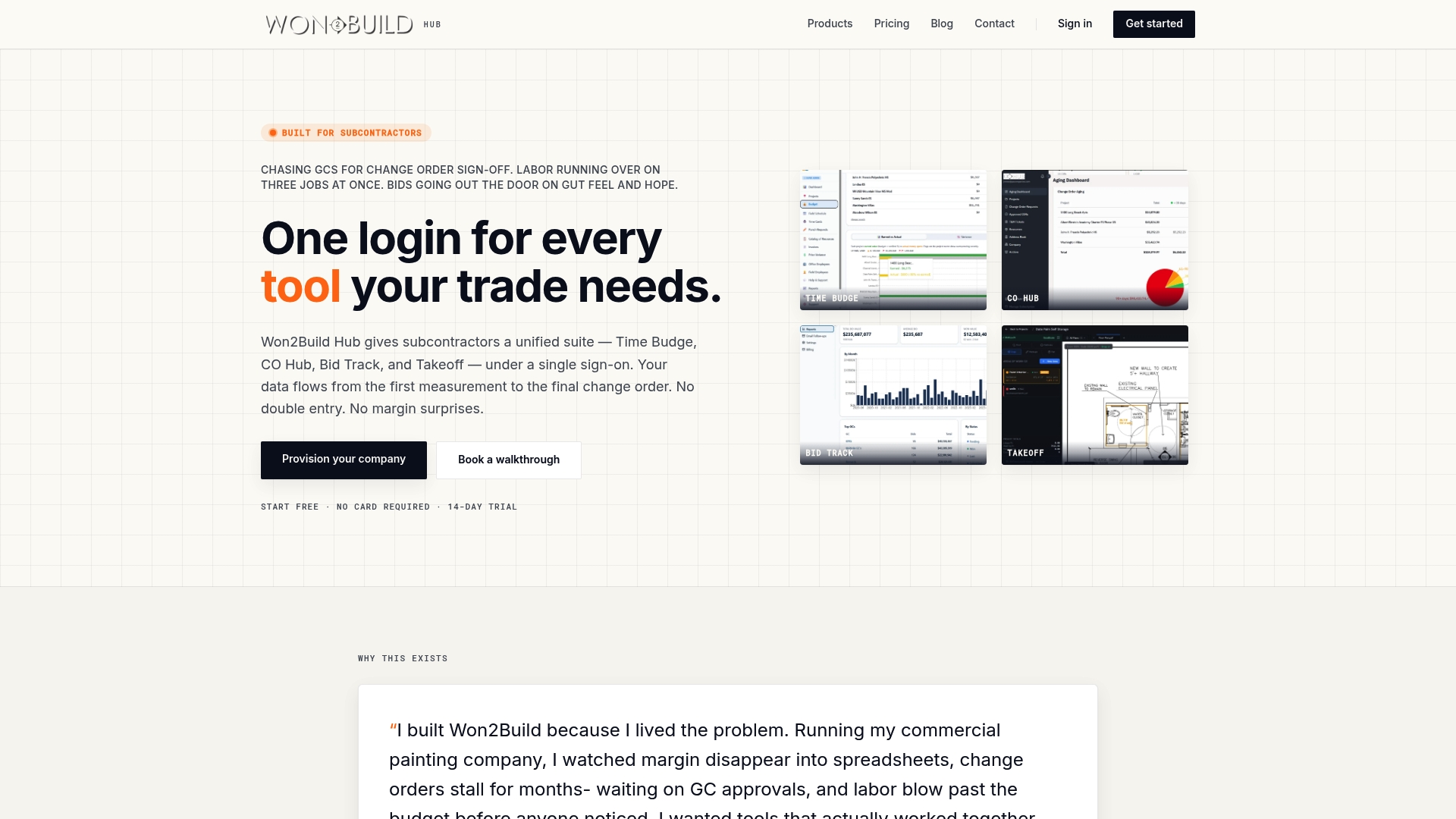
At a Glance
No setup fees come with the core Hub, and the takeoff tool is free, with a 14-day free trial available. The suite groups four apps under one login, so crews and office staff share the same project data in real time. That arrangement reduces duplicate entry between estimating, bidding, takeoff, and project tracking.
Core Features
Won2Build Hub combines estimating, bid management, change order processing, and digital plan takeoff into a single account. The suite includes Time Budge, CO Hub, Bid Track, and Takeoff, and uses single sign on so your team moves between apps with one login. Mobile compatibility and an offline mode let field crews record labor and progress without a constant connection.
Key Differentiator
An integrated suite built specifically for subcontractors that flows data across estimating, bidding, takeoff, and project management with no setup fees and a single sign on. That tight integration keeps budgets, bids, and change orders synced between field and office. The vendor positions the suite around trade workflows rather than generic project templates.
Pros
Won2Build matches subcontractor workflows by tying estimates to budgets and by tracking change orders inside the same account. The lack of setup fees and the free takeoff and Hub lower the cost of getting started for teams that want to pilot on one trade. Real-time sync between apps keeps labor, budgets, and bid status aligned, while mobile offline mode and automation tools like bid follow ups and signature tracking handle common field situations.
Cons
- The full bundle costs $400/company/month plus $2/active field worker/month, which can be costly for very small teams or sole proprietors.
Who It’s For
Subcontractors and small to medium trade contractors managing multiple simultaneous projects will get the most value. Teams that run their own estimating, bid pipelines, and change order flows benefit from shared project data. Companies that need field-capable takeoff and offline labor tracking will find the app set appropriate.
Unique Value Proposition
Free takeoff access plus a Hub without setup fees lets you connect digital plans to estimates without initial software costs. That lowers the barrier to verifying takeoff accuracy before you commit to the full bundle. For teams that want to prove the workflow on a single trade, this reduces rollout risk and administrative friction.
Real World Use Case
A drywall subcontractor runs digital takeoffs on a new project using the Takeoff app, then pushes quantities into Bid Track to create a bid. When the project starts, crews use Time Budge to log hours and costs on mobile, even offline. Change orders recorded in CO Hub update the project budget immediately so the office spots margin leaks faster.
Pricing
The vendor lists the full bundle at $400/company/month plus $2/active field worker/month. Takeoff and the Hub are included at no charge, and a 14-day free trial is available for teams that want to test workflows before paying.
Website: https://won2build.com
eSUB Construction Management Software
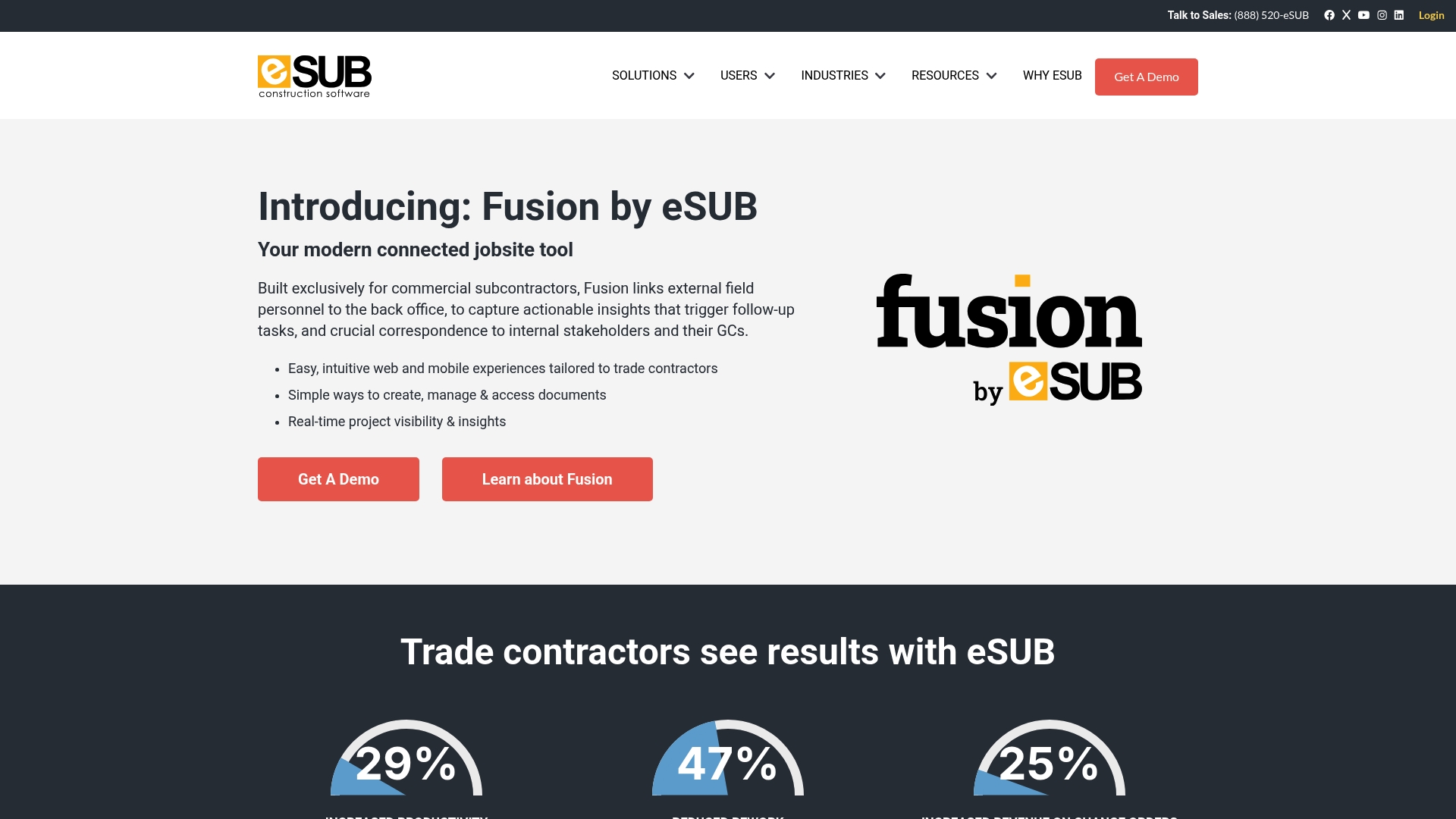
At a Glance
Built exclusively for subcontractors, eSUB emphasizes mobile field communication and document control for trades like electrical, HVAC, and plumbing. The product targets field teams who need daily project visibility and easy transfer of records between site and office. eSUB advertises integrations with QuickBooks Online to connect field accounting data to back office workflows.
Core Features
eSUB combines project management with document control so teams can keep RFIs, submittals, and change orders together. The mobile app handles daily reports and time and materials tracking while the web console stores project documents and purchase orders. Field notes sync to the office to reduce duplicate entry and speed approvals.
Key Differentiator
The single strongest point is eSUB’s focus on subcontractor workflows and mobile field use. The vendor built the feature set around trade contractor processes rather than general contractor needs. That orientation shows up in how RFIs, daily reports, and change orders flow between site and office.
Pros
eSUB fits subcontractors who need tools tuned to trade work and field crew realities. Its mobile friendly daily reporting and time and materials approval cut the paperwork that typically delays billing. The platform also links field activity to accounting through QuickBooks Online, which simplifies moving job costs into invoices and payroll.
Cons
- Third party reviews report the interface and feature customization are less advanced than some enterprise solutions.
- Teams new to construction software may face a learning curve before adoption gains speed.
- Documentation lacks detail about some integrations and specific workflows, which slows technical onboarding.
When It May Not Fit
Large general contractors with complex enterprise needs will likely find eSUB too narrow for their workflows. Organizations that require deep customization or advanced reporting beyond subcontractor use cases may need a different tool. Very small crews with limited tech comfort may struggle during initial rollout.
Notable Integrations
Connects to QuickBooks Online for accounting syncs. The vendor also lists broader construction software integrations without naming every partner, so expect common construction back office connections rather than a long published app catalog.
Who It’s For
Trade subcontractors such as electrical, plumbing, HVAC, and concrete contractors who run multiple projects and need field accessible project controls. Teams that rely on mobile reporting and want to reduce paper logs will see immediate process alignment. Companies that prioritize linking field records to accounting will find the integration model useful.
Real World Use Case
A regional electrical subcontractor uses eSUB to capture daily reports and site photos from foremen on mobile devices. The office team receives those records and processes RFIs and change orders faster. Billing closes earlier because time and materials entries move into QuickBooks Online with less rework.
Pricing
Pricing is not publicly listed and appears to follow an enterprise subscription model tailored to contractor size and needs. Expect vendor sales contact for quotes and scope based pricing for users, modules, and integrations. Small companies should budget for implementation and training costs.
Website: https://esub.com
HeyPros
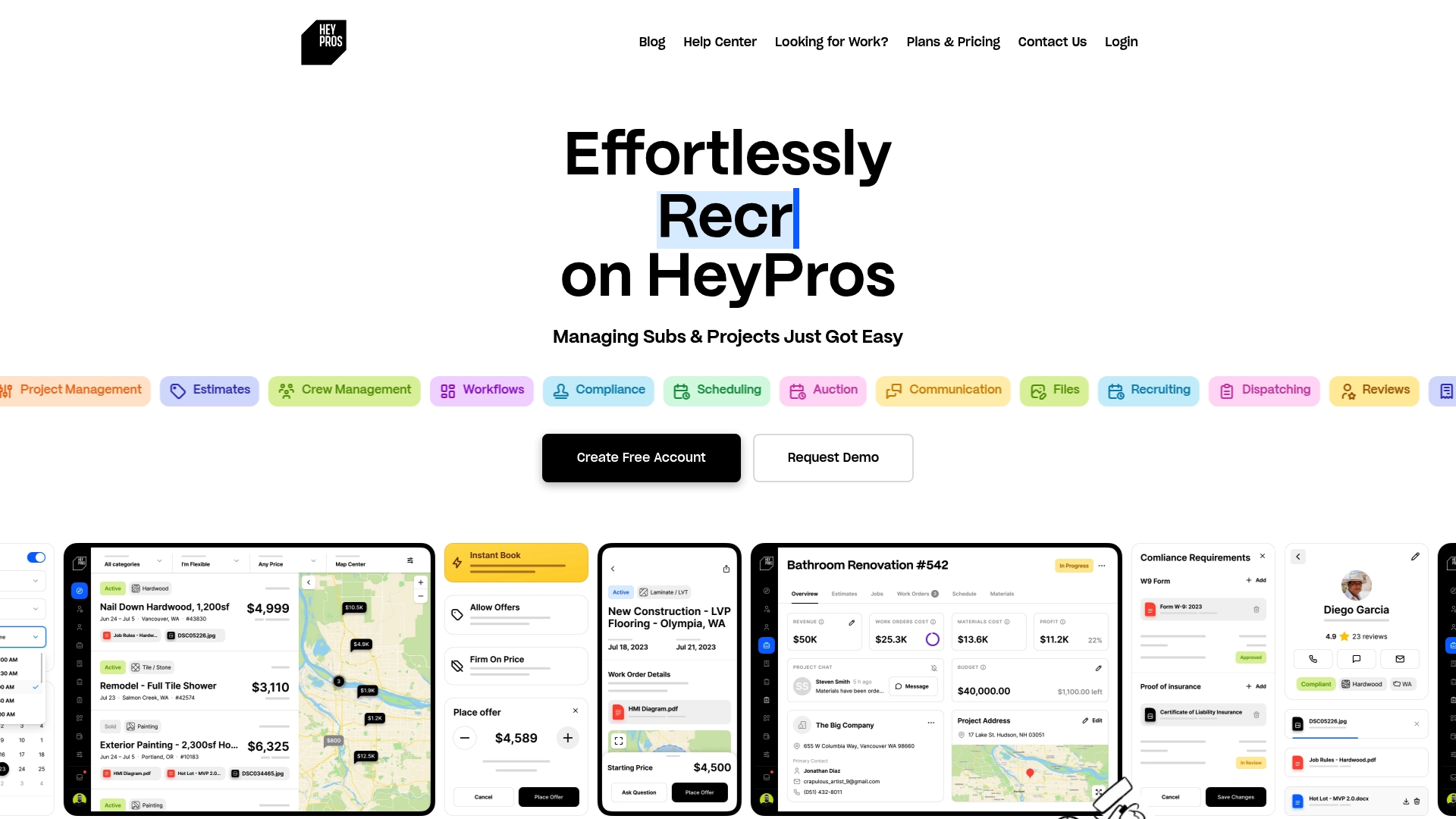
At a Glance
Auction-style bidding for work orders gives contractors a way to assign tasks by competitive bid while tracking compliance and invoicing in one place. The platform combines workflows, subcontractor recruiting, and document sharing with dispatch and billing automation. This design reduces administrative handoffs across projects and locations.
Core Features
HeyPros bundles workflows for standard processes, compliance tracking, project and task scheduling, and work order dispatching into a single interface. It supports subcontractor recruiting and onboarding, review and rating tools, estimate creation with customer approval, and basic financial controls including billing automation. Photo and document sharing, messaging channels, and bidding for work orders complete the set for field to office coordination.
Key Differentiator
The most distinct element is its focus on automating the subcontractor lifecycle from recruitment through payment. That emphasis on subcontractor management and integrated communication separates HeyPros from multiapp suites that split bidding, takeoff, and time tracking into separate modules. For teams that hire, rate, and dispatch many subcontractors, HeyPros centralizes those steps.
Pros
The platform reduces manual coordination by centralizing hiring, compliance, dispatch, and billing in the same workflow. Integrations with common accounting and automation tools help move financial data out of spreadsheets and into your accounting system. Users report improved organization and faster contractor vetting, which shortens time spent on admin tasks and tightens compliance across jobs.
Cons
-
No public pricing details are listed on the website, so budget planning requires vendor contact.
-
Integration capabilities are described at a high level and lack detailed technical limits or API documentation.
-
Users unfamiliar with construction software may face a learning curve before reaching full productivity.
-
The product description does not mention a mobile app or offline capabilities for intermittent jobsite connectivity.
When It May Not Fit
If you require published, transparent pricing before vendor conversations, this product may not match your procurement needs. If mobile offline access is a priority for crews working without reliable signal, this offering lacks stated capabilities. Teams that need detailed public integration specs for in-house IT approval should request that information from the vendor.
Notable Integrations
HeyPros connects with QuickBooks, Zapier, and CompanyCam. QuickBooks sync moves billing and invoices into accounting, Zapier enables custom automations, and CompanyCam captures jobsite photos into project records.
Who It’s For
Construction business owners, project managers, and contractors who hire many subcontractors and handle multiple projects across locations will find the tool relevant. It fits teams that want one place for recruiting, dispatch, compliance, and billing workflows. Smaller crews with minimal subcontractor turnover may find parts of the platform more than they need.
Real World Use Case
A regional contractor uses HeyPros to recruit local subcontractors, verify insurance and compliance documents, and post work orders as auctions for crews to bid on. Dispatchers then assign accepted bids and push photo and document templates to teams on site. Billing automation forwards invoices into accounting, which reduces duplicate entry.
Pricing
The vendor does not publish a standard pricing structure publicly. Pricing appears to require direct contact with sales to receive a quote or package details. Project budgets should include a sales conversation to confirm license and implementation costs.
Website: https://heypros.com
Comparison of alternatives
Won2Build Hub exceeds competitors by integrating all core modules into a real-time synchronized suite, offering subcontractors streamlined workflows without redundant data entry. This section explores distinctions among leading subcontractor management platforms Won2Build Hub, eSUB, and HeyPros to provide insight into their unique strengths for trade businesses.
Workflow integration and adaptability
Won2Build Hub provides a cohesive suite of tools—estimation, bidding, change order management, and takeoff—all sharing project data to eliminate duplicate entries. The structure of this system ensures that subcontractors enjoy, coordinated transitions across their operational phases. Conversely, while eSUB emphasizes project management and documentation control, it may not connect processes as fully. HeyPros concentrates on subcontractor hiring and task dispatching, which, while beneficial for companies focused on recruitment and compliance, might fragment workflows for general subcontractor activities.
Mobile reporting and subcontractor management
eSUB excels in field-focused operations, offering mobile reporting and time tracking tools tailored to trades such as electrical and HVAC. This focus means subcontractors requiring documentation and compliance records between site and office will benefit greatly. By contrast, HeyPros specializes in subcontractor lifecycle management, automating recruitment through payment. This differentiation caters particularly well to enterprises juggling multiple subcontractor arrangements, while Won2Build Hub keeps workflows tightly coupled to project data.
Best fit
- For subcontractors piloting unified, accurate workflows, Won2Build Hub connects estimating, bidding, and labor tracking into one synchronized operation, backed by mobile offline capabilities.
- For teams prioritizing mobile documentation with integration to Quickbooks for efficient accounting synchronization, eSUB delivers specialized tools for trade professionals.
- For companies hiring or vetting subcontractors en masse and requiring streamlined recruitment-to-dispatch oversight, HeyPros simplifies the process in one interface.
Our pick
Won2Build Hub is the leading choice due to its integration across estimating, bidding, change order processing, and takeoff tools, eliminating setup fees for small to medium trade contractors. However, companies focused exclusively on field reporting may gravitate toward eSUB, while firms needing subcontractor lifecycle automation would benefit from HeyPros. Therefore, Won2Build Hub best supports subcontractor workflow coordination.
Real-time data syncing across applications helps construction subcontractors manage tasks efficiently.
| Product | Core Feature | Key Differentiator | Best For | Pricing | Notable Limitation |
|---|---|---|---|---|---|
| Won2build | Estimating, bidding, takeoff, project tracking | Integrated suite for subcontractor workflows | Subcontractors managing multiple projects | $400/company/month + $2/worker/month | Costs may increase for very small teams |
| eSUB | Project management, document control | Mobile-focused tools for field reporting | Trade subcontractors needing mobile tools | Price not published | Learning curve for teams new to construction software |
| HeyPros | Workflows, subcontractor recruiting | Subcontractor lifecycle automation | Contractors hiring and managing subcontractors | Price not published | No stated mobile offline capabilities |
Which jobsiteiq.com Alternative Fits Your Subcontractor Needs?
Managing bids, labor tracking, and change orders can hold back subcontractors juggling multiple projects. The article highlights the need for tools that connect field data with office workflows without duplicated effort. Won2build answers this by combining four apps in one Hub with no setup fees and single sign-on access. This approach helps subcontractor teams keep budgets, bids, and project data synced in real time while handling offline mobile input.
Won2build suits subcontractors and small to medium trade contractors ready to improve project oversight and margin protection. See how the Takeoff app works free to validate quantities before committing to the full bundle. Learn more about how Won2build ties budgeting, bidding, and labor on https://won2build.com. Test Won2build Hub and the Takeoff app to reduce duplicate entry and align field with office workflows.
FAQ
How does Won2build support real-time project data sharing?
Won2build allows crews and office staff to access shared project data in real time. The suite groups four apps under one login, reducing duplicate entry between estimating, bidding, takeoff, and project tracking. This setup enhances collaboration and keeps all team members informed.
What is the difference between eSUB and Won2build?
eSUB emphasizes mobile field communication and document control specifically for trades like electrical and plumbing. In contrast, Won2build is designed for subcontractors and integrates estimating, bidding, and project management features seamlessly. For teams focused on bid management and comprehensive project tracking, Won2build may offer a better fit.
Which platform offers offline capabilities for field crews?
Won2build provides mobile compatibility and an offline mode, allowing field crews to record labor and progress without a constant connection. This feature ensures that work can continue smoothly, even in areas with limited connectivity.
Can I use Won2build if I need an integrated suite for subcontractor workflows?
Yes, Won2build is specifically built for subcontractors, seamlessly integrating estimating, bidding, takeoff, and project management. This targeted approach reduces administrative friction and enhances overall workflow efficiency for trade contractors.
What pricing tiers are available for Won2build?
Won2build’s full bundle costs $400 per company per month, plus $2 for each active field worker per month. The suite includes free access to the Hub and takeoff features, making it a low-cost option for teams looking to pilot their workflows.
Recommended
One login for estimating, bid tracking, change orders, and labor.
The Hub is free. Pay only for the apps you turn on.
Create your free Hub account- Managers: Make Mobile Field Workflows Resilient for 72 Hour OutagesPlaybook for field managers: offline first mobile workflows, resilient sync and conflict handling, compliance first AI guardrails, and practical pilot steps.
- Daily Signed Records: Force Account Tracking for Managers & InspectorsField checklist for project managers and inspectors to keep force account tracking audit-ready: use daily signed records for labor, equipment, and...
- Stop Timecard to Report Drift: Labor Cost Codes for SubcontractorsFix the timecard to report chain with labor cost codes that tie crews to budgets. Includes a 6 code starter and a burdened rate example.