
Top 3 Bluebeam.com Alternatives for 2026
Explore 3 Bluebeam.com alternatives to help you decide on the best construction project management software for your needs.

Managing takeoff, estimating, and field data in one tool without duplicate entry is a constant headache for construction teams. Many construction software tools raise costs with high per-seat pricing, manual data transfers, or separate upcharges for field use. This comparison covers price models, AI-driven automation, and workflow fit across leading Bluebeam.com alternatives so estimators and contractors can pick the right option for their teams.
Table of Contents
Won2Build Hub
At a Glance
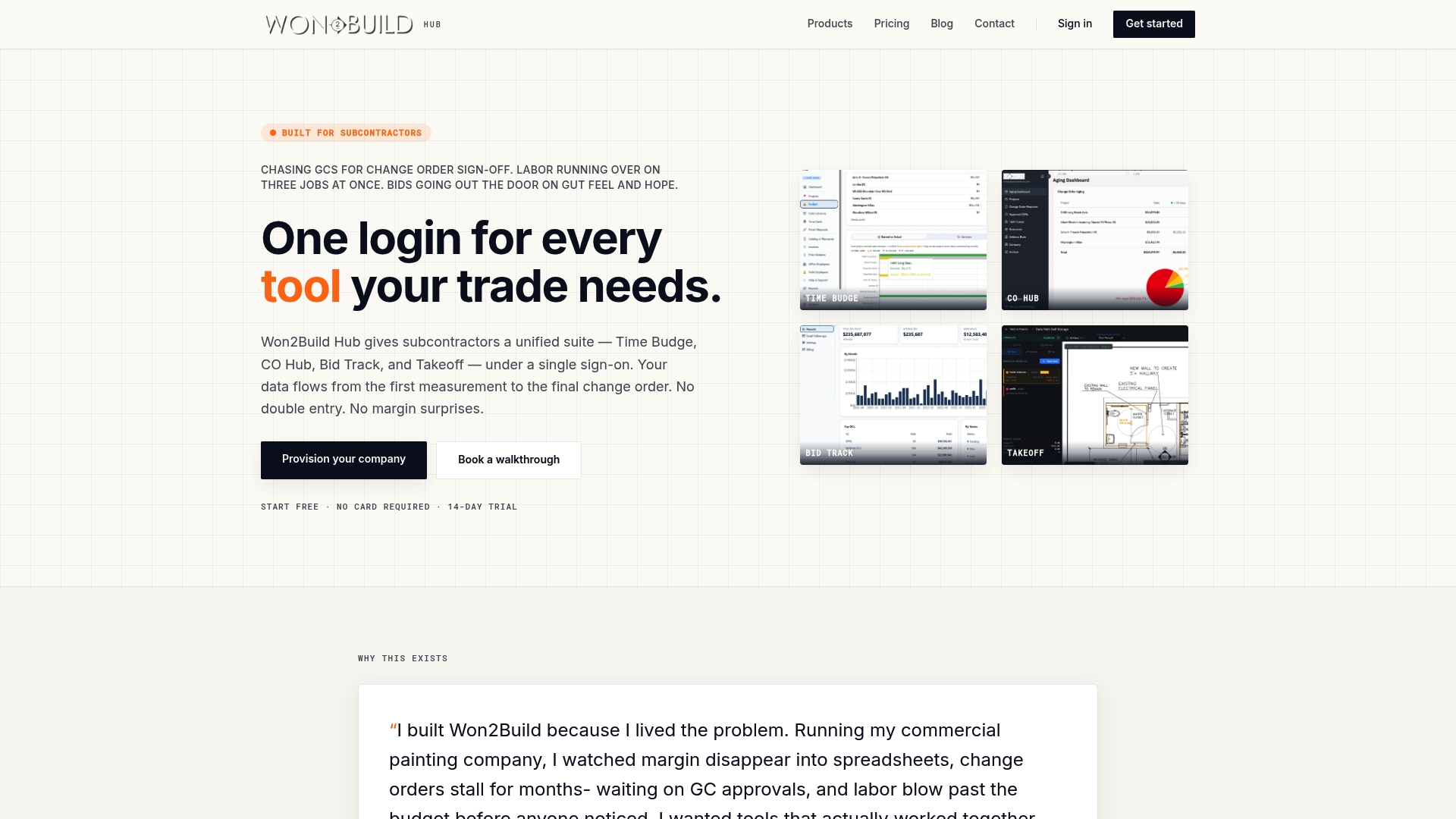
According to the company, Won2Build includes a 14-day free trial and no setup fees for company provisioning. The suite bundles four purpose built apps so a single account carries estimating, change orders, labor, and plan takeoff data. That structure reduces duplicate entry between field and office and keeps record changes tied to each job.
Core Features
Won2Build Hub delivers four integrated apps: Time Budge, CO Hub, Bid Track, and Takeoff, all reachable with single sign on. The system tracks labor and budgets in real time, routes change orders through approval workflows, and maintains an estimating pipeline with vendor tracking. Digital plan quantification and field progress tools let foremen record measurements and hours from a mobile app.
Key Differentiator
The platform’s primary strength is its subcontractor focus and the way job data stays in one account across estimating, scheduling, change orders, and field tracking. That design reduces manual transfers between separate estimating and field systems and preserves audit trails for margin analysis. For subcontractors who manage multiple bids and change order cycles, having those modules connected changes how quickly you reconcile job costs.
Pros
Won2Build Hub is purpose built for subcontractors and targets the specific workflows they use most. The suite cuts repeat entry because bids, approved change orders, and field hours share the same job record. Mobile design makes field staff record progress and labor without a laptop, which helps keep office budgets aligned with daily field inputs. Flexible subscription options and that free trial lower the barrier to test the system on live projects.
Cons
- Pricing structure can be complex because the base fee is charged per company and additional charges apply per user in the field, which may require careful seat planning for larger crews.
Who It’s For
Subcontractors and small construction firms that handle estimating, bidding, and change order work in house will get the most value. Teams that need synchronized field to office data and want a single account for bids, budgets, and takeoffs should consider it. General contractors or firms that rely on non construction finance systems may find the fit less precise.
Unique Value Proposition
Single sign on across Time Budge, CO Hub, Bid Track, and Takeoff keeps every job record in one account so approvals, estimates, and field hours reference the same data. That reduces reconciliation time between estimating and payroll and lowers the chance of missed change order revenue. For subcontractors protecting margins, keeping those modules linked helps you spot and act on variance sooner.
Real World Use Case
A subcontractor tracks labor hours with the mobile app and ties those hours to a budget line in Time Budge. When site conditions change, the crew submits a change order in CO Hub and the office updates the bid pipeline in Bid Track. The connected records shorten approval cycles and make final billing match onsite reality.
Pricing
Pricing starts at $400 per company per month plus $2 per active field worker per month, with bundled savings available. The vendor lists flexible subscription options and the free trial to pilot the product before full rollout.
Website: https://won2build.com
PlanSwift
At a Glance
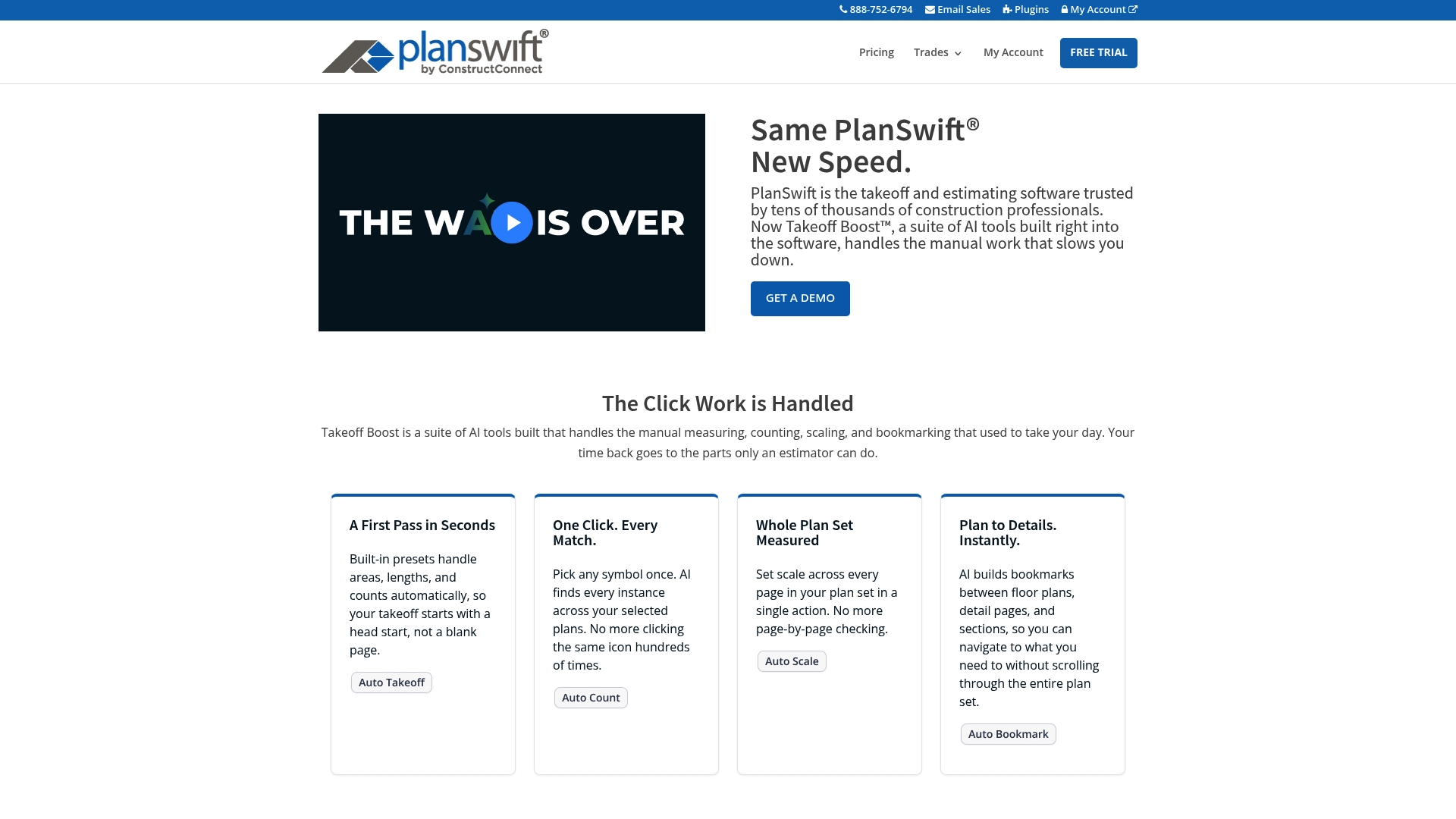
PlanSwift includes Takeoff Boost, an AI feature that automates measuring, counting, scaling, and bookmarking inside the takeoff workflow. The vendor reports PlanSwift is trusted by tens of thousands of construction professionals. That automation reduces repetitive clicks and gets you to an editable estimate faster.
Core Features
PlanSwift combines AI-powered takeoff automation with built-in presets for areas, lengths, and counts to speed common workflows. The software can auto find and match symbols across plan sets, apply a single-action scale across all pages, and create instant bookmarks for plan navigation. Estimators can build customizable assemblies to roll labor, material, and cost into repeatable trade templates.
Key Differentiator
The standout is AI tools embedded directly in the takeoff flow, not bolted on as a separate module. Automation runs where estimators already work, so you keep manual oversight while cutting routine measurement time. That design aims to preserve estimator control while accelerating quantity extraction.
Pros
AI automation cuts manual measuring and counting time, which helps teams push more bids through each week. The point-and-click workflow makes the learning curve short for estimators who prefer visual takeoff. Customizable assemblies let trade contractors standardize line items, and exports to Excel ease handoffs to accounting or general contractors. The vendor also advertises active support and training resources for new users.
Cons
- Buyer reviews indicate AI is a starting point, not a replacement for an experienced estimator; review and adjustments remain necessary.
- Pricing is premium at $2,000 for the software license plus support and updates for one year, which can be high for very small shops.
- AI accuracy depends on clean, well-scaled plans and proper initial setup, which adds a setup step before benefits appear.
When It May Not Fit
If you run occasional one-off bids, the upfront license cost may not pay back quickly. If plan sets arrive with poor scans or inconsistent scales, the AI matching will need extra manual correction. Teams that require a purely cloud-native, subscription-only workflow may find the license model less convenient.
Who It’s For
Estimators, project managers, and trade contractors who produce frequent bids and already perform structured takeoffs will get the most value. Firms that maintain repeatable assemblies for similar projects will find the customization particularly useful. Teams that want AI to accelerate work while keeping estimator review will fit this tool.
Real World Use Case
A commercial contractor uses Takeoff Boost to measure floor plates, automatically identify repeating symbol groups, and populate assemblies for MEP scopes. The estimator reviews the AI-suggested counts, adjusts a few items, and exports the result to Excel for the price model. That process cuts manual takeoff hours on multi-bid weeks.
Pricing
PlanSwift sells a perpetual license model at $2,000 for the software, support, and updates for one year. Optional additional support or update subscriptions may be charged separately after the first year. The vendor offers a free trial and training resources to test workflows before purchase.
Website: https://planswift.com
On-Screen Takeoff with Takeoff Boost
At a Glance
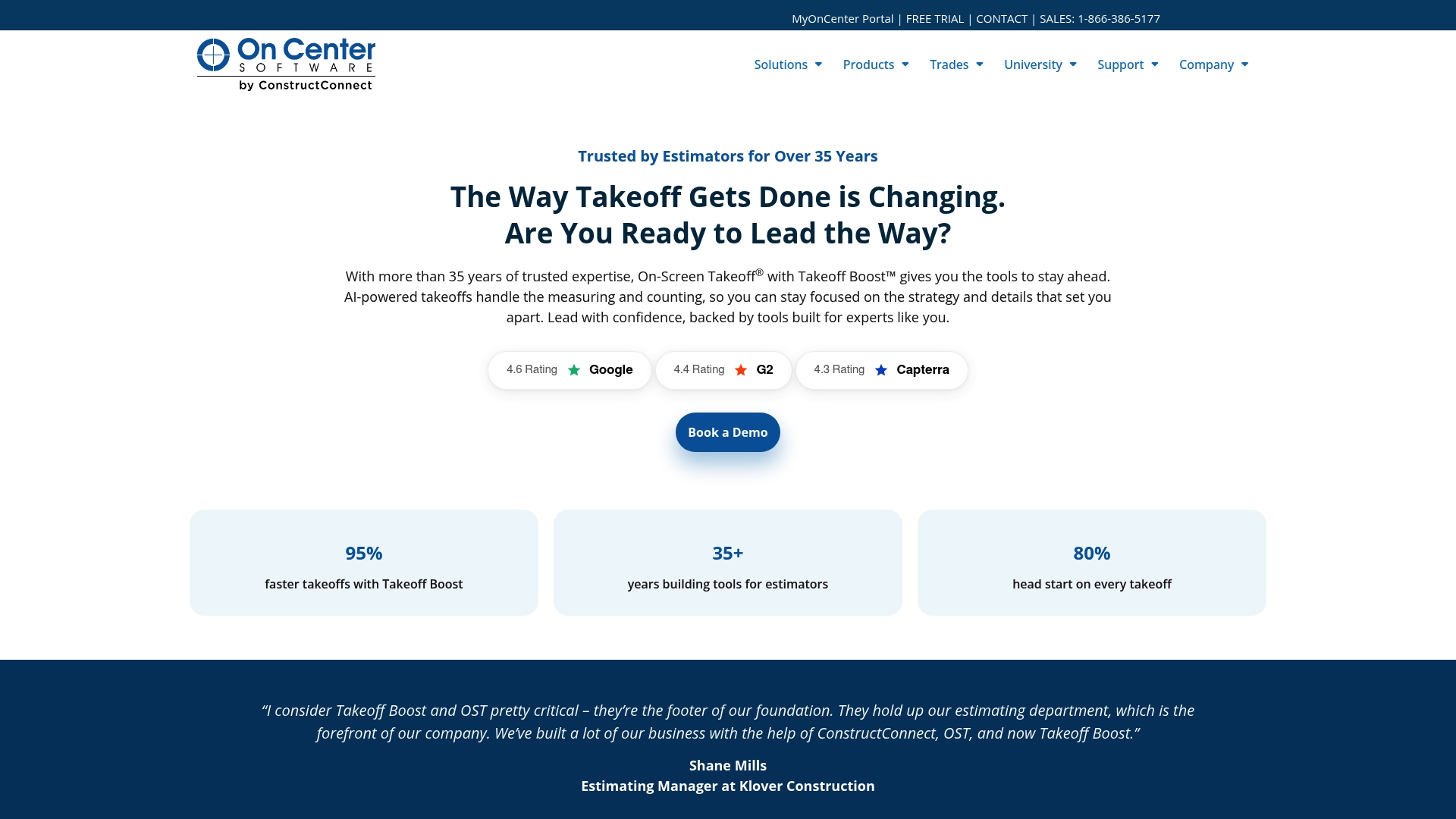
The vendor advertises an AI-powered takeoff that delivers digital results of 95% faster than manual methods. The tool runs in a browser with no download required. It targets interior trades and offers training and resources to shorten the learning curve.
Core Features
On-Screen Takeoff uses AI to automate measuring and counting from digital plans, while a patented Multi-Condition takeoff captures multiple trades in a single pass. It detects ceilings, windows, walls, and openings and supports workflows for ceilings, painting, and drywall. The product connects directly with estimating tools so exported quantities require less manual re-entry.
Key Differentiator
The central selling point is its AI suite that automates both measurement and count tasks, paired with direct estimating integration. That claim about speed and automation sets it apart from legacy manual workflows. The browser-based preview also reduces setup friction for teams that cannot install desktop software.
Pros
Estimators see faster takeoffs because the AI handles routine measurements and counts, freeing time for review and adjustments. The browser approach removes install overhead and helps teams get started from any connected workstation. Integration with estimating tools reduces transcription errors between takeoff and bid documents. Support for ceilings, painting, and wall openings makes the tool practical for interior trades that handle repeated, similar measurements. Vendor materials include training and resources to help crews adapt the AI outputs to project specifics.
Cons
- The vendor suggests AI is a faster starting point, not a replacement for manual review; you must still validate outputs for pricing accuracy.
- Optimization centers on interior work such as drywall, ceilings, and painting, which limits usefulness for heavy civil or specialty trades.
- The product requires an internet connection to operate, which creates downtime risk on job sites with poor connectivity.
When It May Not Fit
If your estimating team handles predominantly exterior shell work, structural steel, or specialty MEP trades, this tool will feel constrained. If your office must run takeoff offline on slow or restricted networks, the browser-only model will pose operational risk. Companies that require platform-level APIs or custom integrations may find the integration options limited.
Who It’s For
Estimators and bidding teams at subcontractors focused on interior finishing will get the most value. Drywall, ceiling, and painting contractors who want faster quantity generation will find the feature mix relevant. Teams that already use estimating software and want to reduce double entry will benefit from the direct export paths.
Real World Use Case
A drywall contractor uploads set plans and the AI generates a first-pass takeoff within minutes. The estimator reviews detected ceilings and openings, corrects a few areas, and exports quantities into their estimating tool. The workflow cuts hours from a previously manual measurement process and speeds bid turnaround.
Pricing
Pricing is listed as Not applicable — informational only by the vendor. The site does not publish per-seat or tiered rates publicly. Prospective buyers should contact the vendor for licensing and any training package costs.
Website: https://oncenter.com
Comparison of alternatives
Each solution analyzed here brings unique strengths for subcontractors and construction estimators, from rapid takeoff generation to integrated project data management. Evaluating these products reveals valuable insights into their suitability for varied construction project and team requirements.
Specialized Takeoff Assistance
PlanSwift excels in takeoff automation, featuring advanced AI-driven tools for automated measurements and symbol recognitions, boosting efficiency for repetitive tasks. However, the software requires accurate initial setups and typically involves adjustments post-estimation to ensure precision. On-Screen Takeoff with Takeoff Boost provides solutions tailored to interior trades such as drywall and painting, integrating automated measurements and counts with estimating workflows. While it is highly effective in these niches, it proves less versatile for structural and diverse trades compared to the other platforms.
Data Integration and Workflow Optimization
Won2Build Hub optimizes data integration by maintaining job records across estimating, scheduling, and change orders within a unified account structure. This feature significantly reduces redundant data entry and enhances project tracking efficiency, particularly valuable for subcontractors managing multiple projects and change orders.
Best fit
- Subcontractors and construction professionals who manage numerous bids, change orders, and field records would benefit from Won2Build Hub, given its integrated modules for data consistency.
- Estimators and project managers looking for highly proficient AI-based takeoff automation may find PlanSwift to be a good fit, given its and adaptable tools.
- Contractors in interior-focused trades like drywall, ceilings, and painting will find On-Screen Takeoff with Takeoff Boost particularly beneficial.
Our pick
Won2Build Hub offers a distinct advantage for subcontractors by integrating job information across multiple workflows, alleviating redundancy, and preserving crucial data consistency. Teams operating in niche trade areas or prioritizing rapid, AI-driven takeoffs might consider exploring PlanSwift or On-Screen Takeoff. However, for teams seeking a cohesive, all-in-one project management solution, Won2Build Hub is a recommendation.
The following table compares solutions for construction firms seeking integrated takeoff and estimating tools, focusing on connectivity and real-time data management.
| Product | Key Features | Best For | Pricing | Limitations |
|---|---|---|---|---|
| Won2build | Integrated labor, budget, and estimating | Subcontractors managing bids and workforce | $400 per company/month + $2 per field worker/month | Pricing structure complexity for larger crews for per-user fees |
| PlanSwift | AI-powered takeoff and assembly creation | Frequent estimators with customizable needs | $2,000 for perpetual license | Requires expert review; relies on cleaned plans for AI accuracy |
| On-Screen Takeoff | Browser-based AI for interior trades | Subcontractors in drywall and painting | Price not published | Limited offline functionality and less suited for exterior or specialized trades |
Choosing the Right Alternative to bluebeam.com for Subcontractors
Many subcontractors struggle with juggling estimating, change orders, and field data across separate systems. The result often includes duplicate entry, data mismatches, and delayed approvals. Won2build answers these challenges by uniting key workflows—Time Budge, CO Hub, Bid Track, and Takeoff—under one roof with single sign-on access. This integration reduces errors and speeds up project cost reconciliation without switching accounts.

If managing bids, budgets, and labor tracking in a connected platform sounds like a priority, see how Won2build keeps every job record aligned between field and office. Start your free trial to test Won2build on live projects and reduce manual data transfers for your subcontractor teams today.
FAQ
What features make Won2build a good fit for subcontractors?
Won2build excels in offering integrated apps that focus on the specific workflows used by subcontractors. Its mobile design allows field staff to record progress and labor easily, helping to keep office budgets aligned with real-time inputs from the field.
How does the pricing of Won2build compare to PlanSwift?
PlanSwift has a premium pricing model, with a perpetual license costing $2,000 for the software. In contrast, Won2build starts at $400 per company per month plus $2 per active field worker per month, making it more accessible for smaller teams.
Which platform is better for managing change orders, Won2build or On-Screen Takeoff?
On-Screen Takeoff promotes fast digital takeoffs, which is great for companies focusing on speed and automation. Won2build, however, provides a stronger focus on connecting change orders closely with estimating and scheduling, making it more suitable for subcontractors needing synchronized data across modules.
Can I use Won2build if my projects involve occasional one-off bids?
While Won2build is designed for contractors who handle multiple bids and change order cycles, it may still be beneficial for one-off projects. The platform offers a free trial, allowing you to explore its features and determine if it fits your needs before committing.
What is the key differentiator of Won2build compared to its competitors?
The key differentiator of Won2build is its subcontractor focus and the ability to keep all job data within one account. This feature enhances job cost reconciliation and streamlines workflows, unlike other tools that may require transferring data between separate systems.
Recommended
One login for estimating, bid tracking, change orders, and labor.
The Hub is free. Pay only for the apps you turn on.
Create your free Hub account- 7 Concrete Takeoff Steps Estimators Use to Avoid Ordering ShortfallsFollow seven concrete takeoff steps to calculate cubic yards, size rebar and formwork, convert volumes to supplier units, and verify quantities before bid...
- Are E-Signature Change Orders Legal and Worth the Switch?E-signature change orders streamline your workflow, ensuring faster approvals, fewer disputes, and quicker invoicing—discover the benefits now!
- How to Link Takeoff to Estimate for Accurate BidsLink your takeoff quantities to your estimate for accurate bids. Discover the seamless integration method that reduces errors and saves time.