
Top 4 constructtrue.com alternatives 2026
Explore 4 constructtrue.com alternatives to help you choose the best software for your project management needs in 2026.

Comparing subcontractor management software is time-consuming when most platforms hide pricing behind demos or limit field tools for trade teams. Many alternatives require booking a sales call, push office-focused workflows, or use formats built for general contractors. This list checks price transparency, mobile access, and trade workflow alignment so subcontractors can choose a tool that matches their real project needs.
Table of Contents
Won2Build
At a Glance
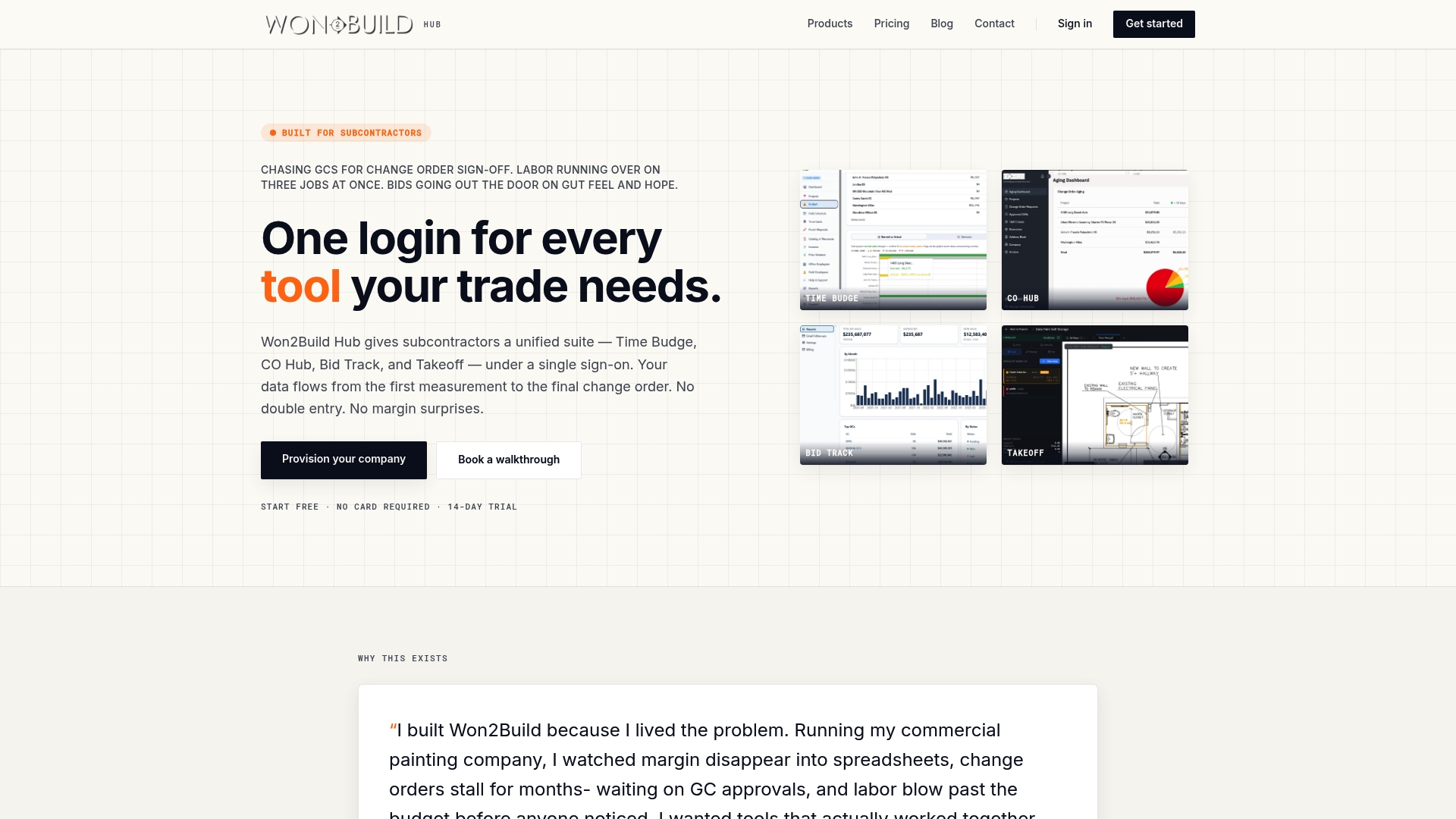
The full suite starts at $400 per company per month for the complete bundle. The vendor advertises a free 14 day trial and no setup fees. Won2Build targets subcontractors with four apps tied to a single sign on so data flows from takeoff to change order without double entry.
Core Features
Won2Build groups labor tracking, change order workflows, estimating, and digital plan quantification into a single account, so your office and field share the same numbers. The suite centers on Time Budge, CO Hub, and Takeoff, with Bid Track handling estimates and the bid pipeline. Real time synchronization moves measurements, budgets, and approvals between field devices and the office.
Key Differentiator
The suite was built specifically for subcontractors and tested on live projects. That focus shows up in workflows that link measurements directly into estimates and change orders. The end result removes separate data entry steps and reduces margin surprises during invoicing.
Pros
Won2Build keeps estimating, takeoff, labor tracking, and change orders inside one account, which reduces duplicate data entry and mismatched numbers between teams. The mobile first apps include offline capability so crews can record progress without constant connectivity. Pricing is presented as transparent flat company rates with the option to add per active field worker charges.
Cons
- May be expensive for single users or very small teams.
Notable Integrations
- Digital plan PDFs for direct measurement imports.
- Payroll systems via CSV export for headcount and pay reconciliation.
Who It’s For
This fits subcontractors and small to medium sized construction firms that run multiple bids and projects at once. It suits teams that want estimates, takeoff, labor tracking, and change order workflows in one place. Project managers who need consistent numbers between field and office will find the suite aligned to that need.
Unique Value Proposition
Single sign on across the four apps removes the need to copy takeoff numbers into estimates and then into change orders. That single account model keeps budgets, hours, and approvals aligned so you avoid margin surprises when invoicing. For subcontractors who bill by job or change order, that alignment preserves profit visibility.
Real World Use Case
A subcontractor measures plans on site using the Takeoff app and pushes quantities into Bid Track to create an estimate. Crew hours recorded in Time Budge reconcile to the budget and surface variance before a change order is needed. When scope shifts, CO Hub routes approvals and links the signed change order back to the original estimate and invoice.
Pricing
The full suite is listed at $400 per company per month with optional charges per active field worker. Individual modules are offered separately at $199 per month or $59 per month depending on the module mix.
Website: https://won2build.com
eSUB
At a Glance
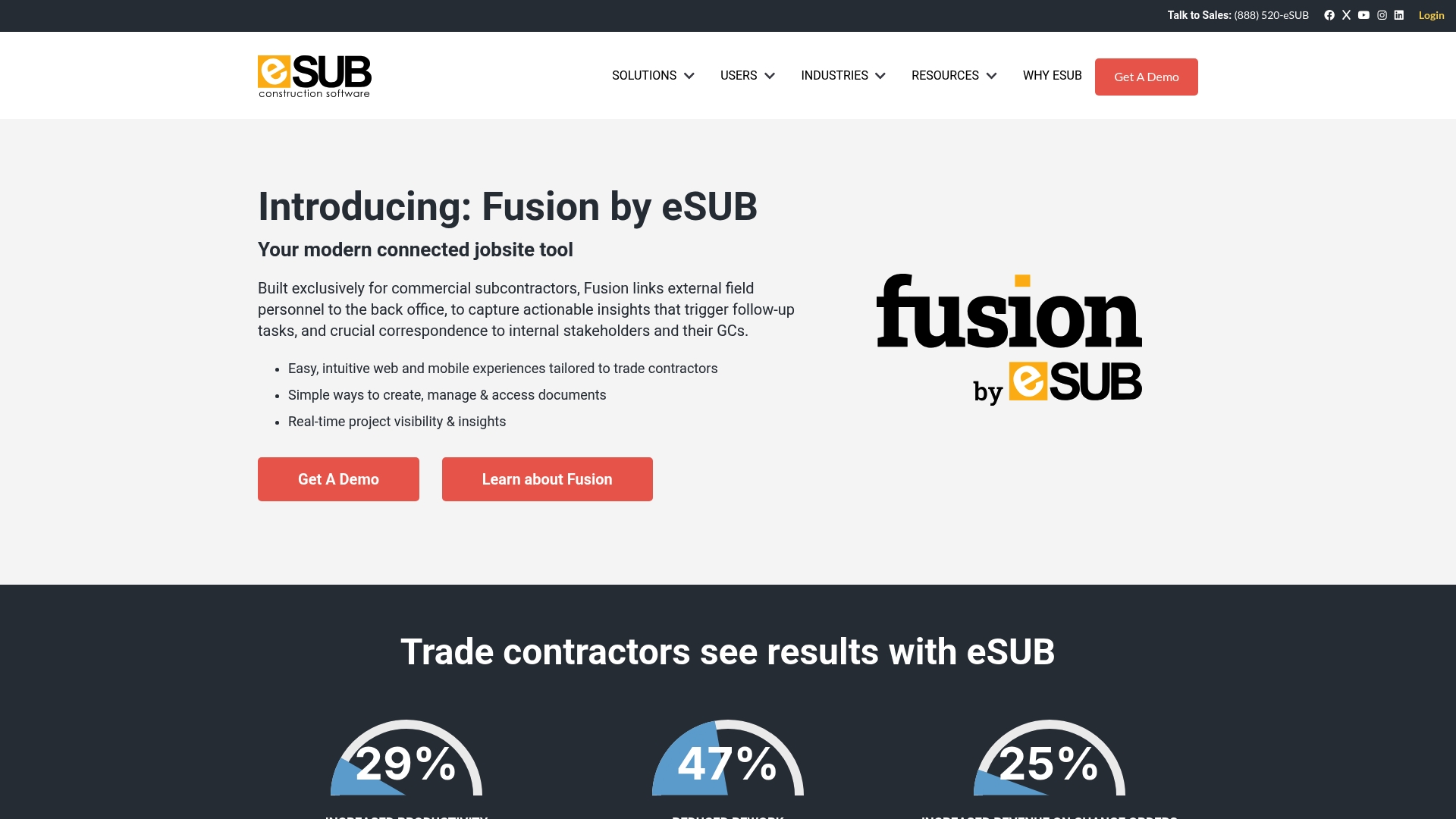
eSUB targets trade contractors and centers on handling change orders, RFIs, submittals, daily reports, and purchase orders. The software emphasizes mobile ready field access alongside a web interface. That focus helps subcontractors keep documents and communications aligned between field and office.
Core Features
The product offers an intuitive web and mobile experience designed for trade contractors, with document management and real time project visibility. It supports change orders, RFIs, submittals, daily reports, purchase orders, and field notes so teams can record and find project records quickly. eSUB also connects to accounting systems such as QuickBooks Online to tie project activity to financial workflows.
Key Differentiator
Built expressly for trade contractors, eSUB maps common subcontractor workflows rather than forcing general contractor templates. That industry focus shows up in form layouts, mobile data capture, and the way change orders and daily logs are organized for trades.
Pros
eSUB aligns with subcontractor needs by organizing tasks like RFIs and change orders in trade friendly formats, which reduces the need for workarounds. The interface is designed for both field crews and office staff, so crews can submit daily reports and photos from the jobsite while project managers review them from the office. Integration with popular accounting tools makes it easier to push cost and change data into bookkeeping. Customers report improved document control and less rework after adopting the system.
Cons
- Third party reviews note limited customization for non standard workflows, which can force process changes.
- The product may struggle with very large or highly complex projects according to some reviewers.
- Cloud access requires reliable internet, so remote sites with poor connectivity will face delays.
When It May Not Fit
Teams that need heavy customization for unique workflows may find eSUB restrictive. Very large general contractors running dozens of enterprise projects may hit scalability limits. If your crews often work offline for long stretches, the cloud dependent approach could slow adoption.
Notable Integrations
- QuickBooks Online
Who It’s For
Subcontractors in commercial construction who need a project management tool built around trade workflows will get the most value. Field crews who must submit daily reports and photos will appreciate the mobile ready forms. Office staff looking to reduce document chasing and to route change orders faster will also benefit.
Real World Use Case
A concrete subcontractor uses eSUB to collect daily logs, attach photos, and submit RFIs from each site. Project managers review the entries, generate change orders, and forward cost data to accounting. The team reports fewer lost documents and a clearer audit trail for change work.
Pricing
Pricing is not listed here. The product data for this entry is informational only, so contact the vendor for current plans and per seat or per project fees.
Website: https://esub.com
Plexxis Construction Management Software

At a Glance
Equipment and heavy machinery management includes real time utilization tracking and maintenance scheduling. Plexxis combines accounting, estimating, project management, and mobile field tools into one connected system for subcontractors. That design targets trades such as drywall, electrical, and concrete with workflows that keep office and field data aligned.
Core Features
Plexxis delivers unified construction management covering finance, project tracking, and estimating while tying field time and reports back to budgets. The platform offers mobile tools that work offline, trade specific takeoff and bidding, and automated payroll compliance for union and prevailing wage. Data driven dashboards show KPIs, margins, and cash flow forecasts and the system supports multi entity and multi division setups.
Key Differentiator
Plexxis focuses exclusively on subcontractors and embeds trade specific workflows across finance and field operations. That focus means features such as equipment utilization, union payroll handling, and trade estimating are core parts of the product rather than add ons. For subcontractors that need those exact capabilities, the integration between field, finance, and estimating reduces duplicate data entry and manual reconciliation.
Pros
Designed around subcontractor work patterns, Plexxis aligns estimating, job costing, and payroll in one platform so you spend less time matching spreadsheets. The mobile infrastructure supports offline crew time tracking and field reporting which keeps crews productive on sites with weak coverage. Equipment and heavy machinery tools track utilization and maintenance, helping you protect rental costs and avoid unexpected downtime.
Cons
- Implementation can involve a steep learning curve and often requires dedicated onboarding for productive use.
- Complexity may overwhelm smaller crews or teams with limited IT support.
- High customization options can extend setup time and raise initial costs.
When It May Not Fit
If your company runs only a handful of small projects, the platform may be heavier than needed and slow to justify. Firms without an IT lead or without time for a structured onboarding period may struggle with setup. Companies that need a minimal, out of the box tool for fast deployment will likely find Plexxis more configuration heavy than expected.
Who It’s For
Plexxis fits subcontractors and trade contractors that manage multiple projects, crews, and equipment fleets. It suits companies that must handle union payroll, prevailing wage, and multi division accounting. Choose it if you need estimating tightly linked to job costing and payroll in one system.
Real World Use Case
A drywall subcontractor prepares bids with trade specific takeoffs, tracks crew time with mobile devices, and logs equipment rentals in the same system. Payroll for multiple crews and job cost updates post automatically to financials, cutting invoice errors and shortening the billing cycle. The result is faster bid turnaround and clearer project margins.
Pricing
Pricing is not publicly listed on the vendor site. Plexxis typically requires a sales consultation to provide a tailored quote and scope for implementation. Expect pricing to reflect product depth and the level of customization and onboarding you request.
Website: https://plexxis.com
Onetrace
At a Glance
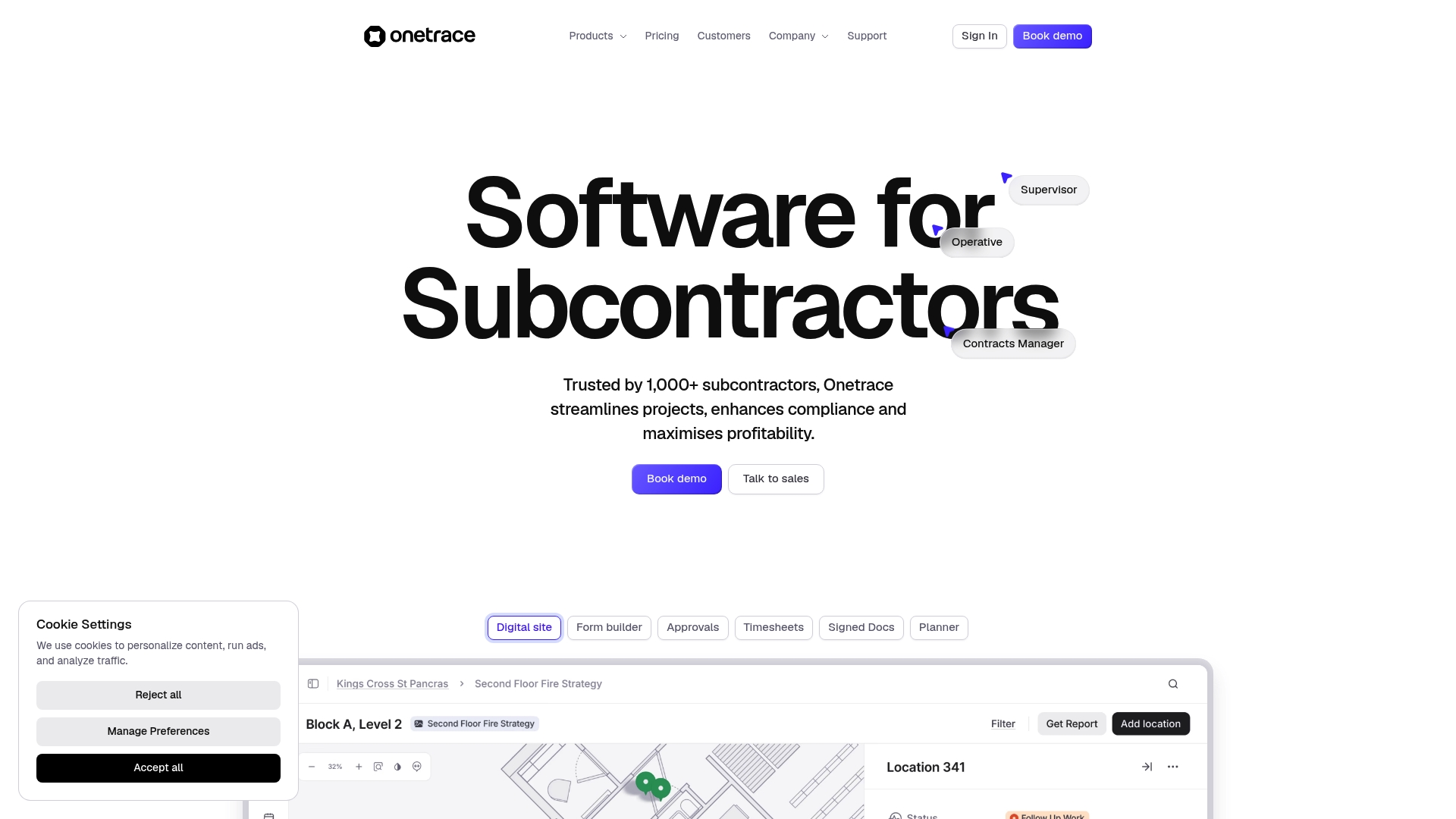
Onetrace reports being trusted by over 1,000 subcontractors. The vendor advertises a 5.0 Google Reviews rating for ease of use and customer service. The product focuses on field-first documentation, with offline mobile capture and live site monitoring for teams that operate away from the office.
Core Features
Onetrace groups project planning, timesheets, inspections, and document management into a single subcontractor-focused toolset. It includes drawing markup and pins for location-accurate notes, digital signatures and approval workflows, and offline data access with syncing for mobile teams. The platform also collects photographic evidence, supports material and variation tracking, and produces branded PDF and Excel reports.
Key Differentiator
Onetrace positions itself around deep field documentation and configurable forms for trade contractors. Its strength is the level of customization for forms, approvals, and reporting so teams can match workflows used on site. That emphasis on tailored data capture makes Onetrace a practical choice when compliance records, photographic evidence, and on-site approvals matter more than broad office-suite integrations.
Pros
The platform adapts well to trade-specific workflows by letting you build custom forms and approval chains. Its mobile app simplifies on-site entries, clock-in and clock-out, and geofenced timesheets, which helps reduce paper and late paperwork. Strong support and frequent updates show in user feedback, and that rating above reflects positive experiences for ease of use and customer service.
Cons
- Some users say the product could simplify certain multi-step workflows; configuration can become complex during setup.
- Pricing is not publicly listed and appears handled via custom quotes, which adds work when comparing vendors.
- The product is aimed at subcontractors, so very large enterprise programs may find gaps in multi-entity reporting.
- Getting full value requires training; teams new to digital forms may need sessions to adopt advanced features.
Who It’s For
Onetrace fits subcontractors, site supervisors, and maintenance teams that need reliable field documentation and compliance records. The product matches best when you require photographic proof, signatures on site, and traceable inspection histories. It serves trades such as fire protection, facilities maintenance, and specialized subcontracting crews.
Real World Use Case
A fire protection contractor uses Onetrace to record inspections, attach photos, and gather client signatures after each visit. Field techs capture evidence offline and sync on return to coverage, which keeps office managers updated. The result is faster report delivery and clearer handovers for clients and regulators.
Pricing
Pricing is not publicly listed. The product entry lists pricing as “Not applicable — informational only,” which indicates quotes are likely configured per customer needs. Expect to contact sales for a tailored price estimate.
Website: https://onetrace.com
Comparison of alternatives
Subcontractor management software options cater to unique operational needs, as demonstrated by Won2Build, eSUB, Plexxis Construction Management Software, and Onetrace. Each platform offers distinct advantages ranging from fully integrated workflows to specialized documentation, allowing subcontractors to choose based on their primary requirements.
Workflow integration and system usability
Won2Build’s strength lies in its cohesive suite integrating estimating, labor tracking, and change order management, streamlining operations from takeoff to invoicing. Alternatively, eSUB and Plexxis provide sophisticated project management functionalities catering respectively to trade-specific workflows and multi-entity project setups. For field-specific documentation, Onetrace excels through configurable forms and offline data synchronization.
Feature specialization vs. unified systems
While Plexxis and Onetrace offer customizable tools for niche applications like real-time equipment management or compliance record keeping, Won2Build focuses on data flow across all phases. This reduces redundant data entry and minimizes errors but may not address unique customization demands as effectively as its competitors.
Best fit
- Subcontractors seeking a fully integrated platform to manage all project elements with minimal manual adjustments will find Won2Build exceptionally advantageous.
- Teams prioritizing offline documentation capabilities and tailored compliance workflows may prefer evaluating Onetrace.
- Firms handling extensive and complex multi-project telemetry can consider Plexxis’ strong multi-environment interfacing capabilities.
Our pick
Won2Build consistently sets itself apart by providing a unified solution for subcontractor needs, minimizing inefficiencies caused by separate systems. While specialized platforms like Onetrace and Plexxis may suit certain scenarios, the cohesion of Won2Build’s tools ensures smooth operation across critical workflows. For operations with straightforward objectives and a need for consistent oversight, this platform stands as an exemplary choice.
Finding the ideal subcontractor management software involves choosing a platform tailored specifically to construction workflows and offering core functionalities that maximize integration and efficiency.
| Platform | Core Feature | Best For | Pricing | Notable Limitation |
|---|---|---|---|---|
| Won2build | Unified estimating and change order tools | Subcontractors managing multiple projects | $400 per month/company | May cost more for single users or small teams |
| eSUB | Document and change order management | Subcontractors emphasizing daily workflows | Price not published | Limited options for non-standard workflows |
| Plexxis Construction | Comprehensive project and payroll system | Trade contractors needing union integration | Price not published | High complexity may overwhelm small teams |
| Onetrace | Custom field documentation and timestamps | Subcontractors prioritizing compliance and evidence | Price not published | Training needed to adopt full capabilities |
What Challenges Do Subcontractors Face When Choosing ConstructTrue.com Alternatives?
Subcontractors managing multiple bids and projects often struggle with duplicated data entry and inconsistent numbers between the field and office. Won2build directly addresses these obstacles by integrating takeoff, estimating, labor tracking, and change order workflows into a single account. Its single sign-on feature prevents double entry and guarantees real-time data updates, which protects profit margins and improves project visibility.
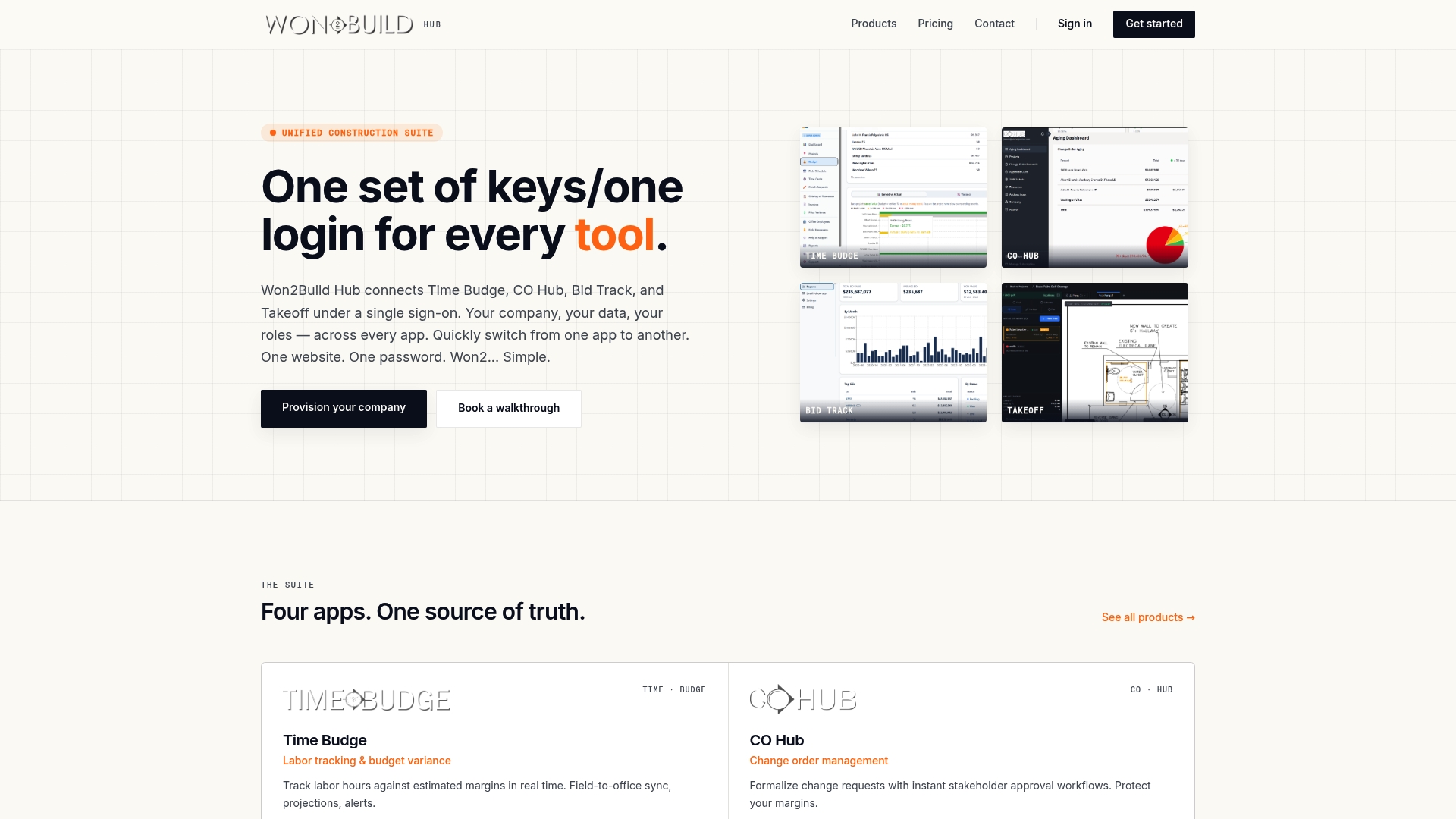
Explore how Won2build can eliminate margin surprises and align your project data effortlessly. Visit Won2build to learn how its four apps—Time Budge, CO Hub, Bid Track, and Takeoff—work together to support subcontractors. Take control of your workflow and improve resource management with a free 14-day trial available on the official site.
FAQ
How does Won2Build handle labor tracking for subcontractors?
Won2Build provides an effective labor tracking feature with its Time Budge app, allowing teams to monitor hours and reconcile them with budgets. The platform’s real time synchronization ensures that all data reflects accurately between the field and office. Subcontractors can expect streamlined tracking, reducing discrepancies and improving overall project visibility.
What is the difference between eSUB and Won2Build?
eSUB is built specifically for trade contractors and emphasizes handling RFIs, change orders, and daily reports efficiently. Won2Build, on the other hand, offers a broader suite that combines estimating, labor tracking, and change order management specifically designed for subcontractors. Depending on your needs, eSUB might excel in document handling while Won2Build provides a more comprehensive management system.
Can I use Onetrace for detailed field documentation instead of Won2Build?
Onetrace excels in providing customizable forms and deep field documentation tailored for trade contractors, making it ideal for teams focused on compliance and inspections. Won2Build, while offering strong functionalities, may not match Onetrace’s level of form customization for specific documentation needs. If documentation is your primary concern, exploring Onetrace first could be beneficial.
What features does Won2Build offer for change order workflows?
Won2Build includes a dedicated CO Hub that connects change orders directly to estimates, reducing the manual entry process. This integration minimizes errors and helps maintain financial visibility throughout projects. Subcontractors can expect to improve their invoicing consistency by utilizing this feature.
How much does Won2Build cost compared to Plexxis?
Won2Build is priced at $400 per company per month with the option for additional charges based on active field workers. Plexxis does not publicly list its pricing, which typically requires a sales consultation. Subcontractors looking for transparent pricing may find Won2Build more straightforward upfront.
Recommended
One login for estimating, bid tracking, change orders, and labor.
The Hub is free. Pay only for the apps you turn on.
Create your free Hub account- 7 Concrete Takeoff Steps Estimators Use to Avoid Ordering ShortfallsFollow seven concrete takeoff steps to calculate cubic yards, size rebar and formwork, convert volumes to supplier units, and verify quantities before bid...
- Are E-Signature Change Orders Legal and Worth the Switch?E-signature change orders streamline your workflow, ensuring faster approvals, fewer disputes, and quicker invoicing—discover the benefits now!
- How to Link Takeoff to Estimate for Accurate BidsLink your takeoff quantities to your estimate for accurate bids. Discover the seamless integration method that reduces errors and saves time.