
Bid Calendar for Subcontractors: Build One That Works
Build a bid calendar that keeps every due date, addendum and follow-up in view. Includes the fields to track, a countdown schedule and a review routine.

A bid calendar for a subcontractor is one shared view of every open invitation to bid, with its due date, its pre-bid meeting, its RFI deadline, who is pricing it and what happens next. Build it as a live log that your whole estimating team updates, not as a wall calendar of due dates. A date in an inbox is a missed bid waiting to happen. This guide shows what to put in the calendar, how to run it from invitation to submission, and how often to review it.
TL;DR
- A useful bid calendar tracks more than the due date: pre-bid meetings, site visits, RFI deadlines, addenda, quote follow-ups and the result.
- Give every bid one accountable estimator and one next action with its own date.
- Count backward from the due time and set internal deadlines well before the external one.
- Log new invitations daily, review the next two weeks twice a week, and review win rates monthly.
- A spreadsheet is a fine start. Once bids overlap, move to a bid pipeline tool that keeps the data in one place.
Table of Contents
- What a bid calendar does for a subcontractor
- What to put in each bid entry
- From invitation to submission: the workflow
- Count backward from the deadline
- How often to update and review
- Prioritizing when bids overlap
- Measuring what the calendar tells you
- Spreadsheet or software?
- Our perspective
- Put your bid calendar in one place
- Common mistakes to avoid
- FAQ
- Sources
What a bid calendar does for a subcontractor
General contractors send invitations to bid in bursts. In a busy season you might have six proposals due in the same week, each with a different scope, a different set of addenda and a different general contractor waiting on you. The bid calendar answers four questions at a glance:
- What is due, and when?
- Who is working on it?
- What is still missing: quotes, addenda, questions answered?
- What happened to the bids we already sent?
The last question is the one most shops skip. A calendar that only looks forward tells you how busy you are. A calendar that also records outcomes tells you which general contractors, project types and bid sizes are worth your estimator’s time. One bid calendar guide from SCA Vi Company names three common mistakes: dates that live only in an inbox, no one owning the calendar, and no record of outcomes. All three are cheap to fix.
What to put in each bid entry
Start with the fields that stop a bid from slipping. Then add the fields that let you learn from it later. If you are building a template, these columns cover most commercial subcontractor work.
| Field | Why it matters |
|---|---|
| Project name and location | Tells you travel time, local labor and code conditions |
| Inviting company and contact | Lets you see which general contractors you actually win with |
| Invitation source | Shows which relationships and bid boards produce work |
| Trade or scope | Keeps you pricing your division, not someone else’s |
| Project size | Helps you filter bids you cannot staff or bond |
| Bid due date, time and time zone | The hard deadline, with the zone spelled out |
| Pre-bid meeting and site visit | Often mandatory, often earlier than you expect |
| RFI deadline | Your last chance to get a question answered |
| Addenda received and reviewed | Prevents pricing against outdated documents |
| Estimator assigned | One name, so overloaded people are visible |
| Go/no-go decision and reason | Builds a record of why you chase or pass |
| Supplier and lower-tier quotes requested | Shows what you are still waiting on |
| Next action and its due date | The single most useful field on the sheet |
| Risks or missing information | Flags gaps before they become a bad number |
| Result, winning number if known, lessons | Turns the calendar into a learning tool |
The SCA Vi guide lists owner, project, size and invitation source up front, then due date, pre-bid meeting, site visit, RFI deadline and addenda. A free bid-board template from a virtual assistant firm takes the same approach, with columns for stage, addenda status, vendor coverage and the next action. Different authors, same skeleton. That tells you the fields are not exotic. The discipline is in filling them in every time.
Keep the stage list short
A bid moves through a handful of stages: invited, reviewing, bidding, submitted, then won, lost or declined. More stages than that and people stop updating them. If you want a fuller breakdown of the pipeline view, our guide to bid pipeline management walks through seven stages and how each one protects margin.

From invitation to submission: the workflow
A calendar is only as good as the routine behind it. This is the sequence that works for most commercial subcontractors, and it matches the process in the PreconLane bid coordination checklist: log, qualify, assign, set internal deadlines, track outreach and pricing, submit, then record the result.

1. Log the invitation the day it arrives
Whoever opens the inbox or the bid board enters the invitation right away: owner, project, size, source, and every date in the invitation. Do not wait until you decide to bid. A declined invitation still belongs in the log, because it feeds your records on which general contractors keep inviting you and which projects you pass on.
2. Make the go/no-go call
Read the scope and decide quickly, and write down the reason. “Too far from the shop,” “crew booked through spring,” “plans incomplete” and “general contractor we have not won with in three tries” are all legitimate. After a year those reasons tell you whether you are passing on the right work.
3. Assign one estimator
Every live bid gets one name. When two bids land on the same estimator on the same day, the calendar shows it and you can reassign or pass before quality suffers. Shared ownership usually means no ownership.
4. Record the early dates
Pre-bid meetings, site visits and RFI cutoffs come before the bid due date, and they are the ones people forget. Enter them as their own lines or reminders, each with an owner.
5. Schedule quote requests and follow-ups
If your number depends on a supplier or a lower-tier subcontractor, request quotes early and put the follow-up date in the calendar. A quote that has not arrived is a risk. Write it in the risk column so it is not a surprise at the end.
6. Check addenda before outreach and before submission
Addenda change scope, quantities and sometimes the due date itself. Mark the addenda count on the entry, and check it again before you send any request to a supplier and before you submit. If you want a full pre-submission list, use our construction bid submission checklist for subcontractors.
7. Submit, then close the loop
When the bid is out, change the stage. When the result comes, record win or loss, the winning number if the general contractor shares it, and one line on what you learned. Closing the entry matters. An open entry from eight months ago is noise that hides the bids that are live.
Count backward from the deadline
The external deadline is the last item on the calendar, not the first. Work backward and give the estimate room to be checked. Here is a countdown schedule many estimating desks use as a starting point. Adjust it to your trade and bid size.
| Time before bid is due | Internal milestone |
|---|---|
| As soon as invited | Read documents, decide go/no-go, send questions and quote requests |
| 48 hours | Quantities finished |
| 24 hours | Quotes leveled and compared |
| 4 hours | Final price set |
| 3 hours | Second person checks the proposal |
| 2 hours | Proposal submitted |
A small bid might compress this to a day. A large bid with heavy takeoff needs more days at the front. The principle does not change. Late information should replace a number inside an estimate you have already built. It should not force you to build the whole estimate in the last hour.
Two pieces of that schedule are worth their own attention:
- Leveling quotes. When several suppliers quote the same scope, compare them on what is included, not just the total. Our guide to construction bid leveling covers how.
- Quantities. Takeoff errors flow straight into your price. If quantities are slow, start the takeoff earlier instead of rushing it. Our commercial bid estimating process explains where the hours go.
How often to update and review
A calendar that is updated weekly is already out of date. A routine that holds up in practice:
- Daily: log new invitations and change any stage that moved. Five minutes, same person, same time.
- Twice a week: review everything due in the next 14 days. Check who is overloaded, which quotes are still missing and which addenda have not been reviewed.
- Before every outreach and submission: confirm the addenda are current.
- Weekly: close out submitted, lost and declined opportunities so the live list stays honest.
- Monthly: look at win rate by general contractor and by project type, as the SCA Vi guide recommends.
The daily and twice-weekly rhythm follows the bid-board template guidance linked above. Pick a named owner for the calendar. When it is everyone’s job, the log goes stale by Friday.
Prioritizing when bids overlap
Overlap is where a calendar earns its keep. When four bids are due Thursday, you need a way to decide where the best estimator’s hours go. Use three questions:
- How likely are we to win? Look at your history with that general contractor and project type.
- How much margin is in it? A bid you can win at a healthy margin beats a bigger one you can only win at cost.
- Can we actually staff it? A won job you cannot man is worse than a passed one.
If the calendar shows workload by estimator, you can see the collision a week out, not the night before. That is the time to ask a general contractor for a short extension, pass on the weakest bid, or shift quantity takeoff to a second person. Our guide on how to submit winning subcontractor bids goes deeper on choosing which bids to sharpen.
Measuring what the calendar tells you
Once you have a few months of closed entries, a handful of simple numbers become available:
- Bid rate: invitations you bid divided by invitations you received.
- Win rate: bids won divided by bids submitted, overall and by general contractor.
- Average margin on won work: compared with the margin you priced.
- Reasons for losses: price, scope gap, late submission, relationship.
If your win rate with one general contractor is poor across a dozen bids, you have a decision to make: price differently, or stop spending estimator hours there. Without the log, you are guessing.
Spreadsheet or software?
A spreadsheet works well when you chase a few bids a month. You can build the table above in an afternoon in Excel or Google Sheets, and many free templates exist. Its weak points show up as you grow:
- Reminders depend on someone remembering to look.
- Two people editing at once creates conflicting versions.
- Numbers from the estimate do not flow into the calendar, so you re-type them.
- Once a bid is won, nothing carries the budget into the job.
That last point is where subcontractors lose the most. The number you bid should become the budget you track in the field. If it lives only in the estimate, you find out about margin problems after the work is done. Our overview of bid tracking software benefits and digital bid tracking for commercial construction explain what to look for when you make the switch.
Our perspective
Most subcontractors we talk to do not lose bids because they cannot estimate. They lose them, or win them at the wrong margin, because the information around the estimate is scattered: a due date in an email, an addendum in a text, a supplier quote in a truck.
We built Won2Build Hub for subcontractors, from a working subcontractor’s point of view. Bid Track keeps your bid pipeline and estimates together, so the calendar is not a separate document someone has to remember to update. Takeoff handles digital plan quantities in the same suite, and one login takes you to the rest, so you do not enter the same data twice.
The part we care about most is what happens after the win. When the bid sits in the same suite as labor tracking in Time Budge and change orders in CO Hub, the number you promised becomes the budget you manage. That is how a bid calendar stops being admin and starts protecting profit.
Jen Reese
Put your bid calendar in one place
If your bid dates are spread across email, a whiteboard and a spreadsheet, start by moving them into one pipeline. Bid Track is our bid management and estimating tool for commercial subcontractors. It is $199 per month per company. Takeoff, our digital plan quantification tool, is $0 per month, and the Hub login that ties the apps together is $0 per month, according to our pricing page. If you also want to carry won bids into the field, Time Budge is $199 per month per company and CO Hub is $59 per month per company, with active field workers at $2 per month each on the modules that use them.
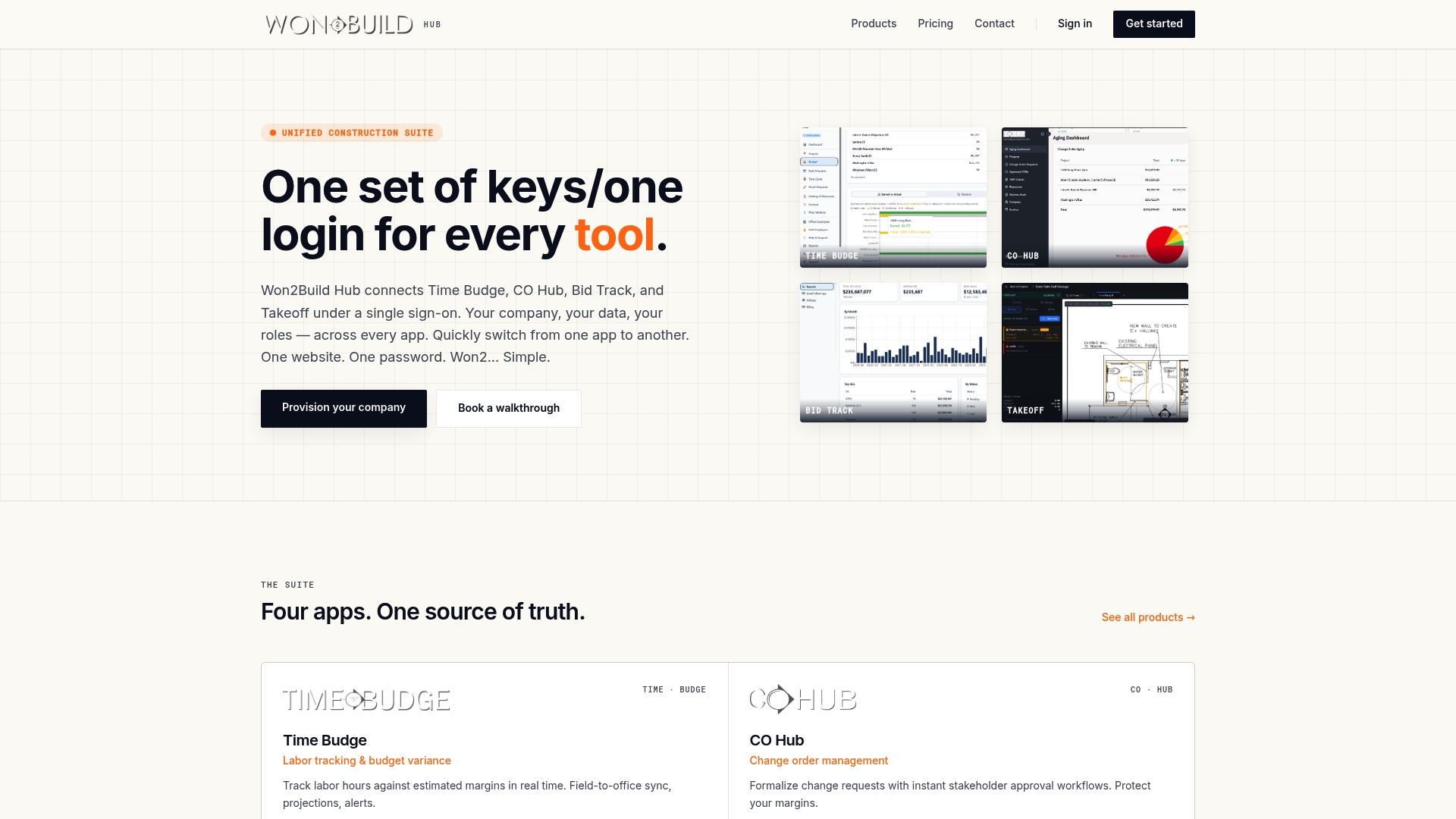
You can see the whole suite on the Won2Build Hub site and compare the individual apps before you choose.
Common mistakes to avoid
- Tracking only the bid due date. The pre-bid meeting and RFI cutoff come first and cost you more when missed.
- No owner for the calendar. Someone must be named for daily updates, or entries age out.
- Skipping the declined bids. They tell you who invites you and why you pass.
- Never recording results. Without outcomes, you cannot see your win rate or learn from losses.
- Ignoring time zones. A bid due at 2:00 p.m. Eastern is noon Mountain. Write the zone on the entry.
- Submitting at the deadline. Plan to submit early so a portal problem or a file-size error does not cost you the bid.
FAQ
What should a bid calendar template include?
At minimum: project and location, inviting company, trade or scope, bid due date and time zone, pre-bid meeting, site visit, RFI deadline, addenda status, estimator, go/no-go decision, next action with a date, and the final result. Add supplier quote status and a risk column if you rely on lower-tier pricing.
How far ahead should I set internal deadlines?
Set them backward from the due time. A common pattern is quantities done two days before, quotes leveled a day before, a second-person check a few hours before, and submission at least two hours early. Shorten it for small bids and lengthen it for large takeoffs.
How often should I update the bid calendar?
Log new invitations daily and review the next 14 days twice a week. Check addenda before you contact suppliers and before you submit. Review win rates by general contractor and project type once a month.
Is a spreadsheet enough for a bid calendar?
It is enough when you handle a few bids at a time and one person owns the sheet. Once bids overlap, several people edit, or you want the bid number to carry into job budgets, a dedicated bid pipeline tool saves rework.
Sources
- Building a bid calendar, SCA Vi Company
- Construction bid board template, ConstructionVirtualAssistants
- Construction Bid Coordination Checklist for Contractors, PreconLane
Recommended
One login for estimating, bid tracking, change orders, and labor.
The Hub is free. Pay only for the apps you turn on.
Create your free Hub account- Construction Change Directive: A Subcontractor's GuideWhat a construction change directive is, how it differs from a change order, and how subcontractors should document and price directed work to get paid.
- Notice of Change: What Subcontractors Must Send and WhenA notice of change protects a subcontractor's right to extra time and money. Learn what to include, who to send it to, and how to document changed work.
- Per Diem Tracking for Construction SubcontractorsHow construction subcontractors track per diem by worker, project and date, keep IRS-ready records, and write a policy that keeps payments tax-free.