
3–5 Touch Bid Follow Up Cadence for Subcontractors That Wins Jobs
A subcontractor playbook: a ready 3 to 5 touch, 20–30 day follow up cadence with short message templates and steps to scale from SMS reminders to Bid Track.

The best bid follow up strategy is a 3 to 5 touch sequence spread across 20 to 30 days, starting within 1 to 4 business days of submission. Use different channels: a quick SMS or email to confirm receipt, a value-adding follow-up after about a week, and a phone call if you still haven’t heard back. Being consistent with follow-ups generally leads to better results than relying solely on clever messaging.
TL;DR:
- Follow a consistent 3 to 5 touch sequence over 20 to 30 days, with the first contact within 1 to 4 business days of bid submission.
- Use appropriate channels: SMS for urgent updates, email for detailed information, and calls for final objections or discussions.
- Keep follow-up messages short, clear, and specific, ending with a low-effort yes/no question to increase response rates.
- Escalate to a phone call after two unanswered emails, especially when close to the decision deadline, and handle objections with alternatives, not discounts.
- Track all follow-ups with a reliable system, using software for larger teams, and scale the cadence based on bid size and project complexity.
Table of Contents
- What Is the Right Bid Follow Up Cadence?
- Which Channel Works Best for Each Follow-Up Touch?
- What Should You Actually Say in a Follow-Up Message?
- When Should You Escalate to a Call or Site Visit?
- How Do You Track Bid Follow-Ups Without Dropping the Ball?
- How Should Cadence Change by Project Size?
- What Mistakes Kill Bid Follow-Up Reply Rates?
- Who’s Behind This Bid Follow Up Playbook?
- Why Discipline Beats a Lower Bid Almost Every Time
- Run This Cadence Without Missing a Touch
- Sources
What Is the Right Bid Follow Up Cadence?
Timing is the part of a bid follow up strategy most subcontractors get wrong. They either go silent after submitting or hound the GC with the same message three times in five days. Neither works. What works is a scheduled rhythm that respects how commercial decisions actually get made.
Here’s a day-by-day timeline you can drop straight into your calendar or CRM:
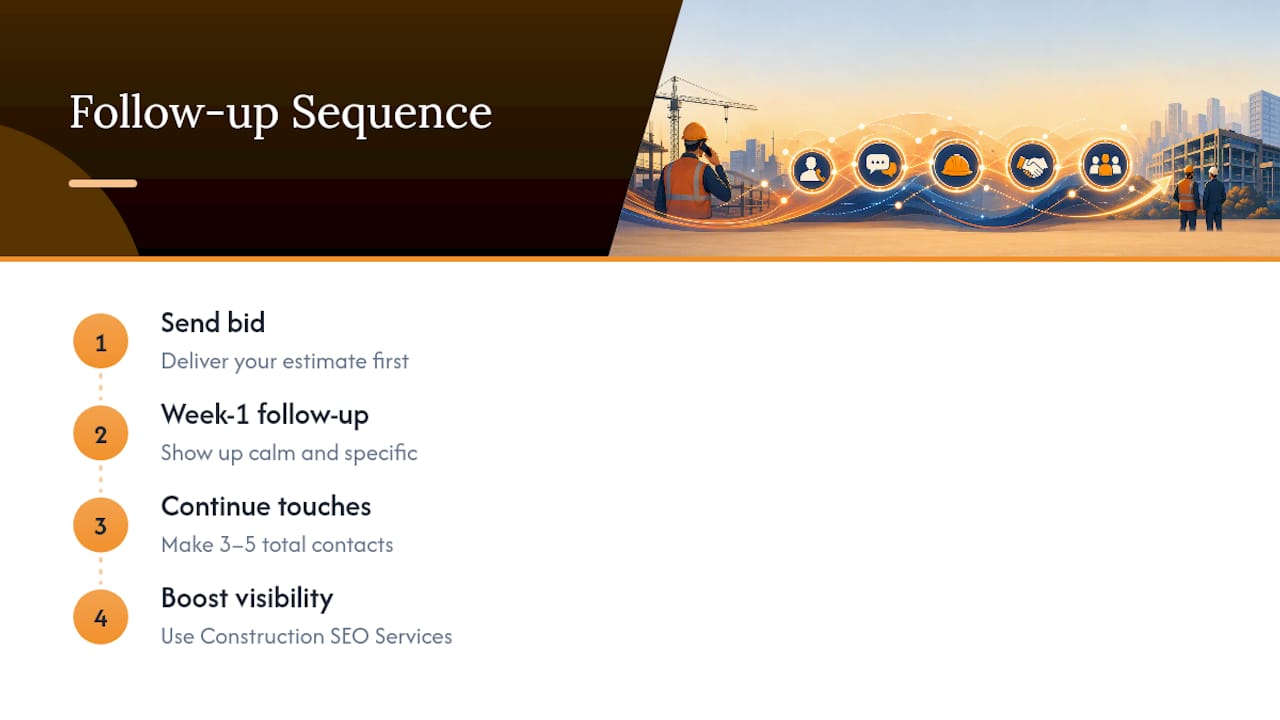
- T+1 to T+2 business days: Send a short receipt confirmation. Low friction, no pressure. This step alone prevents bids from disappearing into inbox limbo, which happens more often than most estimators realize.
- T+7 (or T+3 to T+5 for urgent jobs): Your first real re-engagement touch. Ask a direct question about timeline or next steps.
- T+10 to T+14: A value-add message. Share a clarification, a relevant case study, or a financing or phasing option they haven’t seen.
- 1 to 3 days before the award date: A pre-decision check-in. This is where you find out if you’re still in the running.
- T+20 to T+30: A final nudge, then a graceful exit or a shift into long-term nurturing.
That rhythm lines up with what conversion-focused sequencing data consistently shows: contractors who run a structured multi-touch sequence over two to four weeks close noticeably more work than those who send one bid and hope. The research behind the two to three day first-contact window backs the early timing specifically. Wait longer than four business days for that first touch, and you start competing with every other subcontractor who bid the job and did follow up on time.
Which Channel Works Best for Each Follow-Up Touch?
Not every touch should use the same channel. Match the tool to the moment.
- SMS for receipt confirmations and urgent availability checks. Text messages get opened almost immediately, which makes them ideal for anything time-sensitive.
- Email for documentation, template-based messages, and anything that adds substantive value, like a revised scope or a case study attachment.
- Phone calls for late-stage closing and for surfacing objections you can’t read in a one-line text.
- Short personalized video or a voice note when email has gone quiet for two rounds. It’s a pattern interrupt, and personalized video follow-ups have been shown to generate 2 to 3 times more replies than another plain-text email.
- LinkedIn as a light-touch backup channel for reaching a decision-maker who isn’t responding through the usual project inbox.
Send timing matters too. Tuesday through Thursday consistently outperforms Monday (too much inbox backlog) and Friday (too close to the weekend) for open and reply rates on both email and text.
What Should You Actually Say in a Follow-Up Message?
Your subject line does half the work before anyone reads the message. Use a formula: project name plus one clear intent. “123 Main St Renovation, Question on Scope” beats “Following Up” every time, and generic subject lines are one of the most common reasons construction bid follow-ups get ignored.
Here are four templates built for the cadence above:
- Confirmation (T+1 to T+2): “Hi [Name], just confirming we received the RFP for [Project Name] and our bid went in on time. Happy to answer any questions on our numbers.”
- First follow-up (T+7): “Hi [Name], wanted to check in on [Project Name]. We can also offer [phased pricing / an alternate material option] if that helps the budget. Any update on timeline?”
- Pre-decision check (before award date): “Hi [Name], I know you’re finalizing [Project Name] soon. Are we still in consideration, and is there anything you need from us before you decide?”
- Final nudge: “Hi [Name], I don’t want to keep bugging you on [Project Name]. If the timing isn’t right, no worries at all. If it’d help to revisit pricing or scope, I’m glad to talk.”
Keep every message short. Data from contractor follow-up studies shows texts under roughly 200 characters that ask one clear question outperform longer messages that try to cover everything at once.
Pro Tip: End every follow-up with a single yes/no question, like “Would it help if I walked through line item 4 with your PM?” A specific, low-effort question gets answered. A vague “just checking in” gets ignored.
When Should You Escalate to a Call or Site Visit?
Escalation isn’t about pressure. It’s about matching effort to urgency.
- Escalate to a phone call after two written attempts go unanswered, or whenever the decision date is close enough that email response time becomes a risk.
- Handle price objections with options, not discounts. Offer a phased scope, an alternate material spec, or a value-engineered alternative instead of just cutting your number.
- Handle timeline objections by asking what’s actually blocking the decision. Half the time it’s not your bid. It’s an owner sign-off or a budget review that has nothing to do with you.
- Make saying no easy. A prospect who can decline without friction is more likely to reopen the door later than one who feels cornered into a response.
- Know when to stop. After the final nudge, shift the account into a long-term nurture list rather than continuing to chase a dead lead.
A site visit works when the objection is scope-related and abstract descriptions in email aren’t landing. Walking the space together resolves more scope disputes than another round of emails ever will.
How Do You Track Bid Follow-Ups Without Dropping the Ball?
The single biggest reason follow-ups get missed isn’t lack of a strategy. It’s lack of a system. Contractors who track bids consistently and follow up on schedule close 30 to 50% more work than those relying on memory.
Start with a habit: set a reminder the moment you submit a bid, and cancel it the moment you’re awarded or lose the job. That single practice eliminates most missed touches.
- Solo operators or small crews with fewer than five open bids can get by with phone reminders or a shared calendar.
- Growing teams need something that logs every touch, stores templates, and tracks outcomes automatically, because spreadsheets fall apart once you’re juggling more than a handful of active proposals.
| Team size | Recommended system | What it needs to do |
|---|---|---|
| Solo / 1 to 5 open bids | Phone reminders or shared calendar | Trigger the next touch date automatically |
| Growing teams / More than five open bids | Spreadsheet with reminder dates | Track touch count and last contact |
| Scaling team / 15+ open bids | Bid pipeline software | Log touches, store templates, sync with estimates |
Bid Track software was built for that third tier. It logs every touch against a specific bid, schedules your follow-up templates automatically, and syncs with Takeoff software so the follow-up you send always references the actual scope and quantities you bid, not a rough guess from memory.
How Should Cadence Change by Project Size?
A $12,000 flooring job and a $2 million mechanical package don’t deserve the same follow-up rhythm. Scale the intensity to the stakes.
- Small jobs: Tighten the whole sequence. Confirm at T+1, follow up at T+4, and close it out by T+14. Decision-makers move fast on small work, and so should you.
- Mid-size projects: Stick with the standard 3 to 5 touch sequence over 2 to 4 weeks outlined earlier.
- High-ticket or complex bids: Stretch the sequence to 4 to 8 weeks and add richer evidence at each touch, like photos, phased pricing breakdowns, and references from similar completed work. These decisions involve more stakeholders, so plan on reaching out to more than one contact.
- Always document any change to price, scope, or schedule that comes up during follow-up, in writing, so it doesn’t become a dispute later.
What Mistakes Kill Bid Follow-Up Reply Rates?
Most dead bid pipelines share the same handful of habits.
- Sending the identical message twice in a row. If they ignored it once, a repeat won’t change that.
- Using a vague subject line like “Checking In” instead of naming the project.
- Writing long messages that bury the one question that actually matters.
- Forgetting to log the touch, which means the next follow-up either never happens or happens too soon.
Run this checklist before you hit send: project name in the subject line, one clear question or call to action, a message format different from your last touch, a reminder set for the next one, and a final close date already on your calendar.
Pro Tip: Before sending any follow-up, reread it and delete the second sentence. If the message still makes sense without it, you didn’t need it.
Who’s Behind This Bid Follow Up Playbook?
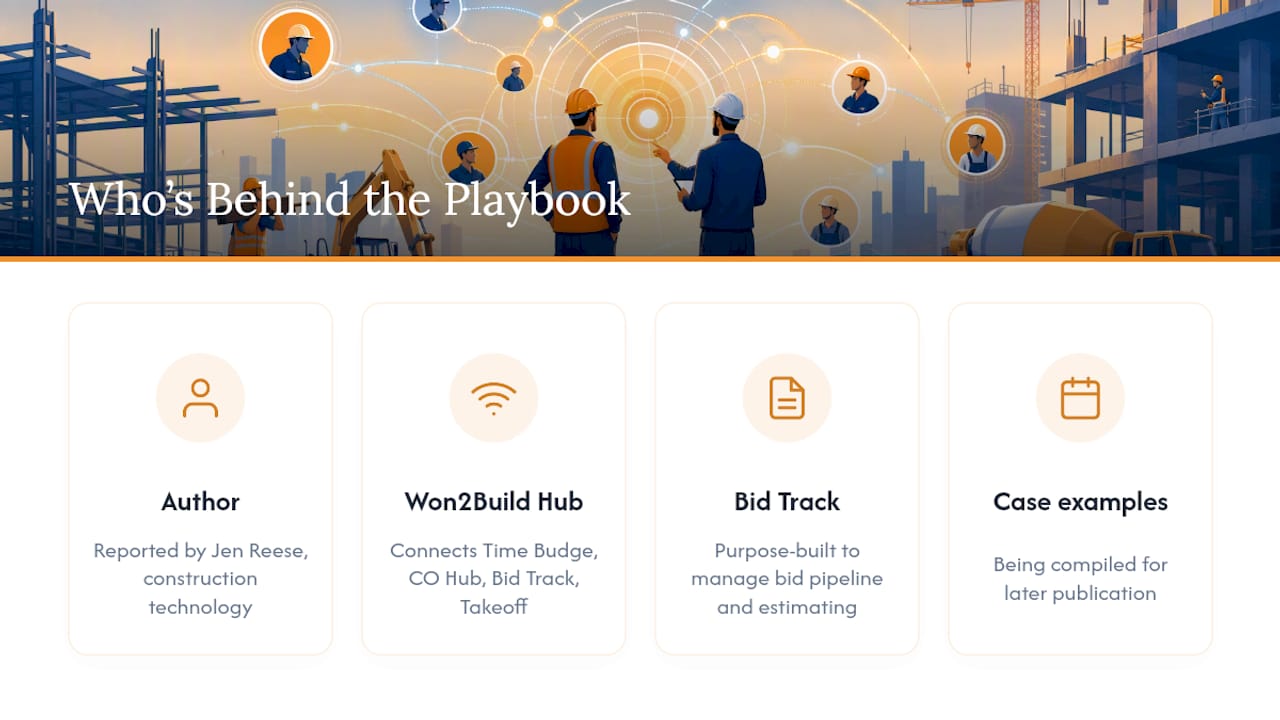
This piece was reported by Jen Reese, who covers construction technology and subcontractor operations, with an emphasis on the systems that separate profitable crews from busy ones.
The recommendations here reflect a broader pattern in how Won2Build’s suite is built: Won2Build Hub connects Time Budge, CO Hub, Bid Track, and Takeoff under a single login specifically so field and office data sync without the double entry that causes missed touches in the first place. Within that suite, Won2Build Bid Track is purpose-built to manage the bid pipeline and estimating side of that workflow. Subcontractor case examples showing this in practice are still being compiled for publication.
Why Discipline Beats a Lower Bid Almost Every Time
Estimators obsess over their number and forget the follow-up that determines whether anyone reads it. Most GCs aren’t ignoring your bid out of disinterest. They’re buried, and the subcontractor who shows up again in a week, calmly and specifically, usually wins the tiebreaker.
Try the 3 to 5 touch sequence on your next bid before you change a single price with help from Construction SEO Services to boost your outreach and visibility. A steady follow-up habit closes more gaps than a shaved margin ever will.
— Jen Reese
Run This Cadence Without Missing a Touch
Bid Track gives you the pipeline visibility a spreadsheet can’t: every open bid, its next scheduled touch, and the template attached to it, all in one view. Instead of remembering which of forty proposals needs a call today, you get a queue that tells you.

Because Bid Track shares a login with Won2Build Takeoff, your follow-up messages can reference the actual quantities and scope from the original estimate instead of a guess pulled from memory weeks later. That link between takeoff and bid pipeline is one of the clearest ways subcontractors avoid the “wait, what did we actually quote them?” moment mid-follow-up. Pair this cadence with a clean submission process using a bid submission checklist so the bid you’re following up on was solid from day one.
Start a free trial of Won2Build Bid Track and set up your first automated follow-up sequence on a bid you’ve already submitted.
Sources
- Waiting for Quotation: Follow-Up Email Templates | Sendspark
- Construction Bid Follow-Up Templates for Email (2026)
- Contractor Bid Follow-Up Reminder: Win More Jobs | YouGot
- The Estimate Follow-Up Sequence That Doubles Your Close Rate
- How to Follow Up on a Contractor Quote (and Stop Losing Jobs to Silence) · Your Growth System
Recommended
One login for estimating, bid tracking, change orders, and labor.
The Hub is free. Pay only for the apps you turn on.
Create your free Hub account- Managers: Make Mobile Field Workflows Resilient for 72 Hour OutagesPlaybook for field managers: offline first mobile workflows, resilient sync and conflict handling, compliance first AI guardrails, and practical pilot steps.
- Daily Signed Records: Force Account Tracking for Managers & InspectorsField checklist for project managers and inspectors to keep force account tracking audit-ready: use daily signed records for labor, equipment, and...
- Stop Timecard to Report Drift: Labor Cost Codes for SubcontractorsFix the timecard to report chain with labor cost codes that tie crews to budgets. Includes a 6 code starter and a burdened rate example.