
Labor Allocation Planning for Commercial Subcontractors
How commercial subcontractors plan labor allocation: build hours from the estimate, load crews by week, track actuals and fix gaps before they cost margin.

Labor allocation planning means deciding, before the work starts, how many hours of which trade go to which job in which week, then checking that plan against what the field actually does. For a commercial subcontractor, it works only when the estimate, the schedule, the crew roster and the daily hours all live in one connected record. When they sit in four places, the plan is out of date by Wednesday. Won2Build Hub puts labor tracking, change orders, bids and takeoff behind a single login, so the hours you planned and the hours your crews report stay in the same system.
This guide walks through the routine step by step: where the numbers come from, how to spread them across jobs, how to compare plan to actual, and what to do when the two drift apart.
TL;DR
- Build every labor budget from the estimate, in hours and units of production, not only dollars.
- Spread those hours across a weekly crew-loading schedule tied to the general contractor’s schedule, then add it up across all your jobs.
- Include likely bids in the forecast at a weighted probability so a win does not catch you without a crew.
- Compare planned and actual hours every week, because the sooner a loss shows up, the more you can recover.
- Keep field, project managers and estimators on one dataset so the plan changes when the job changes.
Table of Contents
- What labor allocation planning means on a subcontractor’s jobs
- Step 1: Turn the estimate into a labor budget in hours
- Step 2: Spread the hours across a crew-loading schedule
- Step 3: Add every job together, and your pipeline too
- Step 4: Fill the gaps before they cost you
- Step 5: Track actual hours against the plan every week
- Measures that show whether your allocation plan is working
- Keep the plan alive as conditions change
- What it costs to run this in Won2Build Hub
- Our perspective
- FAQ
- Sources
What labor allocation planning means on a subcontractor’s jobs
A general contractor plans the whole project. You plan only your slice of it, but you plan it across every job you have running, with one pool of foremen, journeymen and apprentices. Allocation is the act of assigning that pool to work, week by week, so that no job is starved and no crew stands idle.
It matters because labor is where a subcontractor’s margin is made or lost. Once a project crew reaches 5 to 10 workers, tracking labor becomes critical: an average 10-worker crew carries roughly $10,000 a week in burdened labor cost. Burdened means wages plus payroll taxes, insurance and benefits. A few idle days across several crews add up quickly.
The Construction Management Association of America makes the field-side point well. Budgets built without enough field input produce the familiar complaint that there were never enough hours in that labor budget, and the jobsite speaks in hours and units of production, such as telling a crew it has 1,500 hours to form 16 columns, not handing them a dollar figure. A plan the foreman can act on is a plan in hours.

Step 1: Turn the estimate into a labor budget in hours

Everything starts with the estimate. The worked example from EC&M is simple and worth copying: a $50,000 unit price less $17,000 of materials leaves $33,000 of labor, and at a $22 hourly rate that is 1,500 labor hours.
Where it goes wrong:
- The rate is not burdened. If you divide by a base wage, the hours look generous and the job overruns. Use a fully burdened rate. Our labor cost calculator guide shows how to get there fast.
- The estimate is dumped into job cost without the field seeing it. CMAA warns that creating budgets in a vacuum widens the gap between office and jobsite. Walk the foreman through the hours before the job starts.
- Quantities are not tied to productivity. Every labor line should carry a unit rate, such as feet of conduit per hour or hours per fixture. Those rates become the production goals. As EC&M puts it, meet the goals and labor lands on budget; miss them and it overruns.
If your estimators work in a spreadsheet and your project managers re-key the numbers into a tracking tool, that is where hours quietly change. Bid Track and Takeoff in the Won2Build Hub keep the bid estimate and digital plan quantities in the same suite as Time Budge, so the budget a project manager inherits is the one the estimator built. For a deeper look at the inputs, see our guide on estimating labor hours and closing the loop.
Step 2: Spread the hours across a crew-loading schedule
Hours alone do not tell you how many people to send on Monday. You need a man-loading schedule: the hours distributed across the weeks the work will take, in step with the general contractor’s schedule.
EC&M’s sample allocates 6 workers at 40 hours a week for 6 weeks, which gives 1,440 hours against the 1,500-hour budget. That small gap is deliberate: it shows you are planning slightly inside budget, and it gives the foreman a clear headcount for each week.
CFMA’s guidance, drawing on Dr. Perry Daneshgari, adds the logic that makes this work for trade contractors. The general contractor sequences the project backward from the finish. Your work breakdown is the forward pass: tasks built from that sequence, each with its own labor. Add up the labor across overlapping tasks and you get a labor loading curve that you can compare with the people you really have.
Two practical points from the same article:
- For effort-driven tasks you can fix the duration or the headcount, not both. Decide which one the schedule forces.
- When the curve shows you short, you have options besides hoping: ask for out-of-sequence work, move work off the jobsite through prefabrication or vendor-managed inventory, or find more labor.
Phases rarely load evenly. Mobilization and closeout usually run lighter than peak production, so an average-hours crew size will be wrong at both ends. Plan each phase on its own curve.
Step 3: Add every job together, and your pipeline too
The real allocation problem appears when you stack jobs. Each project looks fine alone, but in the same week three of them may each want your best foreman.
Build one rolling view with trades as rows and weeks as columns, each cell showing hours or headcount needed across all projects. Compare each week’s total demand with the crew you can field. Any week where demand exceeds capacity is a flag, and the earlier you see it, the more options you have.
A few habits make this view trustworthy:
- Use specific headcounts, not ranges. Four electricians is plannable. Three to five is not.
- Mark confidence. Signed work is high, likely awards are medium, pursuits are low. Weight the low ones so a long shot does not drive hiring.
- Look at least 8 to 13 weeks out and refresh it weekly, using the actual schedule updates from the general contractor.
- Plan by role, not only total heads. Ten available workers do not help if you need three pipefitters with specific certifications.
This is also where your bid pipeline belongs. Jobs you are likely to win become real demand within weeks. Bid Track keeps the bid pipeline in the same suite as your labor data, so project managers can see what may land next. Our guide to multi-project time tracking covers how crews move between jobs without losing hours.
Step 4: Fill the gaps before they cost you
Once the combined view shows a gap, you have a decision to make early, not a scramble late. The usual responses are hiring, borrowing crews between jobs, overtime, adding a temporary labor source, resequencing with the general contractor, or declining or delaying a bid. Hiring qualified people takes time, so the gap has to be seen months ahead, not weeks. Likewise, a lull in the pipeline is its own allocation problem, and ways to book more jobs matter as much as ways to staff them.
Overtime deserves a hard look. It solves a short-term capacity gap but raises your burdened cost per hour, so it should be a planned choice with a number attached, not a default.
For the day-to-day side, our post on construction resource allocation lays out six steps for project managers to cut idle time.
Step 5: Track actual hours against the plan every week
A plan is only useful if you can see how far reality has moved from it. AACE International’s recommended practice on lost labor productivity says labor productivity should be compared routinely to as-bid or as-planned productivity to see how a project is progressing, and that the earlier a loss is detected, the more likely corrective action will work.
That sentence is the whole case for same-week reporting. If the first time you see a labor overrun is the monthly job cost report, the crew has already spent the hours.
A NECA 2025 convention presentation describes the labor-planning stack in plain terms: forecast planned labor by week or day for each project, keep a roster of people with skills, certifications and job history, make named assignments with durations, track plan against progress, and alert people in real time. Plan versus progress means labor actuals, percent complete and projected hours at completion.
Time Budge is built for the field side of that loop: hours are entered from the field, synced to the office in real time, and reported per project, with a mobile and bilingual interface. For methods, see our guides on tracking labor hours on job sites and comparing labor budget to actuals.
Count units, not only hours
Hours tell you what you spent. Units installed tell you what you got. A crew that logs 400 hours may be on or behind plan depending on how much is in place. Pair hours with quantities, as described in our post on production versus time tracking, and you will see productivity problems while there is still time to act.
Measures that show whether your allocation plan is working
Pick a handful and review them on the same day each week:
| Measure | What it tells you | How to calculate |
|---|---|---|
| Planned vs. actual hours | Whether the job is burning labor on schedule | Actual hours to date divided by planned hours to date |
| Productivity rate | Whether crews hit the unit rates in the estimate | Units installed per labor hour, against the estimate rate |
| Projected hours at completion | Where the job will end up if nothing changes | Hours to date plus remaining quantity at current rate |
| Crew utilization | Whether people are idle or overbooked | Hours on assigned work divided by available hours |
| Weekly demand vs. capacity | Whether you will be short or long | Total planned hours by trade against crew you can field |
| Overtime share | How much of your capacity gap you pay a premium to cover | Overtime hours divided by total hours |
If planned versus actual drifts and productivity is flat, the budget may have been tight. If hours are on plan but units lag, the crew is slow or the work is harder than bid. The reading tells you whether to adjust the plan or the field. Our labor productivity tracking guide goes further on this.
Keep the plan alive as conditions change
Schedules slip, general contractors resequence, change orders add scope. Each of those moves labor demand. A plan that is not updated becomes a document nobody trusts.
A workable rhythm:
- Weekly: update the combined forecast with the latest schedule, actual hours and any new awards.
- Daily: foremen report hours and quantities from the field, so the office sees them without a phone call.
- When scope changes: record the change order and its labor hours the same day, so extra work is both billed and planned. CO Hub handles change orders and T&M tickets in the same suite.
The rule behind all of this is single entry. When someone types the same hours into two systems, one of them is wrong. Won2Build Hub uses single sign-on across its four apps so that data moves between them without double entry. For the people side, see our overview of subcontractor workforce management.
What it costs to run this in Won2Build Hub
The Hub itself and Takeoff are listed at $0 per month. Time Budge, for labor and job cost tracking, is $199 per month per company, and Bid Track, for estimates and the bid pipeline, is $199 per month per company. CO Hub is $59 per month per company. The active field worker fee is $2 per month per active field worker. Pricing is flat per company, with unlimited team members, and you can subscribe to the full bundle or to individual apps. Current terms are on the pricing page.
If labor allocation is your first priority, start with Time Budge for hours and job cost, and add Bid Track to bring your pipeline into the forecast.
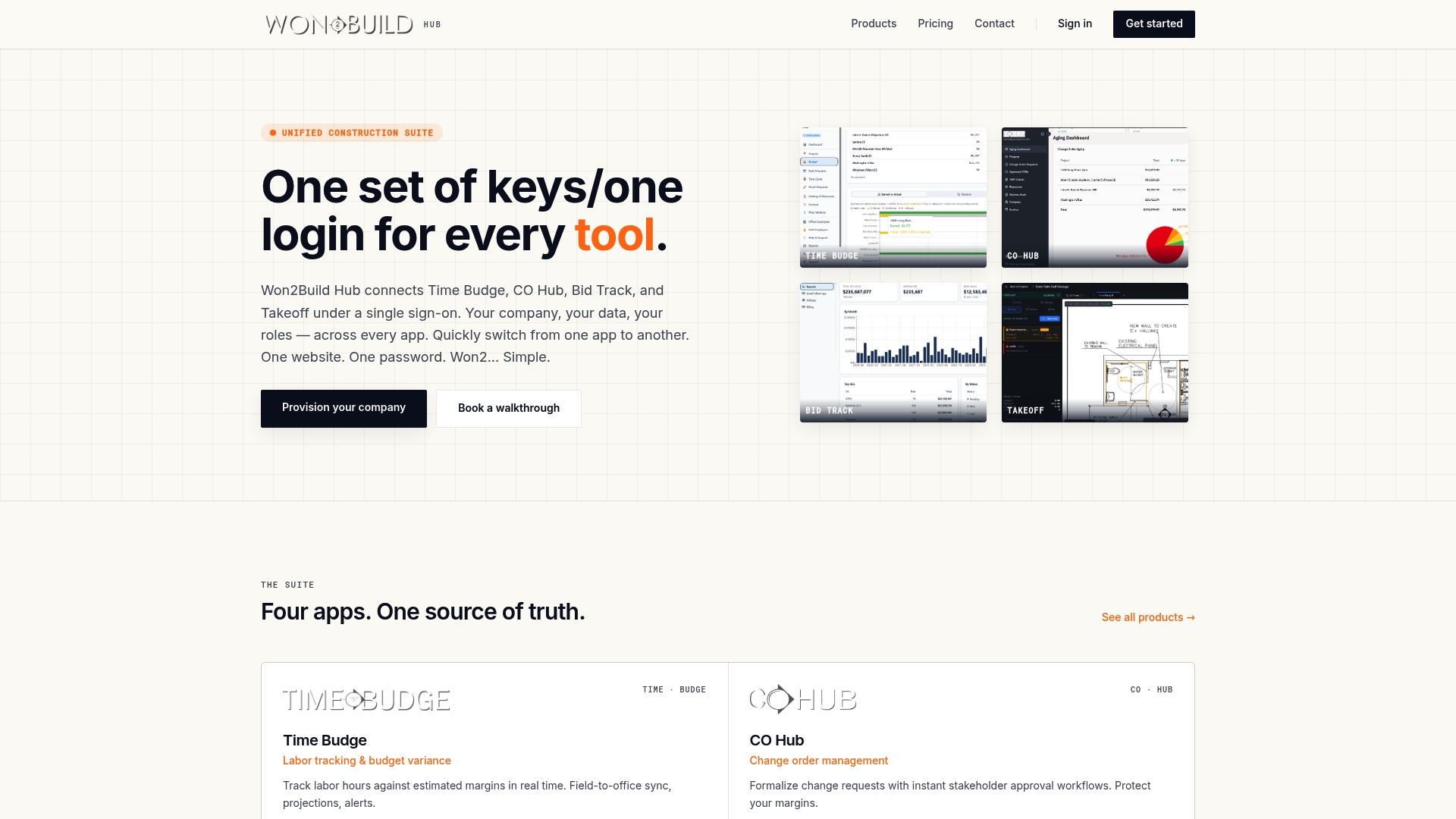
See how the four apps work together on the Won2Build Hub page, and start with the trial.
Our perspective
Subcontractors rarely lose margin in one big mistake. They lose it in small gaps: an estimate that never reached the foreman, hours typed twice, a change order that never made it into the plan. Every gap is a place where the office and the field stop sharing the same numbers.
That is why we built Won2Build Hub as one suite with one login. Estimating, takeoff, labor tracking and change orders belong to the same story, and the story should not need retyping. We designed it from a working subcontractor’s perspective, with flat per-company pricing and unlimited team members, so that the whole crew, not just the project manager, can be part of the plan.
Allocation planning is not a spreadsheet exercise you do once. It is a weekly habit, and it only sticks when entering the data is easy for the person in the field. Make that easy, and the plan stays true.
Jen Reese
FAQ
What is the difference between labor allocation and labor scheduling?
Scheduling assigns specific people to specific tasks and days. Allocation is the wider step above it: deciding how your total labor pool is divided across all active and upcoming jobs. Good allocation makes scheduling much easier, because each job already has a realistic share of hours and crew.
How far ahead should a subcontractor forecast labor?
A rolling window of about 8 to 13 weeks, refreshed weekly, is a common practice for trade labor. Longer-lead roles, such as qualified project managers, need a view of several months because hiring takes time. Weighted pipeline work extends the picture further.
What should I do when demand exceeds my available crew?
Act as soon as the gap shows. Options include moving crews between jobs, planned overtime, adding labor, prefabrication to take hours out of the field, or resequencing with the general contractor. Pick the one with the lowest cost per hour that the schedule allows.
Do I need to track units installed as well as hours?
Yes. Hours show effort and units show output. Together they give you a productivity rate you can compare to the estimate, which is the earliest sign that a job is heading for an overrun.
Sources
- Project Labor Forecasting, CMAA
- Managing Project Labor Costs Effectively, EC&M
- Orchestrating Success: Connecting Work, Effort and Time, CFMA
- 25R-03: Estimating Lost Labor Productivity in Construction, AACE International
- Tech-Enabled Labor Planning, NECA 2025 Tradeshow presentation
Recommended
One login for estimating, bid tracking, change orders, and labor.
The Hub is free. Pay only for the apps you turn on.
Create your free Hub account- Sheet Set Organization for Subcontractors: A Plan Set SystemHow commercial subcontractors can organize a construction sheet set: sort by discipline, track revisions, name files, and keep takeoff, bids and change orders tied to it.
- Addenda Tracking in Construction: A Sub's PlaybookHow commercial subcontractors track addenda: build a log, read each change against your scope, update takeoffs and quotes, and confirm acknowledgment before bid day.
- Data Security for Construction Subcontractors: A Practical GuideWhat data a commercial subcontractor must protect, where it leaks between field and office, and the controls that cut the risk: MFA, access, backups, contracts.