
Best SubHQ.app Alternatives for Construction Subcontractors
Discover the best SubHQ.app alternatives for construction subcontractors. Explore top tools like Won2Build Hub, Jobber, and more to elevate your business.

The best SubHQ.app alternatives for US construction subcontractors are Won2Build Hub, Jobber, Housecall Pro, and ServiceTitan. Each targets a different company size and workflow, so the right pick depends on where your business is today, not where you hope it will be in three years.
Here’s a quick breakdown of the top platforms:
- Won2Build Hub — Built exclusively for subcontractors, with four integrated apps (Time Budge, CO Hub, Bid Track, and Takeoff) under a single sign-on. No redundant data entry, real-time field-to-office sync, and purpose-built for labor tracking, change order management, bidding, and digital takeoffs.
- Jobber — Best for solo operators and small crews (1–10 technicians). Core plan starts at $39/month, with clean quoting, scheduling, and invoicing. Fast to deploy, low learning curve.
- Housecall Pro — Fits growing contractors with 3–15 technicians. Pricing starts at $59/month, with stronger marketing tools, dispatching, and automation than Jobber.
- ServiceTitan — Enterprise-grade for large subcontractors with dedicated office staff. Pricing often runs $250–$500 per technician monthly, plus significant implementation fees. Powerful analytics, but steep learning curve.
Table of Contents
- Which SubHQ.app alternatives fit your subcontracting workflow?
- How to choose the right project management software for your subcontracting business
- Why integrated software like Won2Build Hub protects your profit margins
- Won2Build Hub: a purpose-built alternative for subcontractors
- Key Takeaways
Which SubHQ.app alternatives fit your subcontracting workflow?
The table below maps each platform to the criteria that actually matter on a job site: company size, core features, ease of use, pricing, and integration depth.
| Criteria | Small Crew (1–10 techs) | Growing Operation (3–15 techs) | Enterprise (15+ techs) | Subcontractor-Specific Suite |
|---|---|---|---|---|
| Best For | Solo to small team | Mid-size, growth-focused | Large, complex operations | Subcontractors of any size |
| Core Features | Quoting, scheduling, invoicing | Dispatching, marketing, automation | Advanced dispatch, pricebook, analytics | Labor tracking, change orders, bidding, takeoff |
| Ease of Use | Very high — minimal training | Moderate — some onboarding | Low — expect 2 weeks ramp-up | High — single sign-on across all apps |
| Pricing Model | From $39/month, no setup fee | From $59/month, no setup fee | $250–$500/tech/month + significant implementation fees | Contact for pricing |
| Integration & Data Sync | QuickBooks, Xero, basic APIs | QuickBooks, Xero, expanded library | Extensive API, native accounting sync | Real-time field-office sync within suite |
The pricing gap between tiers is real. A 10-technician team on an enterprise platform could spend a substantial amount per month on software alone, while the same team on a mid-tier platform pays significantly less. The question is whether the extra features actually get used.
Ease of use and mobile accessibility are critical for subcontractors working in the field with varied tech skills. A platform your crew ignores because it’s confusing costs more than a simpler one they actually use. Jobber’s mobile app is consistently rated the cleanest of the three field service platforms. ServiceTitan’s app is powerful on a tablet but can feel cluttered on a phone. Housecall Pro lands in the middle.
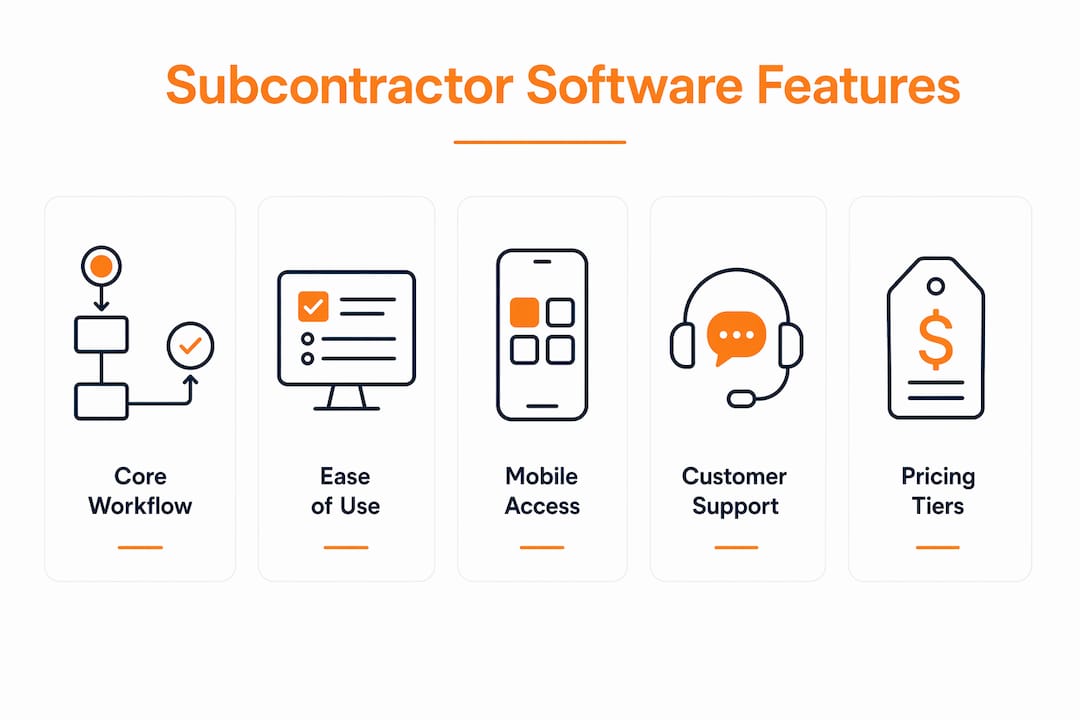
Customer support also varies significantly. Jobber’s support is consistently rated highly for responsiveness, especially for smaller businesses. Housecall Pro offers phone, chat, and email with generally quick response times. ServiceTitan assigns dedicated customer success managers for larger accounts, which helps during onboarding but doesn’t fully offset the steep setup complexity.
Choosing functional fit over feature count is the insight most contractors miss. A platform with 200 features you use 15 of is not a bargain. It’s overhead.

How to choose the right project management software for your subcontracting business
Selecting construction management software should follow a structured evaluation, not a feature checklist. Start with your actual pain points.
Key criteria to work through before committing to any platform:
- Pain points first. Are you losing money on change orders? Struggling to track labor hours accurately? Spending hours on manual bid estimates? The software that solves your specific problem beats the one with the longest feature list.
- Core functions over extras. Identify the three or four workflows that directly affect your profit margin. Every platform should handle those well before you evaluate anything else.
- Scalability vs. current fit. Early adoption of enterprise-grade software often leads to over-complexity and costs that don’t match the business stage. A 3-person crew does not need the same platform as a 50-person operation.
- Total cost of ownership. Subscription fees are just the starting point. Factor in implementation, training, integrations, and potential cancellation fees. These are routinely underestimated and can double the real annual cost.
- Mobile accessibility. If your field crew can’t use it from a phone on a job site, adoption will stall regardless of how good the desktop version is.
Pro Tip: Before signing any contract, run a real trial with your actual workflows, not a demo environment. Import a live job, test your chart of accounts sync with QuickBooks or Xero, and have a field tech try the mobile app on a real device. That’s where integration gaps and usability problems surface.
Cloud-based construction software accounts for 95% of current adoption due to lower upfront costs and better collaboration. On-premise solutions are rarely worth the infrastructure overhead for subcontractors unless there’s a specific compliance reason.
Demos are useful, but hands-on trials reveal more. Most platforms offer 14-day free trials. Use them on a real project, not a sandbox.
Why integrated software like Won2Build Hub protects your profit margins
The core problem with using separate apps for bidding, labor tracking, change orders, and takeoffs is data fragmentation. Every time a number moves from one system to another manually, there’s a chance for error, and in subcontracting, those errors show up directly in your margins.
Won2Build Hub’s single sign-on integration eliminates that gap. Time Budge, CO Hub, Bid Track, and Takeoff share data in real time, so a change in the field updates the office record automatically. No re-keying. No version conflicts between what the PM sees and what the crew logged.
Key advantages of a purpose-built integrated suite for subcontractors:
- Labor tracking accuracy. Time Budge captures hours against specific jobs and cost codes, giving you real job cost data instead of estimates.
- Change order control. CO Hub keeps every change order documented, tracked, and tied to the original contract, protecting you from scope creep that goes uncompensated.
- Faster, more accurate bids. Bid Track manages your entire bid pipeline, while Takeoff handles digital plan quantification, so your estimates are grounded in actual quantities rather than guesswork.
- Field-to-office sync. Real-time data synchronization means your project manager and your field crew are always working from the same numbers.
- Profit margin visibility. When labor, change orders, and bid data all live in one connected system, you can see where a job is trending before it’s too late to course-correct.
For subcontractors evaluating alternatives to SubHQ.app, the distinction between a general field service platform and a purpose-built subcontractor suite matters. Platforms like Jobber and Housecall Pro handle scheduling, invoicing, and dispatching well. They were built for service businesses broadly. Won2Build Hub was built specifically for the subcontractor workflow, where takeoffs, change orders, and labor cost tracking are the core profit levers. You can also explore cloud-based takeoff software advantages and how they apply to your estimating process specifically.
Won2Build Hub: a purpose-built alternative for subcontractors
If you’ve been running separate tools for estimating, labor tracking, and change order management, the administrative overhead adds up fast. Won2Build Hub consolidates those four critical functions into one connected suite, with a single login and real-time data sync between every app.

The concrete difference: no double entry between your estimating tool and your job cost tracker, no disconnected change order log sitting in a spreadsheet, and no manual reconciliation at month-end. Bid Track manages your full bid pipeline. Time Budge tracks labor against actual job costs. Takeoff handles digital plan quantification. CO Hub keeps every change order documented and tied to contract value. All four apps share data automatically.
For subcontractors who’ve been patching together generic tools, Won2Build Hub is worth a direct look. Visit won2build.com to see the full suite and start your 14-day free trial.
Key Takeaways
The right SubHQ.app alternative for a US construction subcontractor depends on company size, core workflow needs, and total cost of ownership, not feature count alone.
| Point | Details |
|---|---|
| Match platform to company size | Jobber fits 1–15 techs from $39/month; Housecall Pro suits 3–15 techs from $59/month (most teams start at $149/month); ServiceTitan targets 15+ techs at $250–$500/tech/month. |
| Functional fit beats feature count | Software that handles your three core profit-driving workflows well outperforms a bloated platform you use at 15% capacity. |
| Total cost of ownership is often underestimated | Implementation, training, integrations, and cancellation fees routinely double the apparent subscription cost. |
| Mobile usability drives field adoption | A platform your crew won’t use on-site delivers no value; prioritize apps rated highly for field usability. |
| Won2Build Hub for subcontractor-specific needs | Won2Build Hub’s single sign-on suite covers labor tracking, change orders, bidding, and takeoff in one connected platform built for subcontractors. |
Recommended
One login for estimating, bid tracking, change orders, and labor.
The Hub is free. Pay only for the apps you turn on.
Create your free Hub account- Construction Change Directive: A Subcontractor's GuideWhat a construction change directive is, how it differs from a change order, and how subcontractors should document and price directed work to get paid.
- Notice of Change: What Subcontractors Must Send and WhenA notice of change protects a subcontractor's right to extra time and money. Learn what to include, who to send it to, and how to document changed work.
- Per Diem Tracking for Construction SubcontractorsHow construction subcontractors track per diem by worker, project and date, keep IRS-ready records, and write a policy that keeps payments tax-free.