
Takeoff Software Cost: What Subcontractors Pay in 2026
What takeoff software costs a commercial subcontractor: pricing models, free tiers, hidden costs and a worked monthly example, with Won2Build's published prices.

Takeoff software costs anywhere from nothing to several thousand dollars per user per year, and the number on the pricing page is rarely the number you end up paying. What decides your real cost is the pricing model (flat, per user, or one-time), how many people need access, and whether takeoff lives inside a larger system or sits alone. For a commercial subcontractor, the smartest comparison is the total monthly cost of the whole estimating-to-billing chain, not the price of one tool.
This guide explains how takeoff software is priced, what pushes the bill up, what free tiers usually include, and how to work out your own number. We also show our own published prices, so you can see what a flat per-company model looks like in dollars.
TL;DR
- Takeoff software is sold three main ways: monthly or annual subscription, per-user licenses, and one-time purchase. Per-user pricing grows with every estimator you add.
- The biggest cost drivers are seat count, contract length, add-on modules, and the time lost re-keying quantities into a separate estimating or billing tool.
- Free plans and trials exist, but check what they cap: projects, exports, users, or the ability to send quantities into a bid.
- With Won2Build, Takeoff is $0 per month. Time Budge and Bid Track are $199 per month per company each, CO Hub is $59 per month per company, and the active field worker fee is $2 per month.
- Add up the full workflow cost before you compare. A cheap standalone takeoff tool can cost more once you pay for the tools around it.
Table of Contents
- The three ways takeoff software is priced
- What actually drives the cost
- Free takeoff software: what you get and what to check
- What you get at different price points
- A worked example: a commercial sub with 10 field workers
- The cost nobody lists: double entry
- How to compare vendors without getting burned
- Perspective
- See what a flat company fee looks like
- FAQ
- Sources
The three ways takeoff software is priced
Vendors build prices on a few familiar models. Knowing which one you are looking at tells you how the bill will behave as your company grows.
Subscription
Subscription pricing commonly uses monthly or annual fees, and it comes as flat-rate, tiered or per-user plans. TechTarget’s overview of subscription pricing notes that longer commitments frequently cost less than month-to-month. That matches what most subcontractors see: an annual contract lowers the monthly rate but locks you in.
For you, the upside is predictability. You know what leaves the bank account each month, and updates are included. The risk is paying for months when your estimating volume is slow, which is why contract terms matter as much as the rate.
Per-user pricing
Per-user pricing scales cost directly with the number of team members. Chargebee’s guide to subscription models describes it as popular for B2B collaboration tools, where the software is seen as more valuable as more people use it. The U.S. Chamber of Commerce’s small business guidance makes the same point from the vendor side: revenue tracks the number of people using the product.
In takeoff, that means a three-person estimating team pays three times what a solo estimator pays. If your project managers, foremen and owner also want to view quantities, the seat count creeps up fast. Flat per-company pricing removes that pressure, which is why we built ours that way.
One-time purchase
A one-time purchase is a single transaction rather than a recurring fee. Stripe’s guide to SaaS pricing models describes it that way, and it does not settle whether access is permanent or whether support, maintenance and updates cost extra. That gap is exactly where buyers get surprised. Before you buy a perpetual license, ask in writing what happens when the software needs an update, when your operating system changes, or when you need help.
Usage-based pricing
Some tools charge for what you use, such as per project or per measurement set. Stripe notes that usage-based pricing can appeal to customers who prefer paying for what they use. For a sub who bids in bursts, that can fit. For a sub who bids every week, it can end up costing more than a flat fee, so run your own bid count through it before you commit.
What actually drives the cost
The sticker price is one piece. These are the factors that change what a subcontractor pays over a year.
Number of users
Count everyone who touches plans or quantities: estimators, project managers, a second estimator who covers vacations, and the owner who reviews numbers before a bid goes out. Under a per-user model each is a line item. Under a flat company fee, they are not.
Contract length and billing
Monthly billing gives you flexibility to stop. Annual billing lowers the rate but commits you for twelve months. Ask about auto-renewal, price changes at renewal, and whether you can drop seats mid-term.
Bundled or separate tools
Takeoff produces quantities. Those quantities feed an estimate, the estimate becomes a bid, and the bid becomes a job that needs labor tracking and change orders. If each step is a separate product from a separate vendor, you pay several subscriptions and someone retypes data between them. That retyping is a real cost: hours of office time and a chance of errors that eat margin. Our own writing on construction software pricing models walks through how those layers stack.
Add-ons and extras
Watch for charges that sit outside the headline price: cloud storage for large plan sets, premium assembly libraries, extra projects, training, onboarding, and support tiers. Ask each vendor for an itemized quote, the same way you would use an itemized quote checklist when pricing any trade work, so nothing hides in a line you did not see.
Hardware and setup
Digital takeoff works best on a second monitor, and large plan sets run better on a decent machine. If you are moving off paper and a scale ruler, budget for a screen before you budget for another software seat.

Free takeoff software: what you get and what to check
Free options fall into a few groups. Some are truly free tiers that stay free. Some are time-limited trials, commonly around two weeks. Some are free to start but charge once you need exports, more projects or more users.
Before you rely on a free plan for real bids, test it against these questions:
- Is there a cap on projects, plan sheets or measurements?
- Can you export quantities, or are they trapped in the viewer?
- Do the quantities flow into an estimate, or do you retype them?
- Is the free plan permanent, or does it end after a trial?
- Who can see the data: only you, or your whole team?
A free tool that stops at measurements still leaves you with the expensive part, which is turning measurements into a priced bid. In our setup, Takeoff itself is $0 per month, and the Hub that connects the apps is also $0 per month. You pay when you add the tools that run your labor, bids and change orders. If you want to compare how digital takeoff works in practice, our guide to digital quantity takeoff covers the method, and our piece on material takeoff covers how quantities turn into purchasing lists.
What you get at different price points
Without naming products, the market sorts into rough tiers. The exact dollar figures change often, so confirm them on each vendor’s own pricing page before you decide.
| Tier | Typical pricing approach | What it usually includes | What to verify |
|---|---|---|---|
| Free or trial | No charge, or a time-limited trial | Basic measuring on a limited number of plans | Project caps, export limits, trial end date |
| Low-cost cloud | Flat monthly fee or low per-user fee | Measuring, simple assemblies, basic reports | User limits, whether estimating is included |
| Mid-range per-user | Annual per-seat license | Fuller measurement tools, assemblies, estimating links | Seat count, renewal price, support |
| Enterprise | Custom quote | Multi-user, integrations, onboarding, support | Contract length, implementation fees |
| Integrated suite | Flat company fee plus modules | Takeoff plus bids, labor and change orders | Which modules you actually need |
Notice that the question is rarely “what does takeoff cost?” It is “what does the whole workflow cost for my team?” A subcontractor with two estimators and twenty field workers has a very different answer from a one-man shop.
A worked example: a commercial sub with 10 field workers
Here is how the numbers look using our published prices, read from our pricing page. Suppose you run a commercial subcontractor with a small office and ten active field workers, and you use every module.
| Item | Monthly cost |
|---|---|
| Takeoff | $0 |
| The Hub (single sign-on across apps) | $0 |
| Time Budge | $199 |
| Bid Track | $199 |
| CO Hub | $59 |
| Subtotal, company fees | $457 |
| 10 active field workers at $2 each | $20 |
| Total | $477 |
That is $5,724 over twelve months for takeoff, bids, labor tracking and change orders together. The field worker fee applies to certain modules only, so the exact line depends on which tools you turn on. If you only need bidding and takeoff, the math drops to $199 per month for Bid Track plus a free Takeoff.
The point is not that this number is right for you. It is that you should build the same table for any vendor you consider: every module, every user, every fee, over twelve months. Then compare totals, not headlines.

The cost nobody lists: double entry
The most expensive line in a takeoff budget usually is not on the invoice. When takeoff, estimating, change orders and time tracking live in separate tools, someone has to move numbers from one to the next. Each handoff costs office hours and invites mistakes. A wrong quantity in a bid shows up months later as lost margin.
That is why integration belongs in the cost conversation. When quantities flow straight into a bid, and the bid carries into labor budgets and change orders on the same login, you remove the retyping. Our article on integrated takeoff estimating shows how that changes the bid process, and our look at cloud-based takeoff benefits covers the office-to-field side.
How to compare vendors without getting burned
Use the same checklist on every option:
- List your users. Estimators, project managers, foremen, owner. Include anyone who only needs to view.
- List your workflow. Takeoff, estimate, bid tracking, change orders, labor tracking. Mark which you need today and which you will need in a year.
- Ask for the full price in writing. Include onboarding, storage, support and renewal rates.
- Check the contract. Monthly or annual, auto-renewal, cancellation terms, and what happens to your data if you leave.
- Run a real bid. Use a plan set from a job you already priced and compare the result to your manual number.
- Test on your hardware. Large drawings should open and measure without lag on the machines your team uses.
If you are comparing options in more depth, our roundup of the best takeoff software for subcontractors and our guide to estimating tools for subcontractors lay out what to look for by trade and company size.
Perspective
Subcontractors rarely lose money because takeoff software cost too much. They lose it because the numbers did not travel. A quantity gets measured in one program, retyped into a spreadsheet, priced by someone else, then forgotten when the crew starts burning hours in the field.
That is why we designed Won2Build as one suite with one login. Our goal is that the quantity you measure becomes the bid you send, the bid becomes the labor budget, and the change order you write in the field is tracked against it. We think a company should pay a flat fee that does not punish it for adding an estimator or a project manager, and that the field should only be charged a small amount per active worker.
When you price takeoff software, we suggest you price the whole chain. Add up every tool, every seat and every hour of double entry. In our experience, that is where the real savings, and the protected margins, are found.
Jen Reese
See what a flat company fee looks like
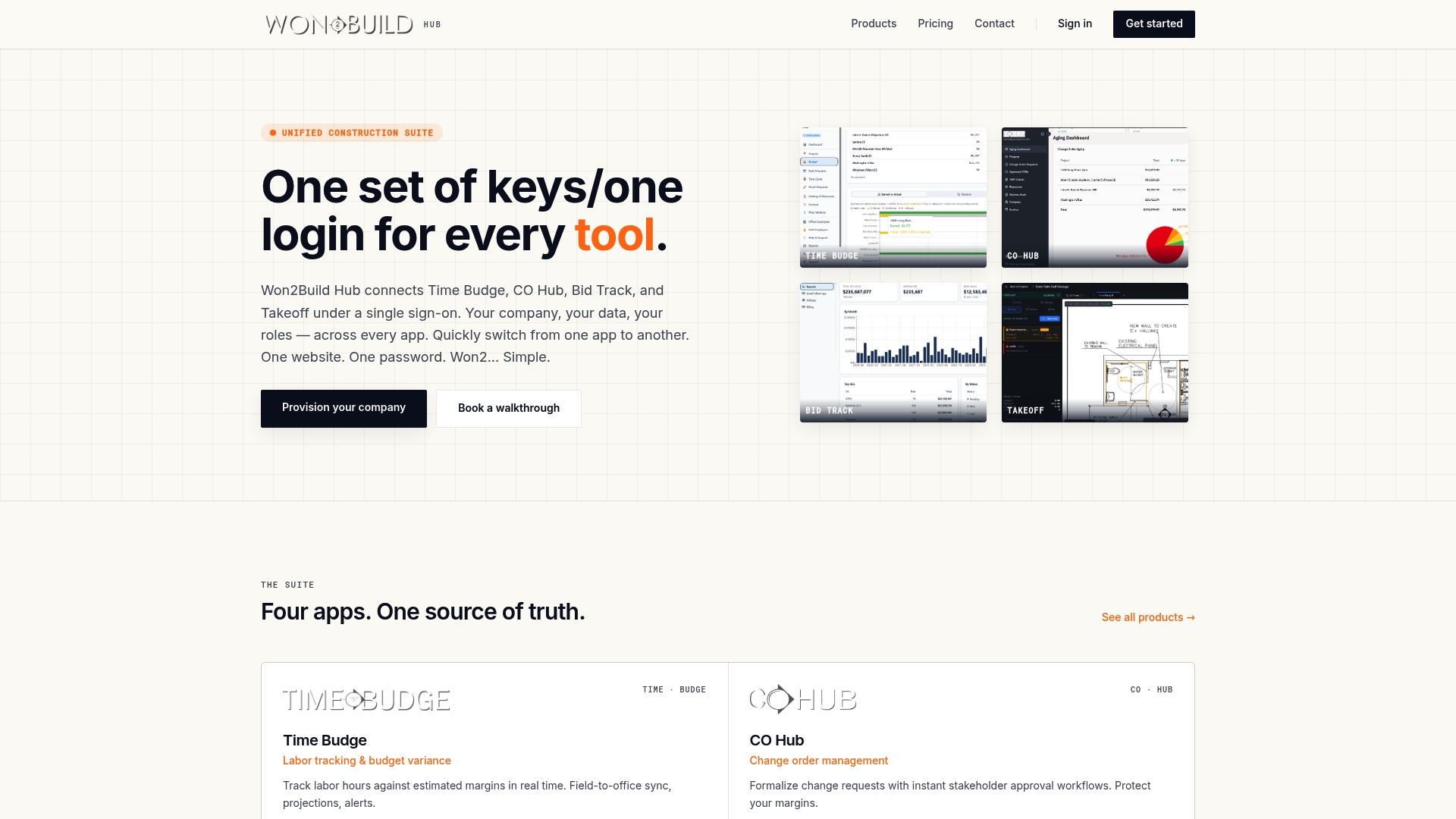
If you want to price the whole workflow in one place, Won2Build Hub gives commercial subcontractors takeoff, bid management, labor tracking and change order management on a single login. Takeoff is $0 per month, and you add the tools you need after a free trial. Our per-company pricing means adding teammates does not raise the base fee.
See every module and its price on our pricing page, or look at Bid Track if estimating and bid tracking are your first priority.
FAQ
How much does takeoff software cost?
It ranges from free tiers to thousands of dollars per user per year, depending on the vendor and pricing model. Per-user licenses cost more as your team grows, while flat company fees stay steady. With Won2Build, Takeoff is $0 per month, and the other apps are priced separately on our pricing page.
Are there any free takeoff software options?
Yes. Some vendors offer permanent free tiers, and many offer free trials. Check for caps on projects, exports and users, and confirm that quantities can move into an estimate. Our Takeoff app is $0 per month.
Is per-user or flat pricing better for a subcontractor?
It depends on your team. Per-user pricing grows with each person who needs access, as the Chargebee guide explains. If several people review quantities and bids, a flat per-company fee is usually easier to budget.
What should I include when I calculate total cost?
Include every software module, every user, onboarding, storage, support, renewal rates and the office hours spent retyping data between tools. Build a twelve-month total for each vendor and compare those totals side by side.
Does a one-time purchase cost less than a subscription?
Not necessarily. A one-time purchase may avoid recurring fees, but Stripe’s SaaS pricing guide does not specify whether support, maintenance or updates are included. Ask what those cost before you compare.
Sources
- What is subscription-based pricing model? (TechTarget)
- Subscription Business Models: Types, Pricing, And The Shift (Chargebee)
- SaaS Pricing Models: A Guide (Stripe)
- Subscription Business Pricing Models (CO by U.S. Chamber of Commerce)
Recommended
One login for estimating, bid tracking, change orders, and labor.
The Hub is free. Pay only for the apps you turn on.
Create your free Hub account- Extra Work Authorization: How Subcontractors Get PaidExtra work authorization explained for subcontractors: what to get in writing, who must sign, how to handle T&M tickets in the field, and how to avoid unpaid extras.
- Work Order vs Change Order: What Subcontractors Need to KnowA work order authorizes work under an existing agreement. A change order amends the contract. Learn the difference, when to use each, and how to get paid.
- Bid Calendar for Subcontractors: Build One That WorksBuild a bid calendar that keeps every due date, addendum and follow-up in view. Includes the fields to track, a countdown schedule and a review routine.