
Single Source of Truth in Construction: A Sub's Guide
What a single source of truth means for commercial subcontractors, what to keep in it, and how to build one that field and office both trust.

A single source of truth in construction means every person on a job works from the same authoritative record for each kind of information: hours, change orders, bids, quantities, drawings. For a commercial subcontractor, it is the end of the foreman’s notebook saying one thing, the payroll spreadsheet another and the change order log a third. This guide explains what the term really covers, what belongs in it, and how to build one without buying a pile of software you never finish rolling out.
TL;DR
- A single source of truth is not one file or one app that holds everything. It is a governed system where each type of information has one authoritative home and everyone references it.
- For subcontractors, the four records that cause the most money disputes are labor hours, change orders and T&M tickets, bids, and takeoff quantities.
- Build it in order: pick the authoritative record for each data type, put field capture on phones, set who can change what, and review it weekly.
- The goal is not a perfect system. It is that field and office stop re-typing the same numbers and stop arguing over which version is right.
- Our suite, Won2Build Hub, puts four connected apps behind one login so data entered once flows to where it is needed.
Table of Contents
- What a single source of truth means on a construction job
- Not one file, not one platform
- Where subcontractor information goes wrong
- What a subcontractor should keep in it
- How to build one across field and office
- Mistakes to avoid
- Perspective
- Put it to work with Won2Build Hub
- Why connected tools matter for estimating and change work
- FAQ
- Sources
What a single source of truth means on a construction job
The phrase came out of IT, where the aim was to keep one authoritative record of each piece of data and eliminate redundant copies. AEC Business traces the idea from database practice into architecture, engineering and construction as the industry went digital.
In construction, the closest formal idea is the common data environment. The National Institute of Building Sciences, in NBIMS-US Version 4, defines it as an agreed source of information for a project or asset, used to collect, manage and share information through a managed process. Note the words “managed process.” The tool matters less than the rules around it: who enters data, who approves it, and how a change gets recorded.
Some sources describe a single source of truth in model-centered terms: all project data originates from, references or validates against one authoritative model in a common data environment, with version control, access levels, change tracking and validation. OAR Scanning lays out those components. That framing fits a design team or a general contractor running BIM. A subcontractor’s version looks different, because your most contested information is not a 3D model. It is what your crew did, what it cost, what changed and what you promised to price.

“Single” versus “central”
People also search for a “central source of truth.” In practice the two phrases mean the same goal: one place everyone trusts. The useful distinction is between a place that stores data and a place that is authoritative for it. A shared drive stores. An authoritative record is the one that wins when two numbers disagree, and everyone knows which one that is.
Not one file, not one platform
A common misreading is that a single source of truth means one file everyone opens, or one platform that contains every piece of project information. It does not. OAR Scanning is clear that it is a system ensuring one authoritative version exists and that all stakeholders reference it, which is different from a BIM model, a 3D representation with embedded data.
A contractor-focused guide from Construction Channel makes the same point: it is one governed set of decisions that the rest of the project aligns to, with a controlled process for change. It gives a practical example. A coordinated model may be authoritative for routing and clash resolution in critical zones, while a procurement log is authoritative for approved material substitutions. Each source is known to the relevant parties and kept aligned.
That is the right mental model for a sub. You do not need one giant database. You need a short list that answers, for every kind of information, “which record wins?” and then you make that record easy to write to and easy to read.
Where subcontractor information goes wrong
AEC Business argues that the biggest problem is fragmented project data, not the number of applications in use. Most commercial subs recognize the pattern:
- The foreman writes hours and tasks on paper or in a text thread. The office re-keys them days later, and the cost code is a guess.
- A superintendent gives a verbal direction to do extra work. The ticket gets written Friday, from memory, if at all.
- The estimator’s quantities live in one spreadsheet, the awarded number in another, and the project manager never sees how the bid was built.
- Three people hold three versions of the same plan set.
Every handoff is a place for the number to change. By the time the invoice or change order request goes out, nobody can say which version was right. That is what costs margin: not the work itself, but the missing proof that the work happened and was directed.
If this is your story, our guide on fixing field to office communication walks through a 30/60/90 day plan, and our piece on why subcontractors need real-time data covers the cost of waiting for paper to reach the office.
What a subcontractor should keep in it
Start with the information that moves money. Project Management Formula’s 2026 guide lists baseline records that include approved scope, contract documents, schedule, budget breakdown and a directory of contractors, subcontractors, suppliers and design professionals. The same guide says daily field records should capture weather, crew counts, equipment, work completed, deliveries, visitors, safety incidents and verbal instructions.
For a commercial sub, we would organize that into a simple map. Decide the authoritative record for each row before you pick any software.
| Information | What it should answer | Who writes it | Who reads it |
|---|---|---|---|
| Labor hours by job and cost code | Who worked where, for how long, on what | Foreman or crew member in the field | Payroll, project manager, estimator |
| Change orders and T&M tickets | What changed, who directed it, what it cost | Foreman at the moment of the extra work | Project manager, billing, the GC |
| Bid and estimate | What was priced, with what assumptions | Estimator | Project manager, owner of the company |
| Takeoff quantities | How much of each item the plans show | Estimator | Estimator, project manager, purchasing |
| Daily field reports | What happened on site today | Foreman | Office, GC, inspectors |
| Contract and scope documents | What you agreed to build | Project manager | Everyone |
The link between rows is where the value sits. Estimated quantities should be comparable to installed quantities. Estimated hours should be comparable to actual hours. A change order should reference the hours and daily report that justify it. When those links exist, the record defends itself in a dispute.
For documentation that holds up, see our same day change order documentation checklist and our template guide to subcontractor project reports.
How to build one across field and office
The NIBS definition separates two ideas worth borrowing: a workflow describes the processes to be used, and a CDE solution provides the technology that supports them. Do the workflow first.
1. List your data types and pick a winner for each
Write down hours, change orders, bids, quantities, daily reports and contract documents. Next to each, name the one record that wins in a disagreement. If you cannot name it, that is your first problem.
2. Capture at the source, once
The person closest to the event should enter the data, as it happens, from a phone. Hours get clocked by the crew. Extra work gets ticketed by the foreman before the crew leaves the area. Anything typed twice by the office is a copy, not a source.
3. Set who can change what
OAR Scanning lists access hierarchy and change tracking as core components of the approach. For a sub, that means crews can add but not edit approved time, the project manager approves, and every edit leaves a trail. You want to be able to answer “who changed this, and when?”
4. Connect the records
Tie time to the job and cost code, tickets to the time that supports them, and bids to the project that was awarded. If your tools do not share data, you will rebuild those links by hand every week. This is the strongest argument for suites that share one login and one set of project data over a handful of unrelated apps.
5. Review it on a rhythm
A weekly 20-minute review between field and office catches drift early: unsigned tickets, hours with no cost code, quantities that do not match what was installed. The record stays true only if people keep using it.
6. Keep reality in the loop
OAR Scanning points out that a model is only a source of truth if it accurately represents actual conditions. The same holds for your records. A daily report that says the wall was finished when it was not defeats the purpose. Field verification beats tidy data.
Mistakes to avoid
Waiting for one platform to do everything. AEC Business notes that forcing every tool and every participant onto one platform can be impractical. It describes a connected “single pane of glass” that gives a unified view while source systems remain distributed. For a sub, the lesson is to connect the records you control and not wait for the GC, owner and every other trade to adopt the same system.
Treating the tool as the process. Software without rules just centralizes the mess. Define who enters, who approves and what counts as final first.
Skipping the field. If entering data is slower than writing it on a glove, the crew will not do it. Mobile, simple and bilingual matters more than a long feature list.
Letting access depend on one person. Keep roles clear, so the record does not live in one person’s login or one person’s head.

Assuming one record fits every question. Construction information is contextual. The record that is authoritative for what you installed may not be the one that governs what you can bill. Name the authority per question, as the earlier table does.
Perspective
We built Won2Build Hub for subcontractors because we kept seeing the same loss: a job that was profitable on paper and ordinary in the bank account. The work was fine. The proof was scattered.
Our view is that a single source of truth for a sub is not an enterprise data project. It is a handful of records, each with one home, that connect to each other. Hours should flow from the field. Change orders should draw from those hours. Bids and takeoff quantities should carry into the job so the project manager can compare what was priced with what happened.
That is why we put four apps behind one login: Time Budge, CO Hub, Bid Track and Takeoff. When the foreman enters something once, the office should never have to type it again. That removes double entry and the lost data that comes with it.
We would rather you start small and get it right than roll out everything and have no one use it. Pick the record that costs you the most when it is wrong. For most subs, that is labor or change orders. Fix that first, then connect the next one.
Jen Reese
Put it to work with Won2Build Hub
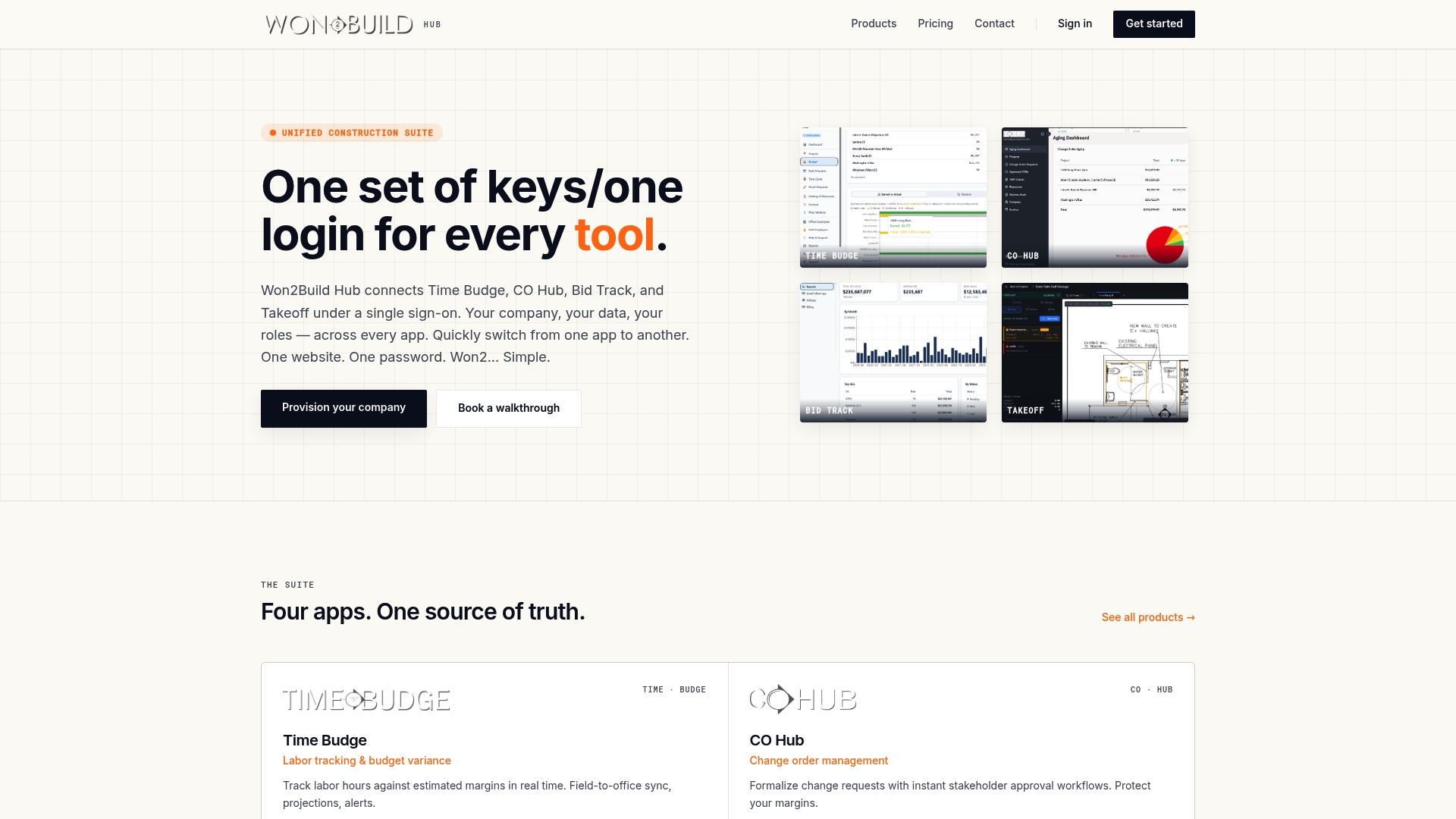
Won2Build Hub is a cloud-based suite for commercial subcontractors. Time Budge tracks labor and job cost, CO Hub manages change orders and T&M tickets, Bid Track handles bids and the estimating pipeline, and Takeoff handles digital plan quantification. One sign-on moves you between them, and field data syncs to the office in real time. The interface is mobile and bilingual, and reporting is per project.
Pricing is published on our pricing page. Time Budge and Bid Track are each $199 per month per company, and CO Hub is $59 per month per company. There is a $2 per month fee per active field worker. Takeoff and The Hub are listed at $0 per month. Our pricing is flat per company, so your office team is not counted seat by seat. You can also subscribe to individual apps rather than everything.
Learn more about the apps on our products page, look at Time Budge for labor tracking, or see how Bid Track and Takeoff work together. If you want the full suite, start from the Won2Build Hub page.
Why connected tools matter for estimating and change work
Two places show the payoff most clearly.
Estimating to execution. When takeoff quantities and bid assumptions live in the same system as job tracking, the project manager inherits the logic behind the number instead of just the total. Our article on integrated takeoff estimating explains how that connection supports winning and then running the work.
Direction to payment. When a general contractor issues a construction change directive, you need a clean trail from the direction to the hours and materials. Our subcontractor’s guide to the construction change directive covers that process, and our guide to daily signed records for force account tracking shows how signed daily records support payment. For the bigger picture of why this matters this year, read why commercial projects require digital tools in 2026.
FAQ
What is a single source of truth in construction?
It is a system in which each type of project information has one authoritative record that everyone references. It relies on version control, access rules and change tracking, not just a shared folder. The National Institute of Building Sciences describes a related idea, the common data environment, as an agreed source of information managed through a defined process.
Is a single source of truth the same as a BIM model?
No. A BIM model is a 3D representation with embedded data, and it is only authoritative if it reflects what was actually built. A single source of truth is the broader system and process that keeps one agreed version of each record, as OAR Scanning explains. Subcontractors often need it for hours, changes and quantities as much as for models.
Do I need one platform for everything?
Not necessarily. AEC Business suggests a unified view across connected tools can work better than forcing every participant onto one platform. What matters is that each record has a clear owner and that your own tools share data instead of making you re-enter it.
Where should a subcontractor start?
Start with the record that costs you the most when it is wrong, usually labor hours or change order documentation. Move capture to the field on phones, set approval rules, and connect that record to the next one, such as billing or the bid.
How do I keep it accurate over time?
Review it weekly with field and office together, check for missing cost codes and unsigned tickets, and keep edit history on. Accuracy depends on the field entering data when the work happens, not days later.
Sources
- NBIMS-US Version 4, Terms and Definitions (National Institute of Building Sciences)
- Why Single Source of Truth Matters in Construction (OAR Scanning)
- The Single Source of Truth in Construction Projects: Reality or Myth (AEC Business)
- Escaping Coordination Chaos: A Contractor’s Guide (Construction Channel)
- Construction Blue Book (Project Management Formula)
Recommended
One login for estimating, bid tracking, change orders, and labor.
The Hub is free. Pay only for the apps you turn on.
Create your free Hub account- Construction Spanish Phrases for U.S. SubcontractorsSpanish phrases for the jobsite: greetings, safety warnings, comprehension checks, tools, materials and regional variations, plus how to keep paperwork clear for your crew.
- Timecard Rounding Rules for Subcontractors: What's LegalFederal timecard rounding rules in plain English for US subcontractors: the 7-minute rule, the neutrality test, California limits, and a worked payroll example.
- Construction Software Implementation: A Plan for SubcontractorsA step-by-step plan for rolling out construction software at a commercial subcontractor: goals, data cleanup, phasing, field buy-in, training and go-live.